Process automation · Productivity
The hidden cost of copy and paste: how to automate repetitive tasks
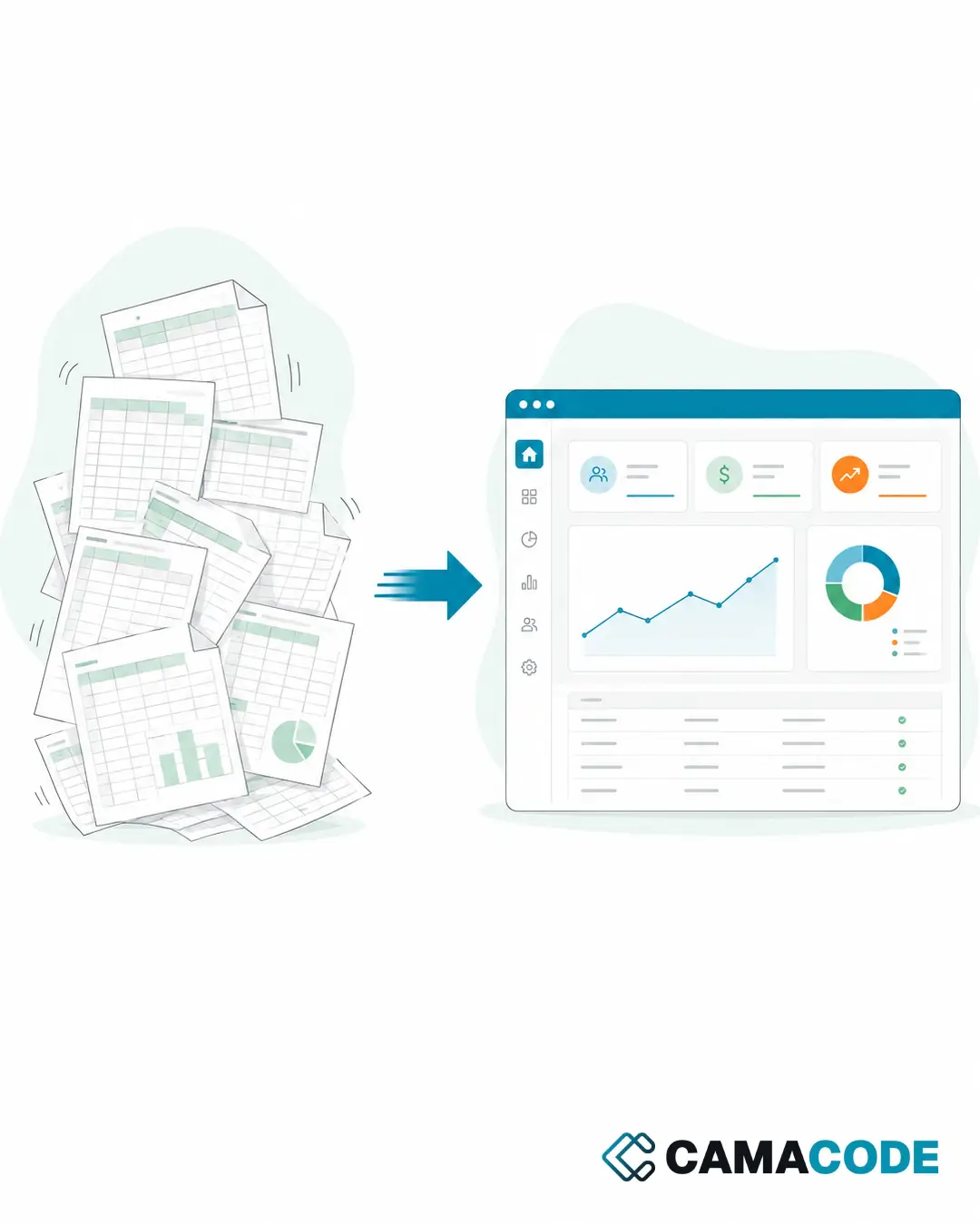
Automating repetitive tasks means identifying the work your team repeats in the same way every week (copying data between systems and spreadsheets, filing documents, sending reminders, updating records) and handing it over to an automated flow connected to your current tools. People stop doing the work and start checking it.


Written by Lluís Casals Marsol · Founder at Camacode
Published on
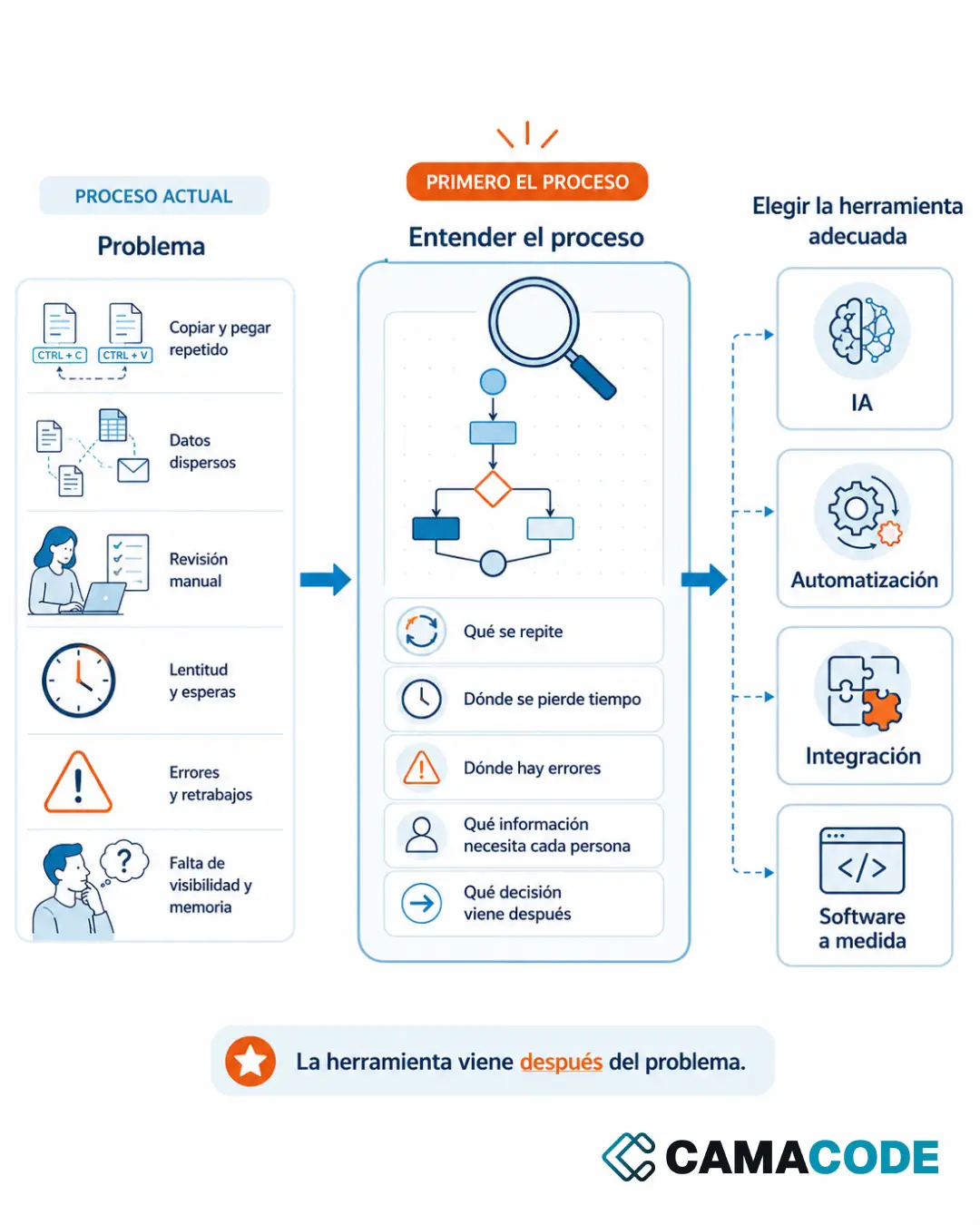
Copy and paste never shows up as a cost in the P&L. But you pay for it every week: in time, in errors, in duplicated data and in decisions made with incomplete information. Once is harmless. The problem starts when it happens every day, across several teams, with important information.
How do you spot the repetitive tasks that are costing you money?
The typical chain is easy to recognize:
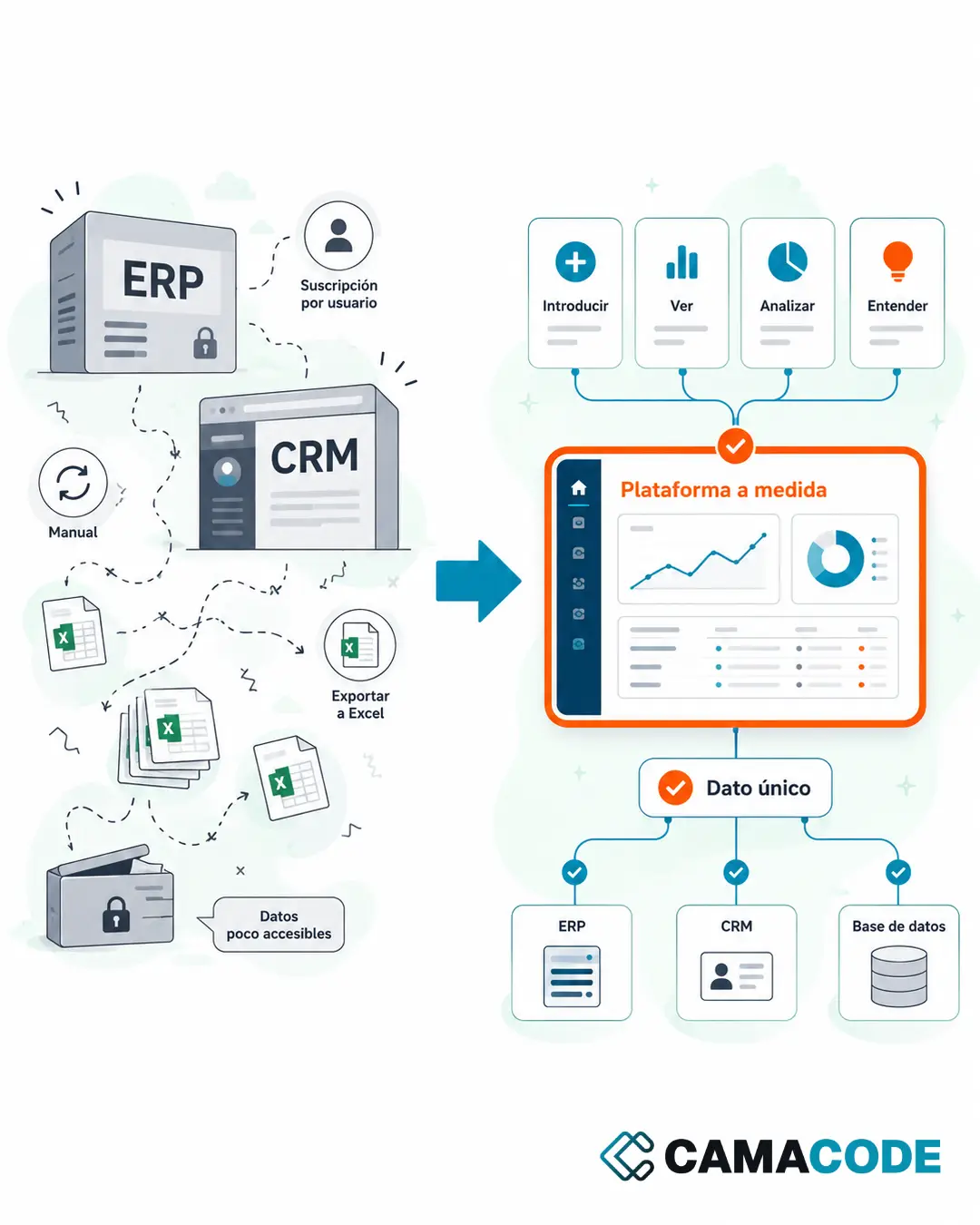
- Copying data from an email into a spreadsheet.
- From the spreadsheet into a platform.
- From the platform into a report.
- From the report into another document someone asked for in a different format.
- And back to square one the following week, in exactly the same way.
Other signs: tasks only one person knows how to do “because they know the trick”, work that piles up for Friday or the end of the quarter, and manual checks that exist only because somebody once made a copying mistake.
Why does copy and paste cost more than it seems?
Because its cost is spread out and nobody adds it up. Ten minutes here, twenty there, across several people, every week of the year: in the end a meaningful share of the working day goes into moving information around, adding nothing for the customer or the business. On top of that comes the cost of errors (one badly copied figure spreads into reports and decisions) and a subtler cost: people doing mechanical work every day lose motivation, and the knowledge of the process stays in their head instead of in a system. None of this shows up in an expense report, which is why it gets tolerated for years.
Which repetitive tasks can be automated, and how?
Automating repetitive tasks in Excel and other tools with clear rules
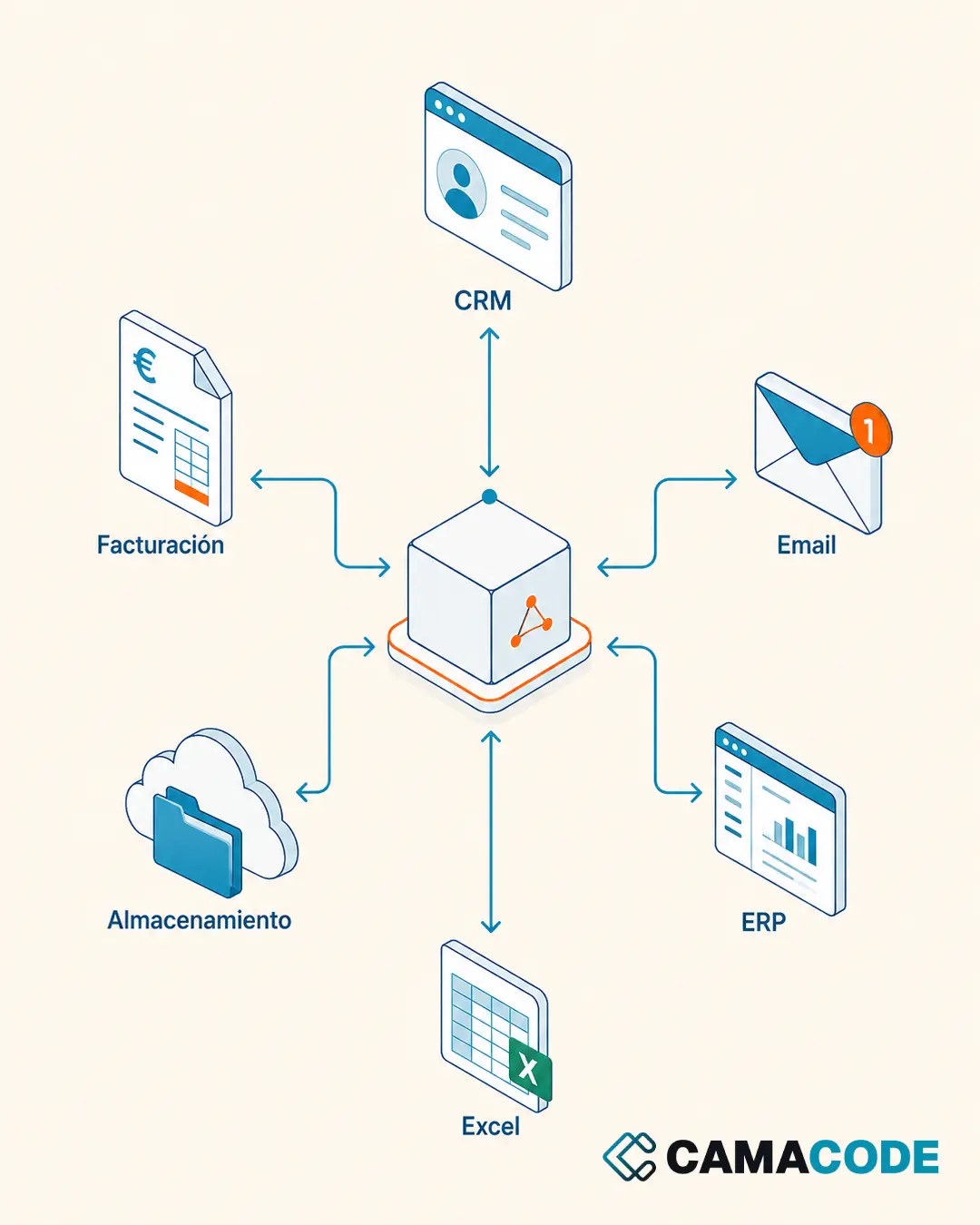
Anything that follows a fixed pattern can be automated with traditional flows: filing documents in the right folder, updating a spreadsheet when new data arrives, sending reminders, syncing information between two tools. Most teams start exactly here, because the spreadsheet is where the manual work piles up. It is the foundation of our process automation service: reliable, predictable and with no need to change your tools.
Automating repetitive tasks with AI when something has to be “understood”
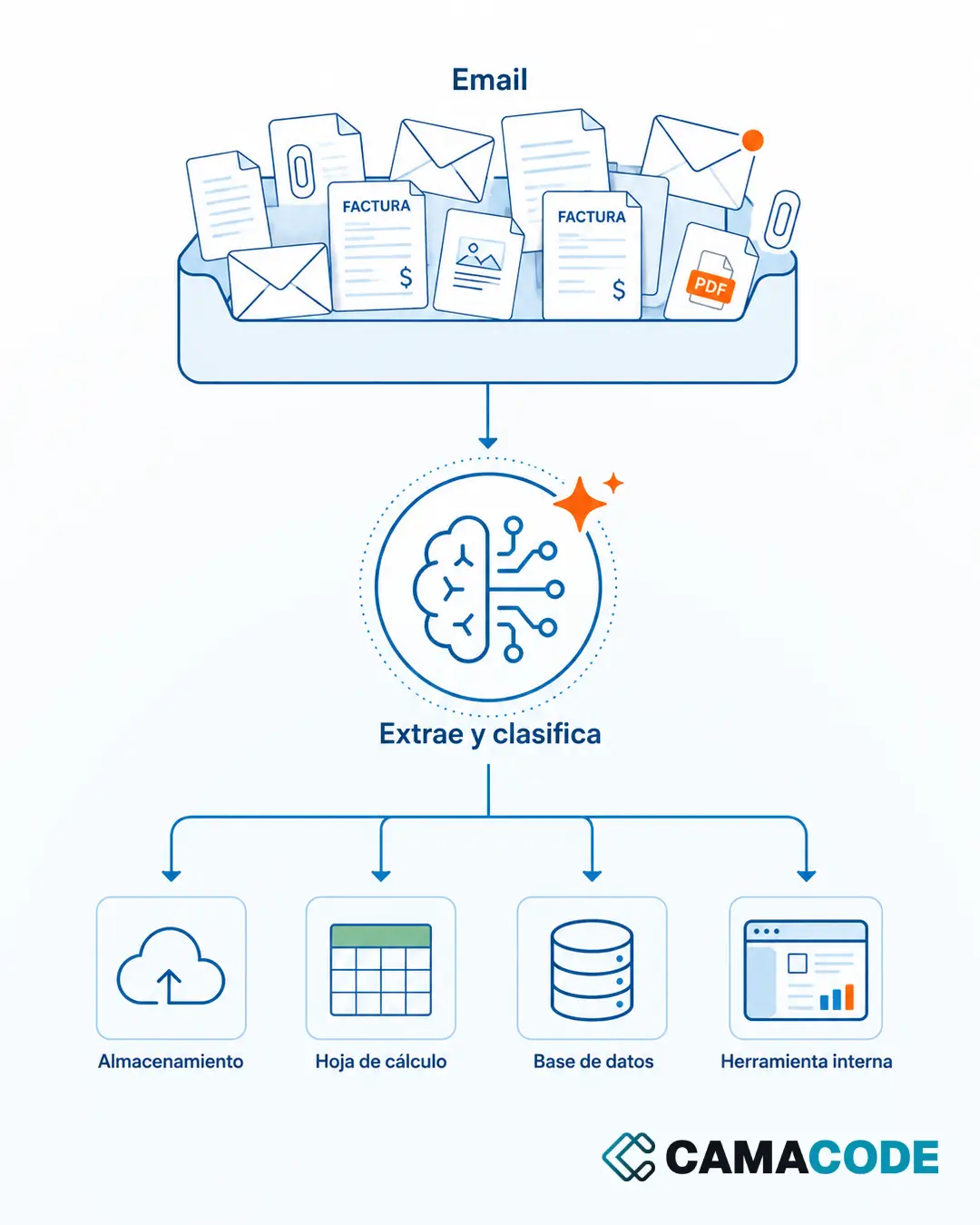
Some repetitive tasks could not be automated until recently because they required reading or interpreting: extracting the data from an invoice with a variable layout, classifying emails by their content, transcribing voice notes, summarizing long threads. AI now covers that step. A detailed example: how to extract data from invoices and documents with AI.
Combining both: AI understands, the flow executes
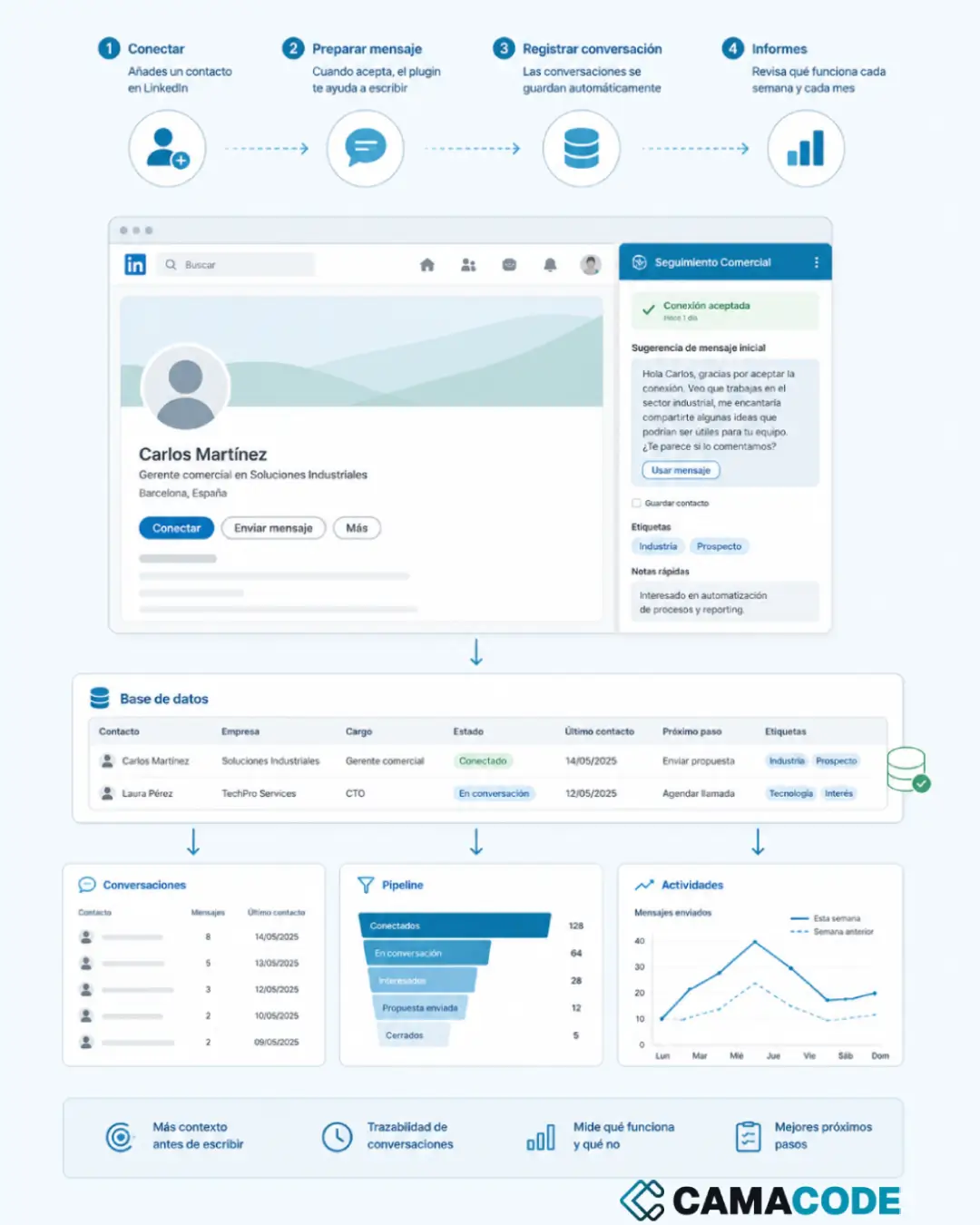
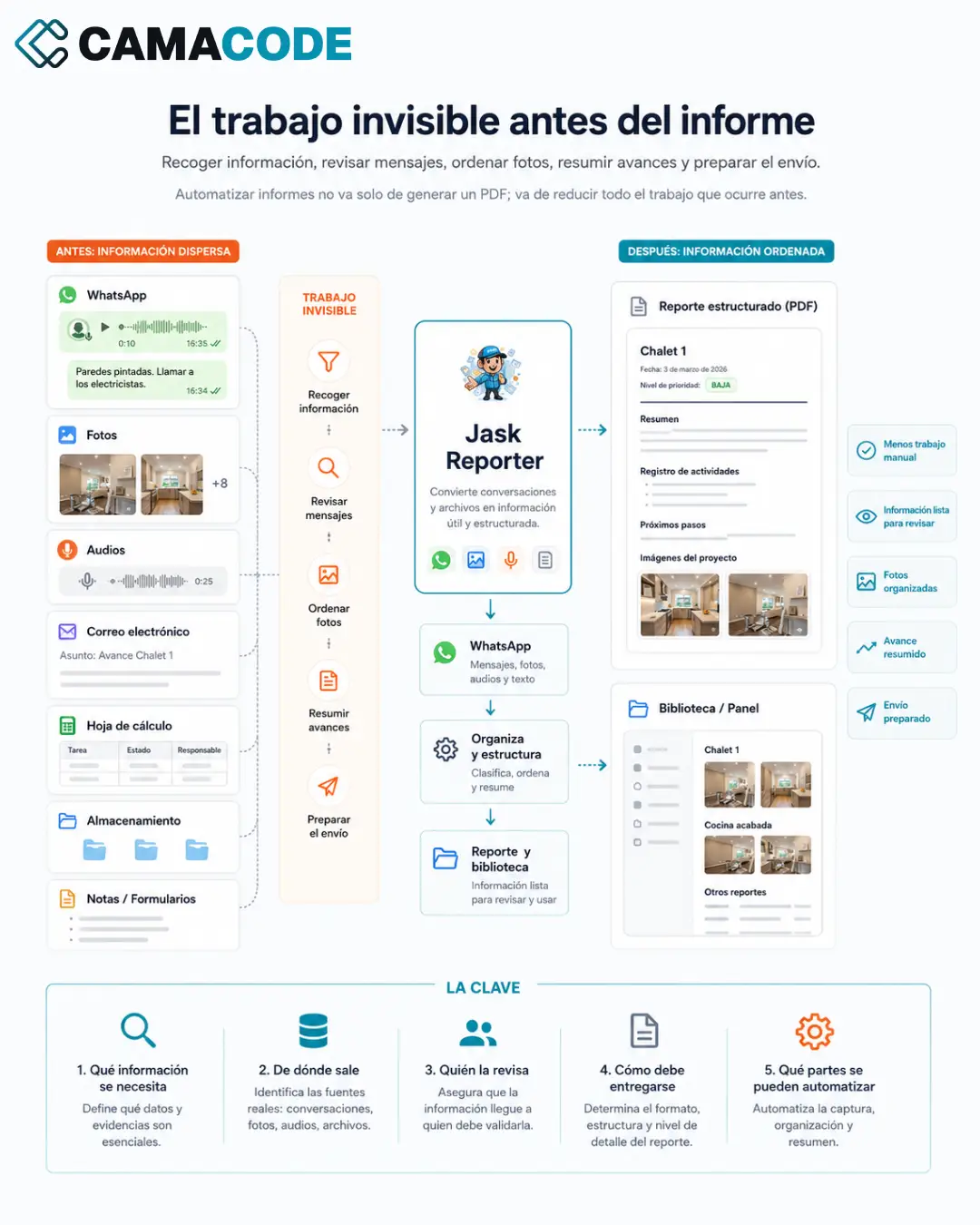
The best results come from combining the two: AI interprets the input (an email, a PDF, an audio file) and classic automation does the rest (filing, recording, alerting). The person sits at the end of the flow, reviewing whatever the system flags as uncertain.
Case study: the quarter that stopped being done by hand
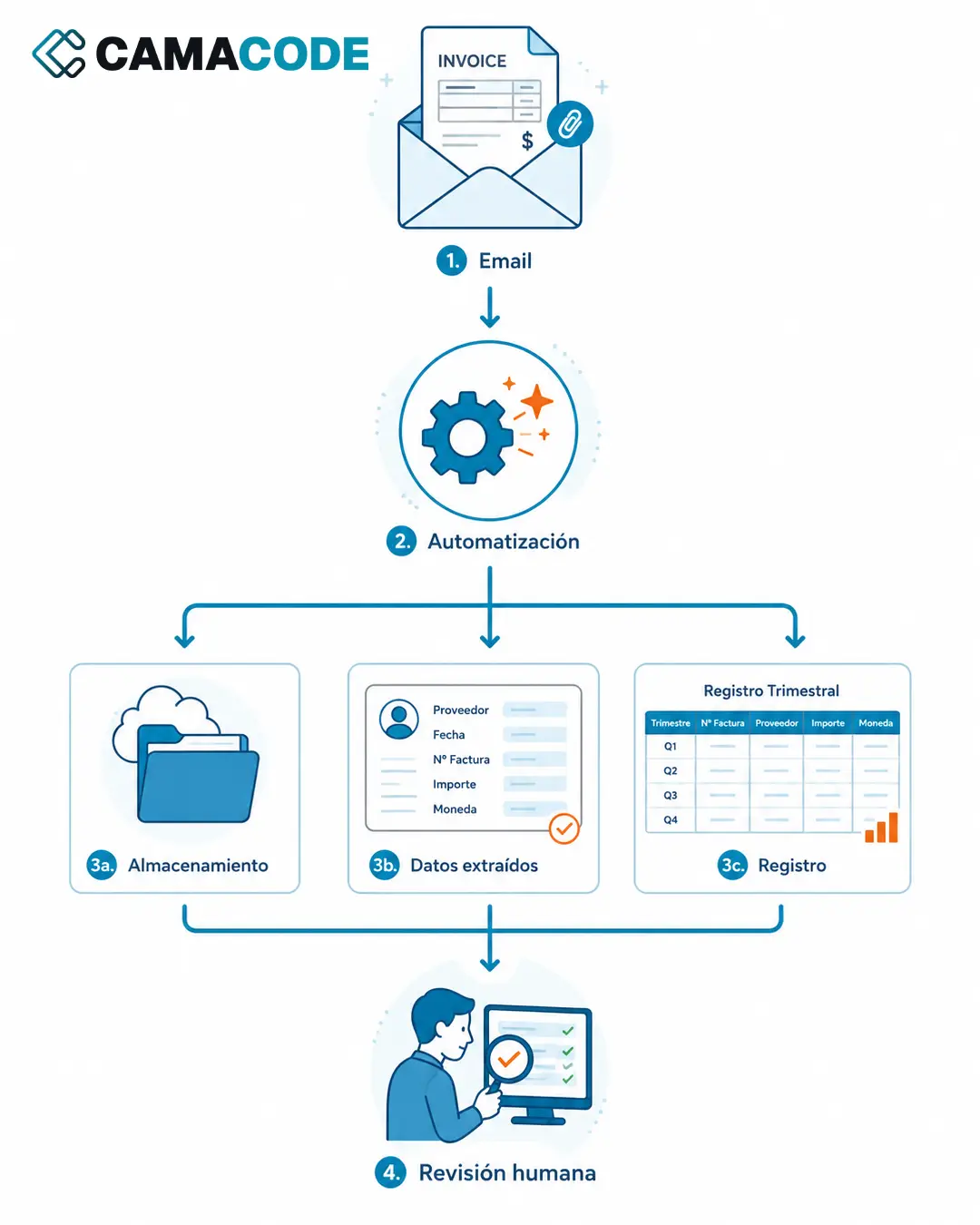
A company we work with at Camacode repeated the same copy-and-paste sequence every quarter: finding invoices in the inbox, downloading them, saving them into folders and transferring their data into the ledger. An easy task; the hard part was repeating it without slipping up. We automated it end to end: detection in the inbox, automatic filing, data extraction and an updated quarterly ledger. The person now reviews the result instead of building it. The full case: Invoice automation: from the inbox to the quarterly ledger, hands-free.
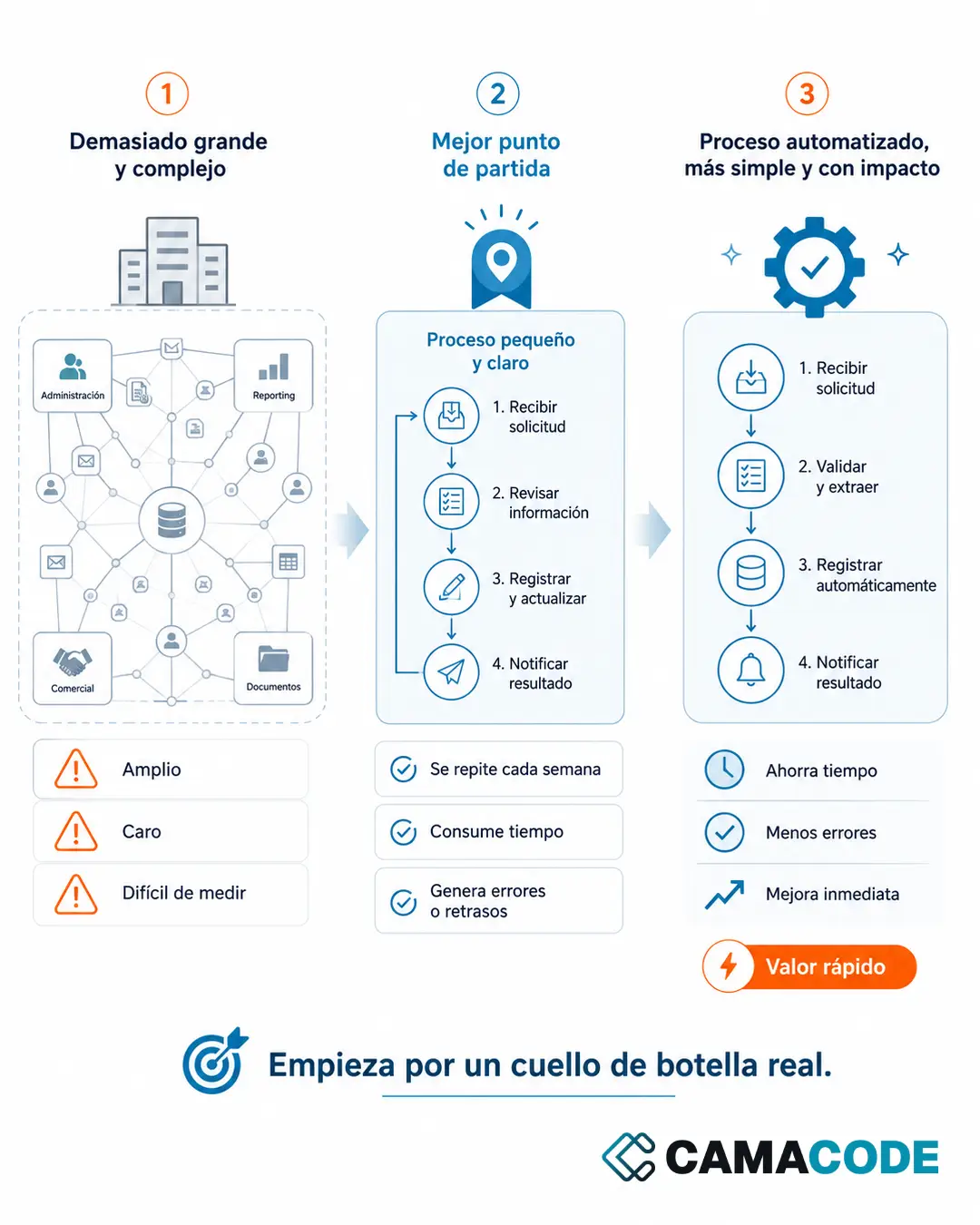
Where do you start removing copy and paste?
Ask yourself one question: which tasks does your team do every week that a machine could prepare, organize or validate first? Ask each person to note down, over five days, every time they copy information from one place to another. The result is usually a surprise. With that list, pick the most frequent task and automate it first: the one that repeats the most, not the one that looks hardest. To prioritize properly between several candidates, the criteria are in what processes can be automated in a company.
How much copy and paste is hidden inside your team’s week? Tell us how your team works today and we will find it together.