Custom software · Data and analytics
What is a custom business platform, and how can it help your company?
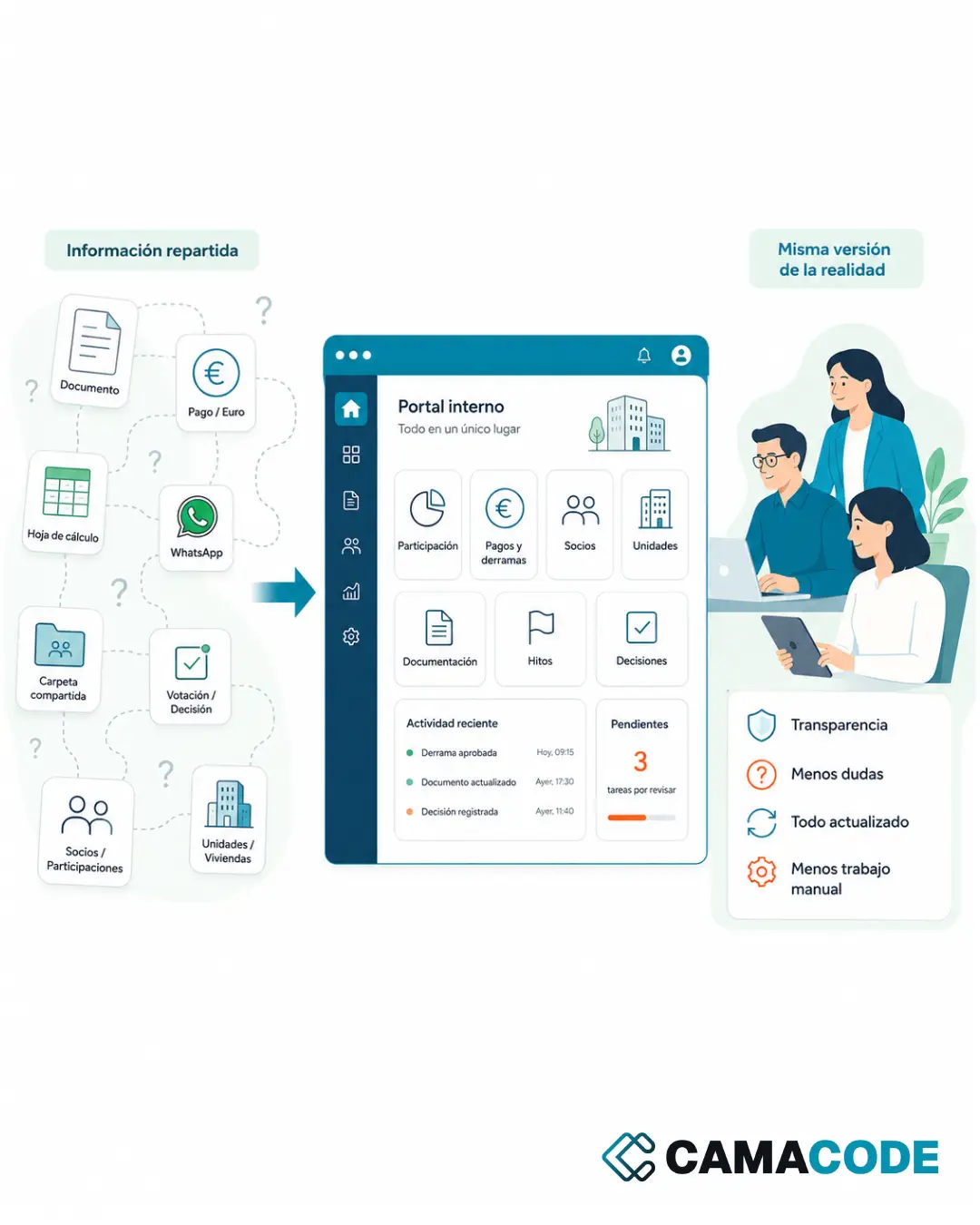
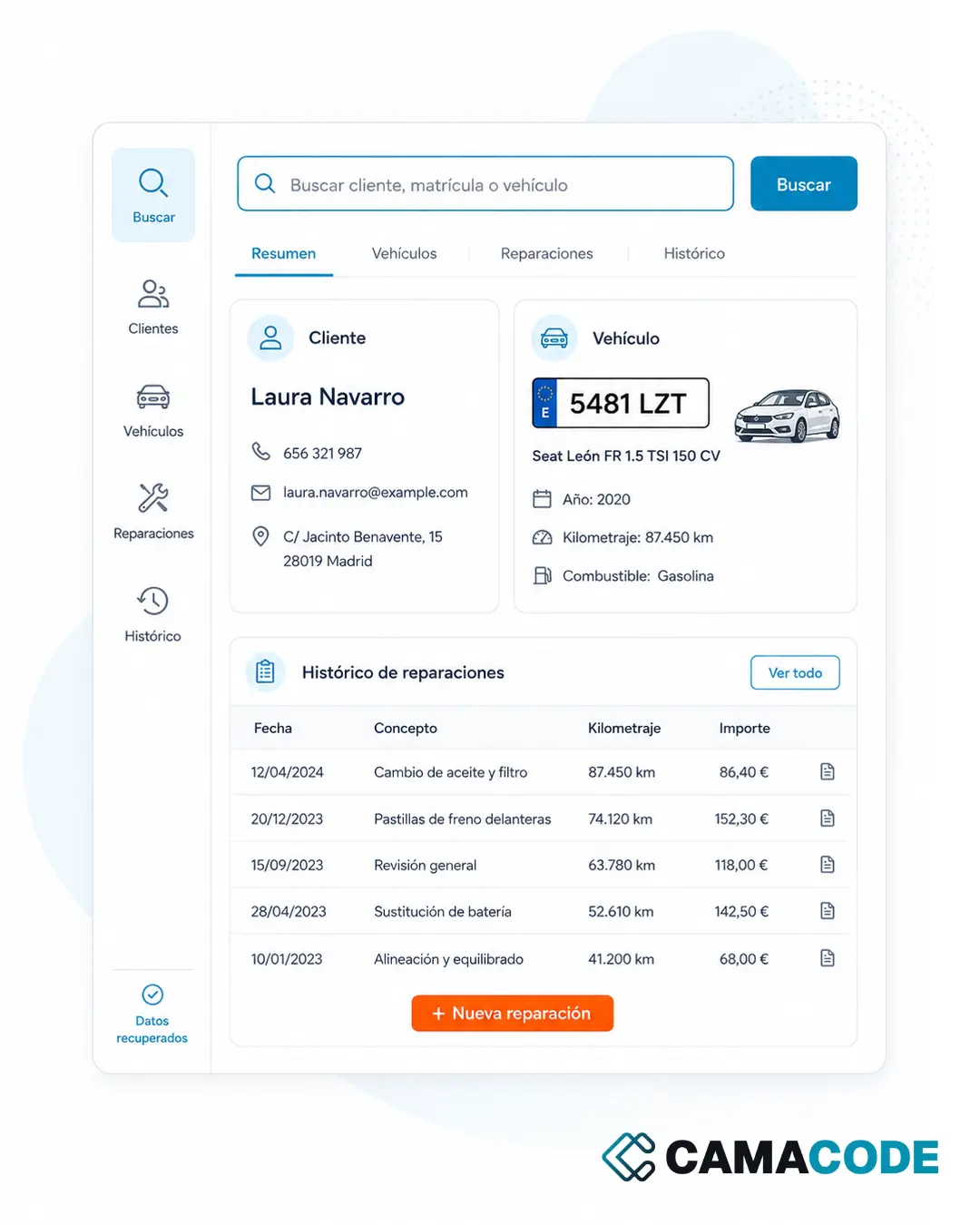
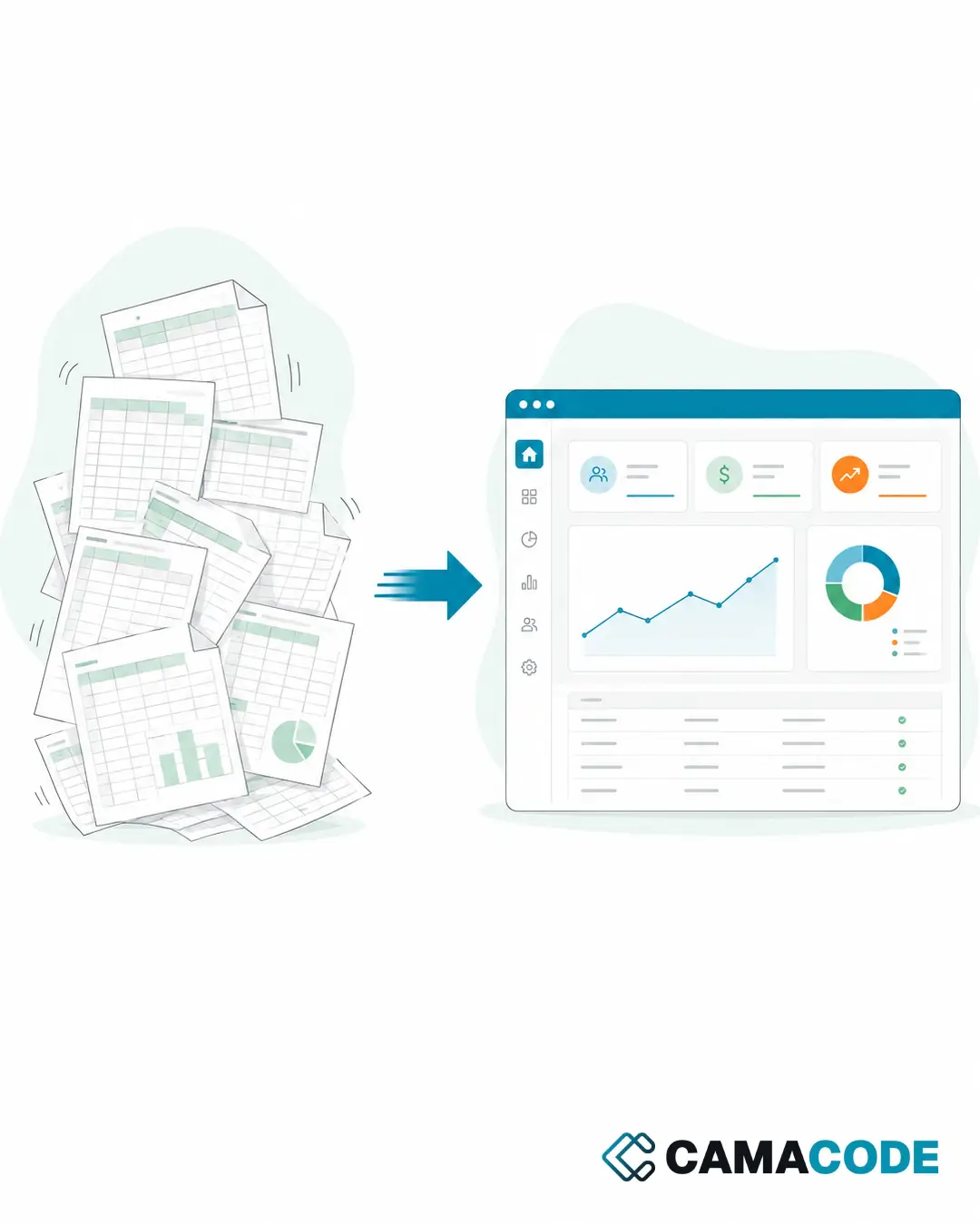
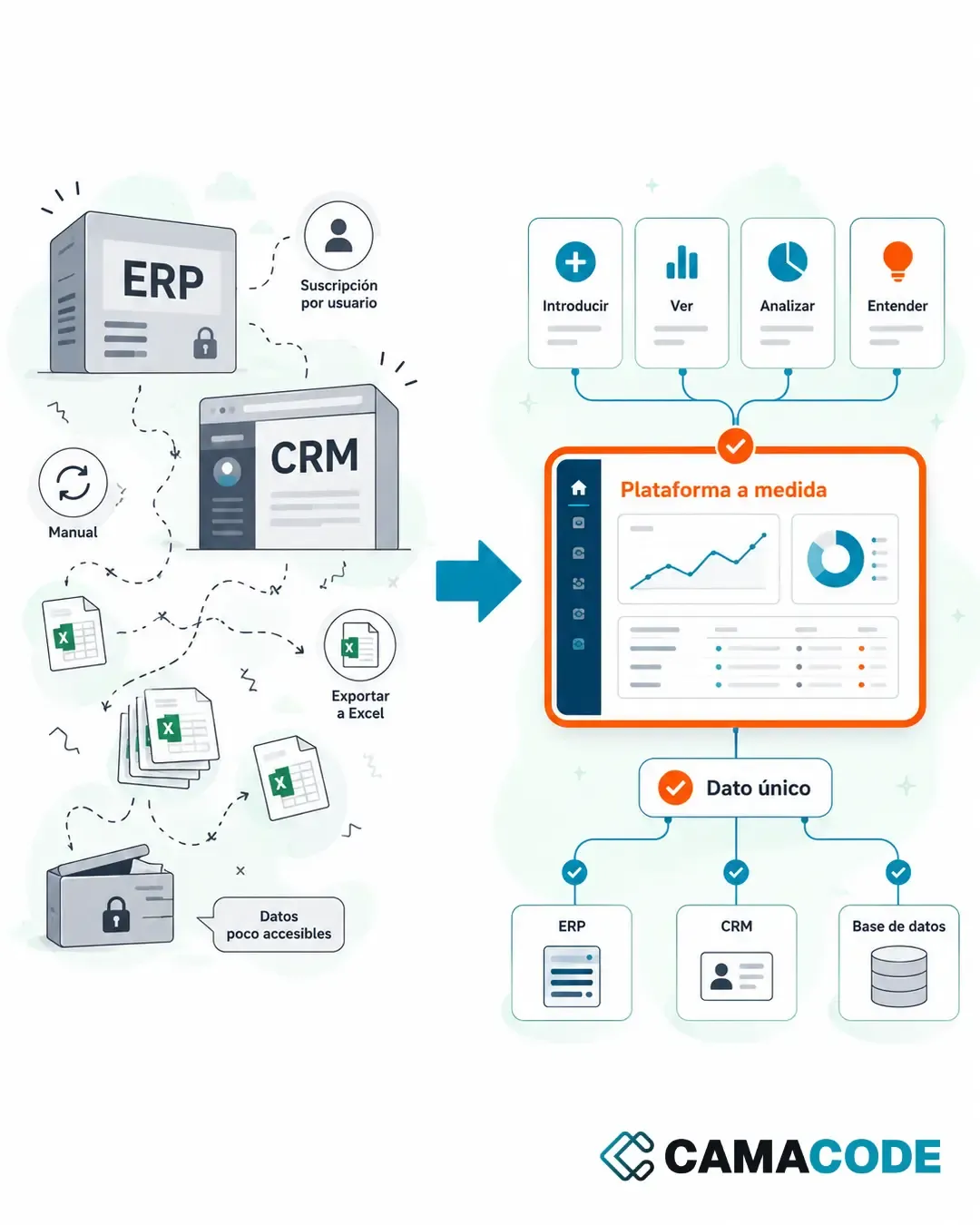
A custom business platform is a living work environment that unifies the data scattered across your ERP, your CRM and your spreadsheets: you look it up, edit it and understand it from any place and any device, with built-in AI to analyze and decide. Data is entered once and the platform syncs it with the rest.

Written by Lluís Casals Marsol · Founder at Camacode
Published on
Almost no company has a shortage of data. What it has is data that is scattered and hard to make sense of, so it never gets the most out of it: some in the ERP, some in the CRM, some in spreadsheets that somebody maintains by hand. It is all there, but seeing it together and understanding it costs half a morning.
Why are your ERP, CRM and spreadsheets so complicated?
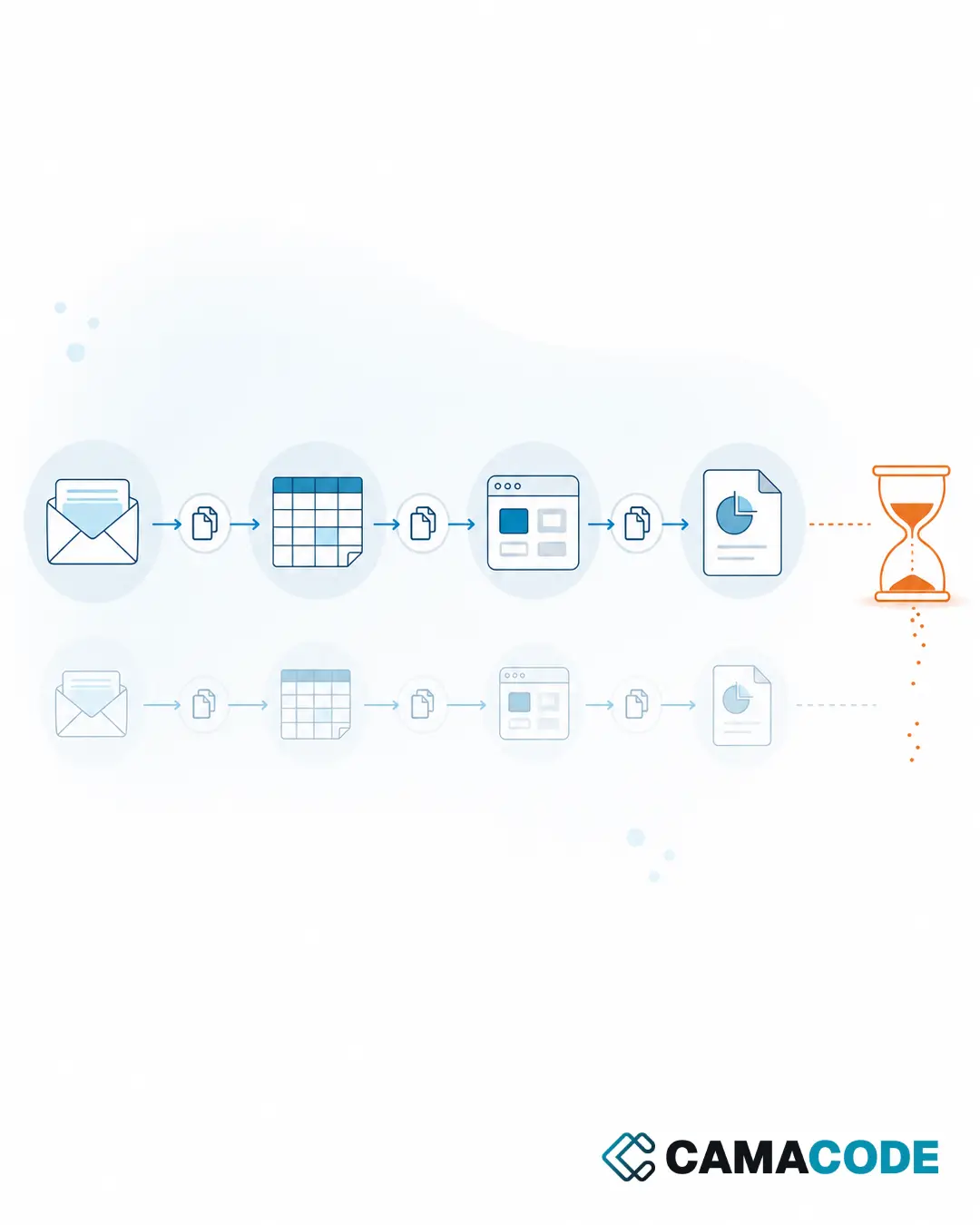
Because each one holds its own slice, none of them shows the whole, and they may well not talk to each other. The ERP is powerful, but it is designed around the accounting process, not around the question you ask yourself on a Tuesday morning, and pulling one specific figure out of it usually means going through screens nobody outside the back office really masters. The CRM ships with twice the features you will ever use and still does not show you the view you need: it organizes the sales side and stops there. In between sit the spreadsheets, which exist because the other two do not reach. The outcome is familiar: the same record gets typed in two or three times, you export, cross-reference by hand, build a report that is stale within a week, and pay a per-user subscription on every tool. Sometimes the constraint is even harder, a legacy closed program you cannot even get the information out of. Before adding one more tool, it is worth looking at how to integrate the systems you already have so data stops moving by hand.
What is a custom business platform?
It is a work environment built around your company. In practice it is one place that unifies the systems and the data you have scattered today, and where your team enters information, looks it up, edits it, understands it and analyzes it from any place and any device, with the screens and the vocabulary they already use every day. It is not “one more piece of software”: it replaces whatever the spreadsheets are holding together today, connects to what already works, and opens in a browser, built on current technology instead of a fifteen-year-old desktop program. Standard software hands you a mold and asks you to fit; a custom platform starts from your real process and is built on top of it. And it is not a fixed snapshot: it grows with your needs. When the business changes, the platform changes with it, so instead of aging from the day it is delivered it stays alive. It is the same reasoning behind treating an internal application as an alternative to an ERP when the big system is oversized in every direction.
What does it mean to have a work environment that is alive and yours?
That the software keeps up with your company instead of holding it back. It shows up in five ways.
It adapts to you, not the other way around
The fields, the statuses and the reports are yours. If your process has a quirk no product reflects, it stops being an exception patched with a parallel spreadsheet and becomes part of the system.
You enter data once and it propagates on its own
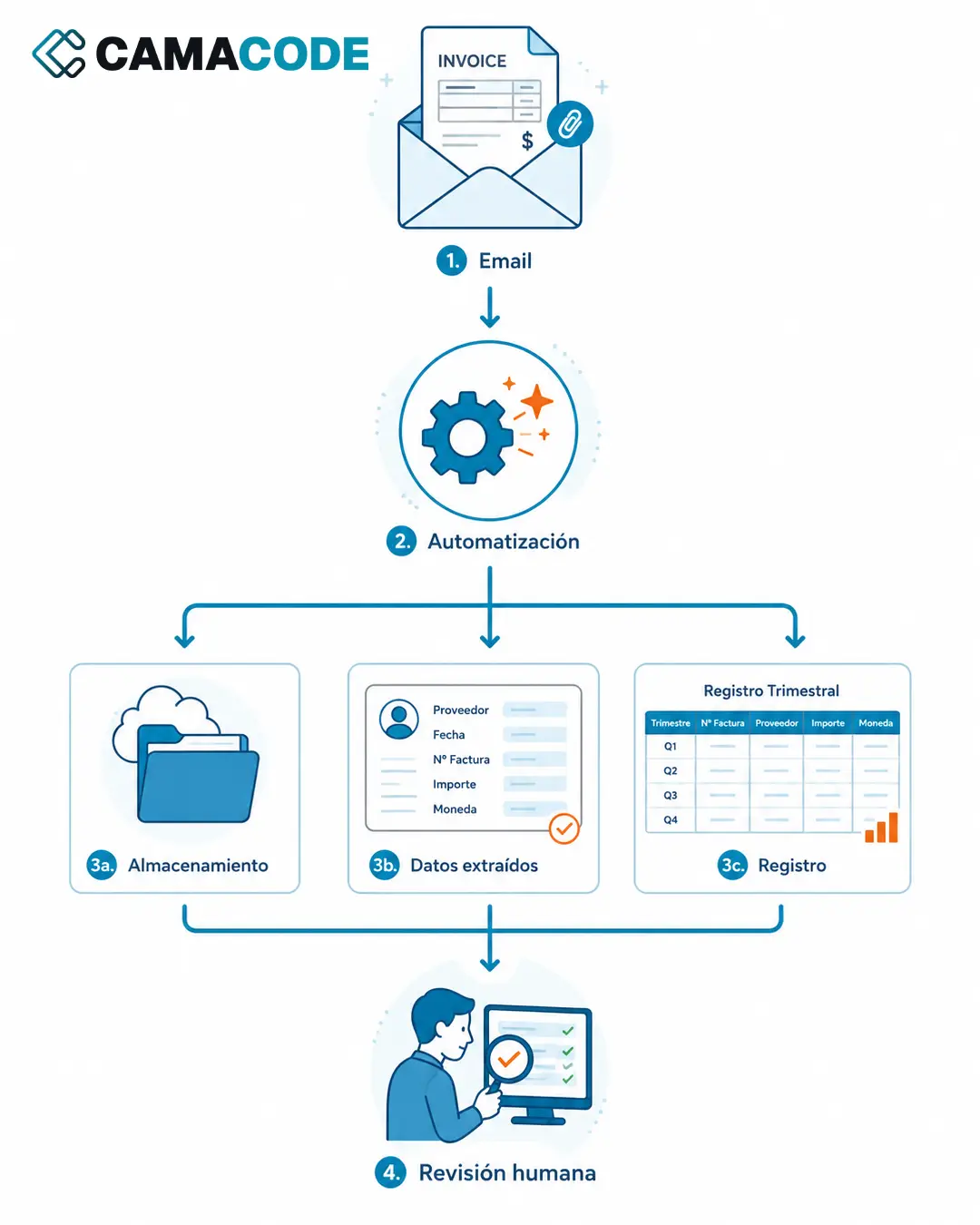
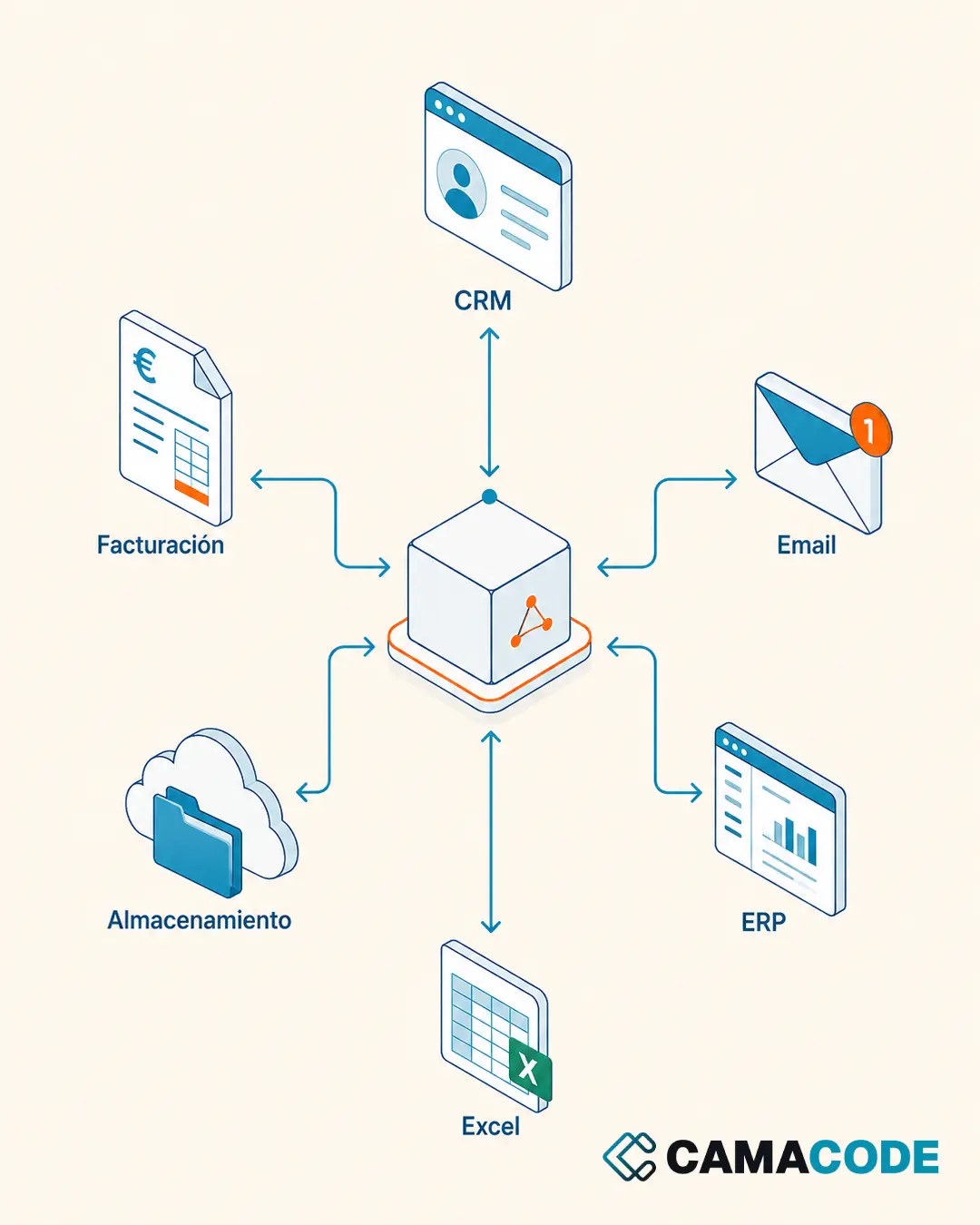
It is written once in the platform, and the platform is what syncs it with the rest of your programs: the ERP, the CRM, the database or the invoicing tool. Nobody retypes the same thing across three screens, so duplicate entry, mismatches between systems and a good share of the daily manual work simply disappear.
It is available wherever you are
Because it is a web application, you get in from any place and any device, with role-based permissions so each person sees what they should. A salesperson updates from the road and the data is already inside when somebody needs it at the office.
It evolves without being rebuilt
A new screen, a different permission, a dashboard that was missing: they are added on the same foundation, in days or weeks. Without waiting for a vendor to put it on their roadmap or paying for a whole module to use one function.
AI works on your own data
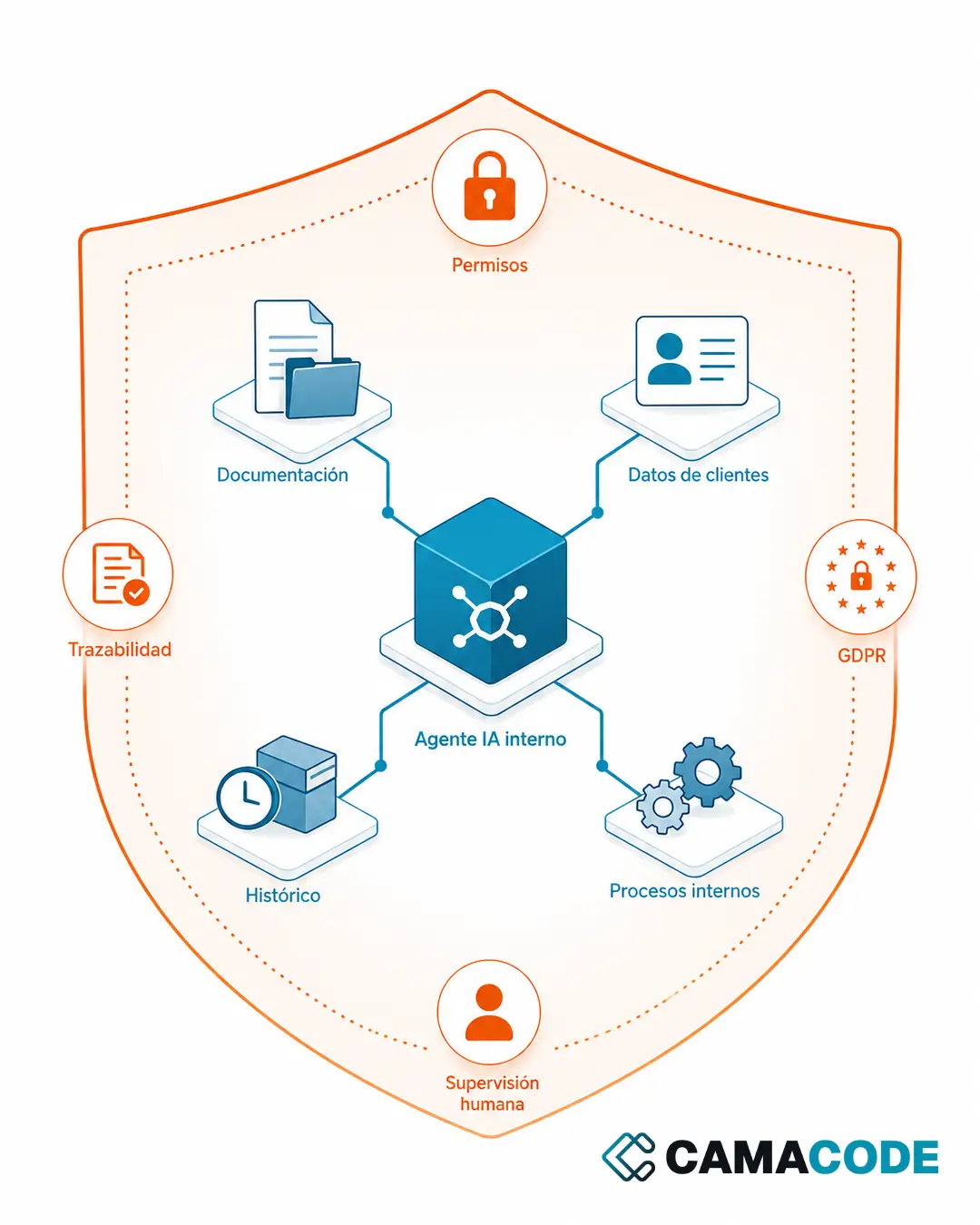
Once the information is organized in one place, you can put an assistant on top of it that answers questions in plain language, summarizes a period or flags a deviation. It is AI built into your own work environment, working on your own data, to make analysis and decision making easier. It is the natural step after tidying up the data, and it works best when approached by starting with the process rather than the tool, with role-based permissions and human oversight.
Case study: a portal where every partner understands their own data
A real estate investment company was tracking shareholdings, payments, capital calls and documents across spreadsheets and email threads. The information existed, but no partner could look it up on their own and every question ended up as a message to the back office. We built a custom private portal where each partner logs in from wherever they are and sees their stake, their outstanding payments, the documents and the votes, while the back office updates it only once. We tell the full story in investor portal software. It is exactly the idea behind this article: no bigger system was needed, just an environment of their own where the data makes sense without anyone having to explain it.
Where should you start building your custom work environment?
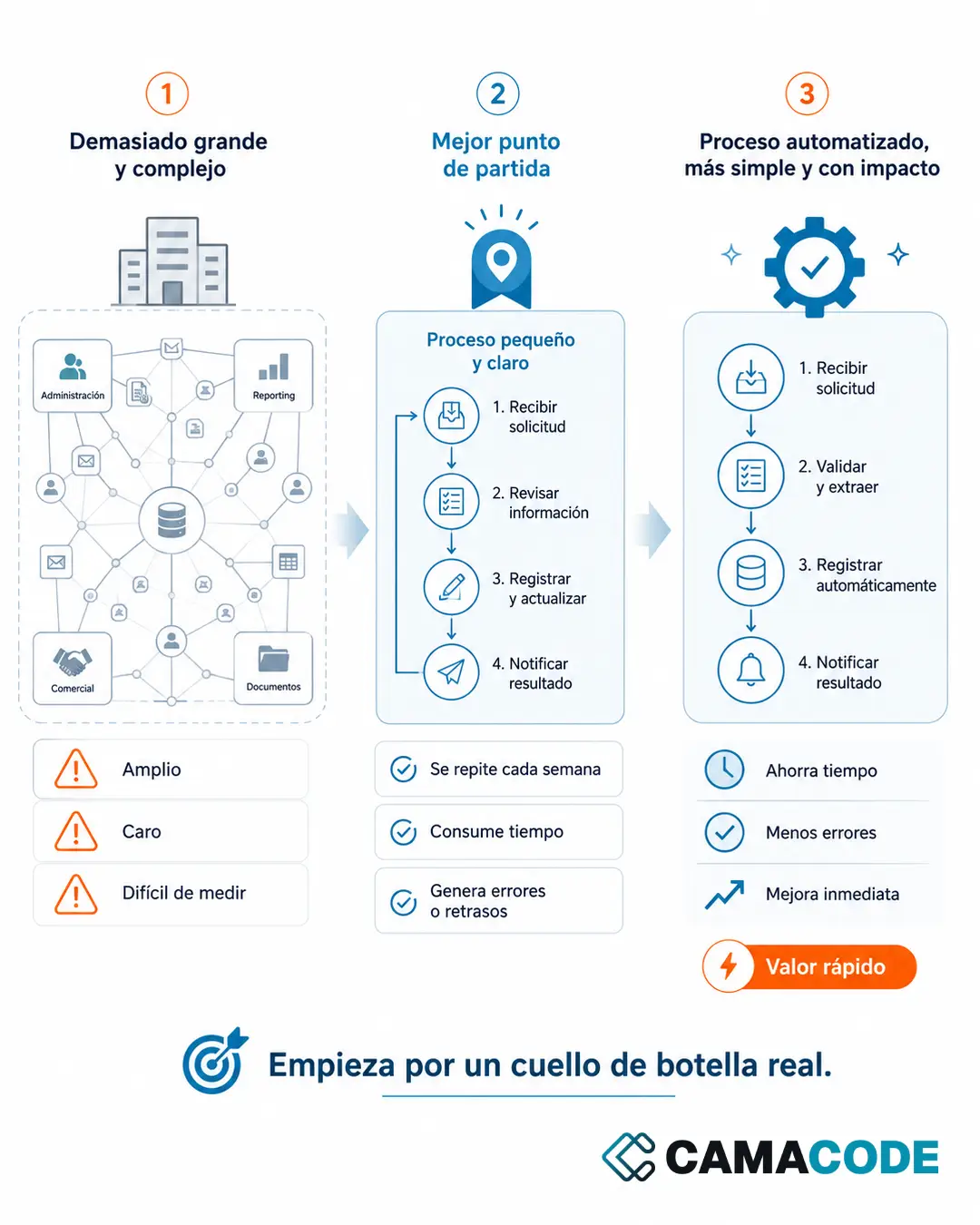
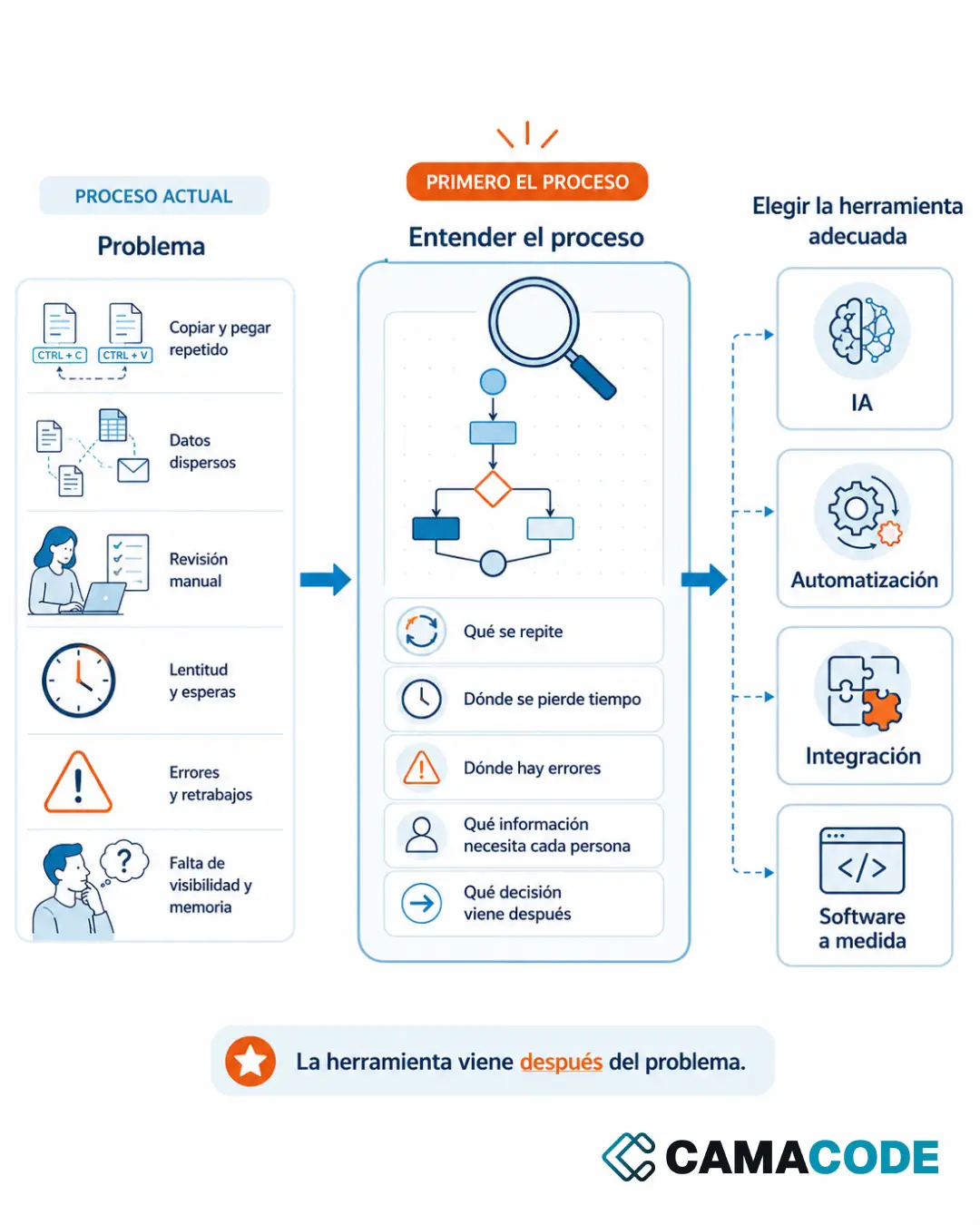
Start with three questions: what does your team repeat every week, what information is hardest to find or to see, and what does your current software not let you do. Whatever shows up in all three is your first process. Build it with only the screens it needs, put it into real use, and add processes, integrations and AI from there. That incremental approach is the basis of our work in custom software development, and specifically of how we build custom platforms: that page covers the phases, the timelines and what happens to your current systems.
Does your company adapt to its software, or does the software adapt to your company? At Camacode we unify your systems and your data into a single living platform that adapts and evolves as your needs do. Tell us how you work today at contact and we will put together an audit and a custom demo with your own data.