Custom software · Data recovery
Auto repair shop software: recovering years of data from a legacy program
Camacode recovered the years of customer, vehicle and repair data trapped in the obsolete program used by Alting 2000, an official Citroën dealership, and built custom auto repair shop software to consult and manage it again. The workshop got practically all of its history back (99.4% of the records) without depending on the old system and without starting from scratch.

Written by Lluís Casals Marsol · Founder at Camacode
Published on
- Client:
- Alting 2000 SL
- Industry:
- Official Citroën dealership · automotive
- Solution type:
- Legacy data recovery + custom internal software
- Services:
- Custom software development
- 99.4%
- Of the data recovered
- 20 years
- Of history rescued
- 3 weeks
- From kickoff to production
The problem
The workshop had years of accumulated customer information, but could no longer get to it. Customers, vehicles, repairs, history, contact details… information that mattered day to day (what did we do to this car last time? which parts were replaced?) but trapped in a system nobody maintained anymore. Looking anything up in the history was a battle, and the real risk was losing the memory of the business for good.
The context
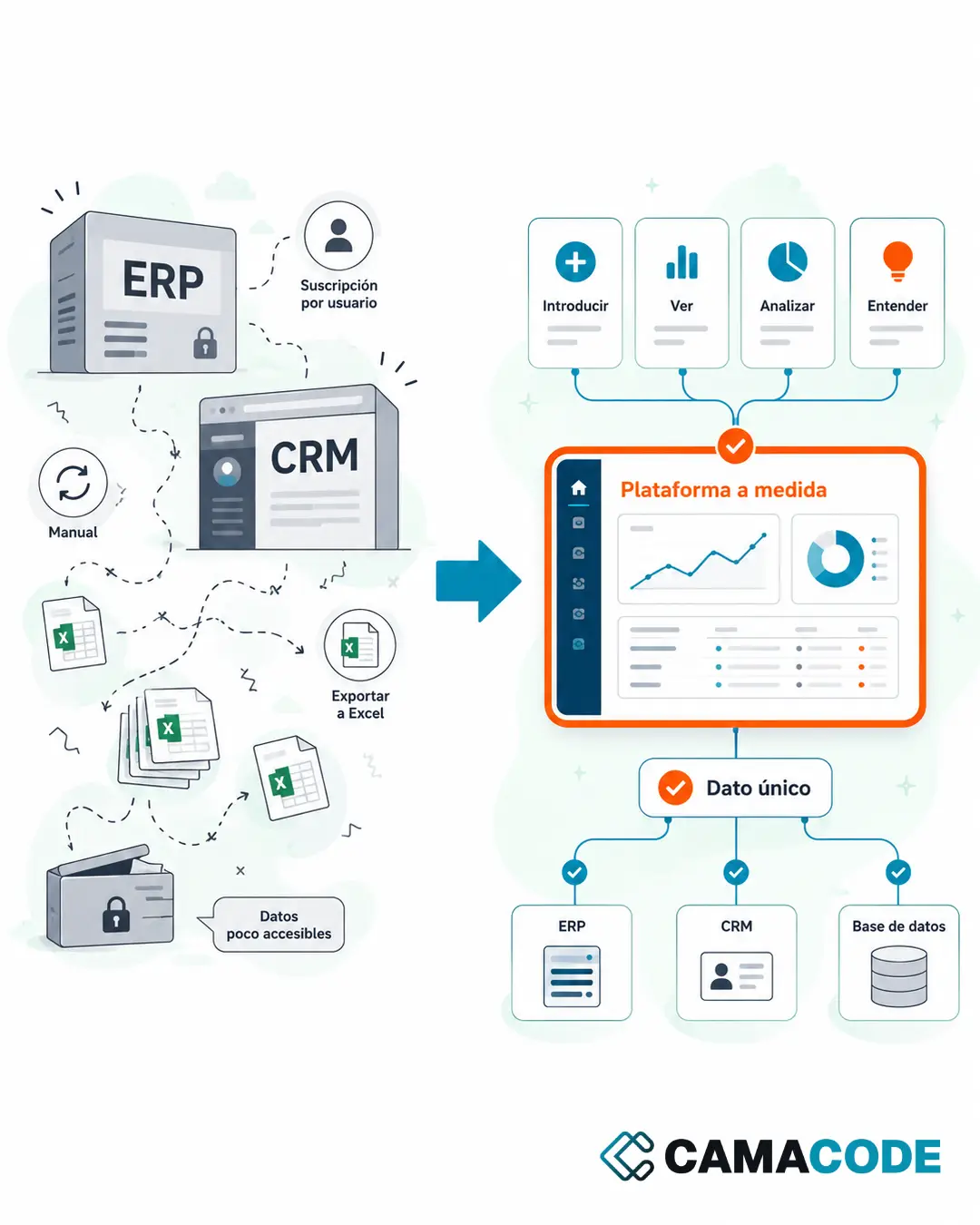
In traditional SMBs this is a far more common situation than it seems: a workshop management program that worked well for years, whose vendor disappeared or stopped supporting it, and that no longer runs properly on current machines. The company didn’t want (or need) to roll out a huge system: it wanted its information back and to be able to work with it.
Legacy data recovery: what we did with the data
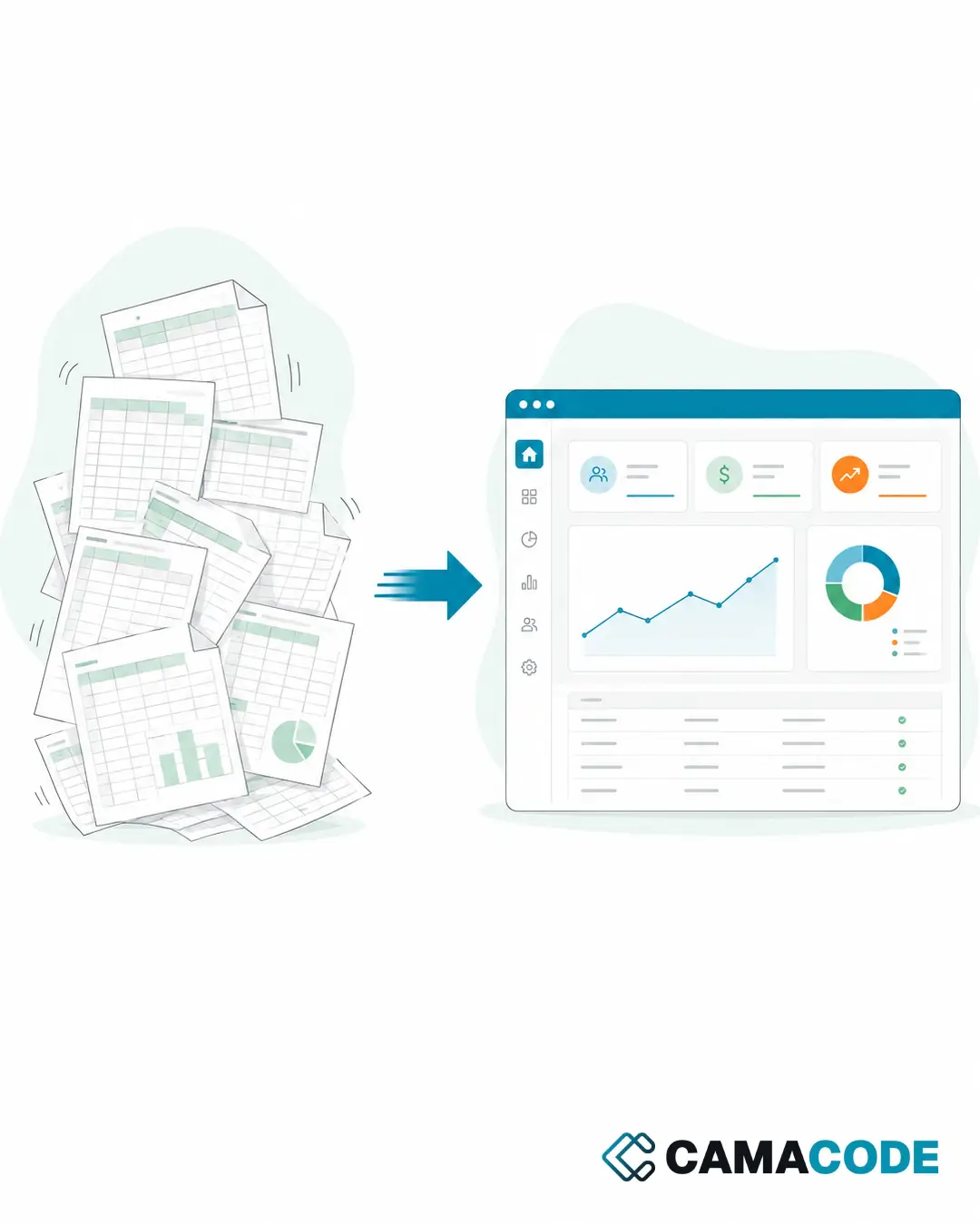
The first step wasn’t building a platform: it was rescuing the information. We analyzed how the old program stored its data, extracted it, cleaned it and organized it into a modern database. Legacy data recovery is usually possible even when the software no longer works properly: the information is almost always still there, just in a format nothing can read anymore. That recovery work is what turns “lost data” back into a useful asset. In this case, 99.4% of the records from twenty years of history were recovered.
The solution: custom mechanic shop software
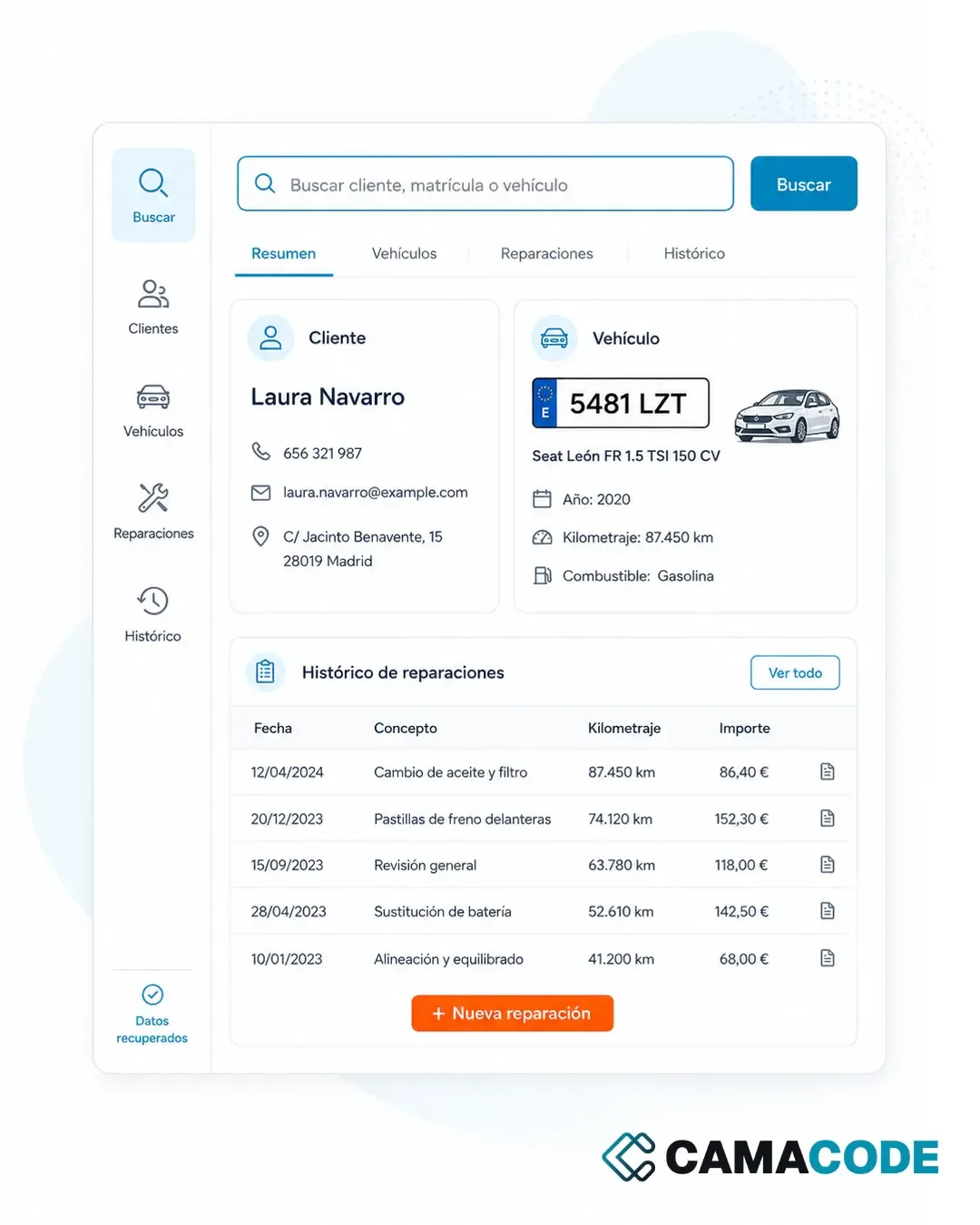
On top of that recovered data we built custom auto repair shop software: an internal platform, simple and designed for the front desk and the team’s daily routine. Off-the-shelf auto shop software would have meant paying for modules nobody was going to use and, worse, leaving twenty years of history behind. This mechanic shop software does the opposite: no dependency on the old program, and no changing the way the workshop works more than necessary.
Key features
- Fast customer search: find a customer by name or phone number in seconds, without opening the old program.
- Look-up by license plate or vehicle: a car arrives at the workshop and the team instantly sees its full history.
- Complete repair history: what was done, when and what was replaced, with the years of recovered data.
- Contact details always at hand: call a customer or resolve a question without digging through paperwork.
- Works from any machine: the platform runs on the workshop’s current computers, with no fragile installations.
- Centralized, protected information: the data no longer depends on a single computer that “must not be touched”.
Results
The most important benefit is hard to overstate: the workshop got its memory back. Twenty years of relationships with customers and vehicles, one disk failure away from disappearing, were available again in seconds. The team checks the history without detours, the dependency on the old program is gone and the information now sits on a foundation you can keep building on. There was no need to start from scratch: the greatest value was in what the company already had.
Do you have a similar process?
Many small businesses have important data sitting in old programs, legacy databases or systems nobody maintains anymore. Going digital doesn’t always mean starting from scratch: sometimes the right project is to recover, organize and build a simple tool on top. If that sounds familiar, you may find this useful: how to convert Excel to a web application.
Does your company have years of data locked inside a program you can no longer use properly? Tell us which system it is and what information it holds: in many cases there is a clear opportunity to recover it.