Custom software · Excel
When Excel falls short: how to convert Excel to a web application
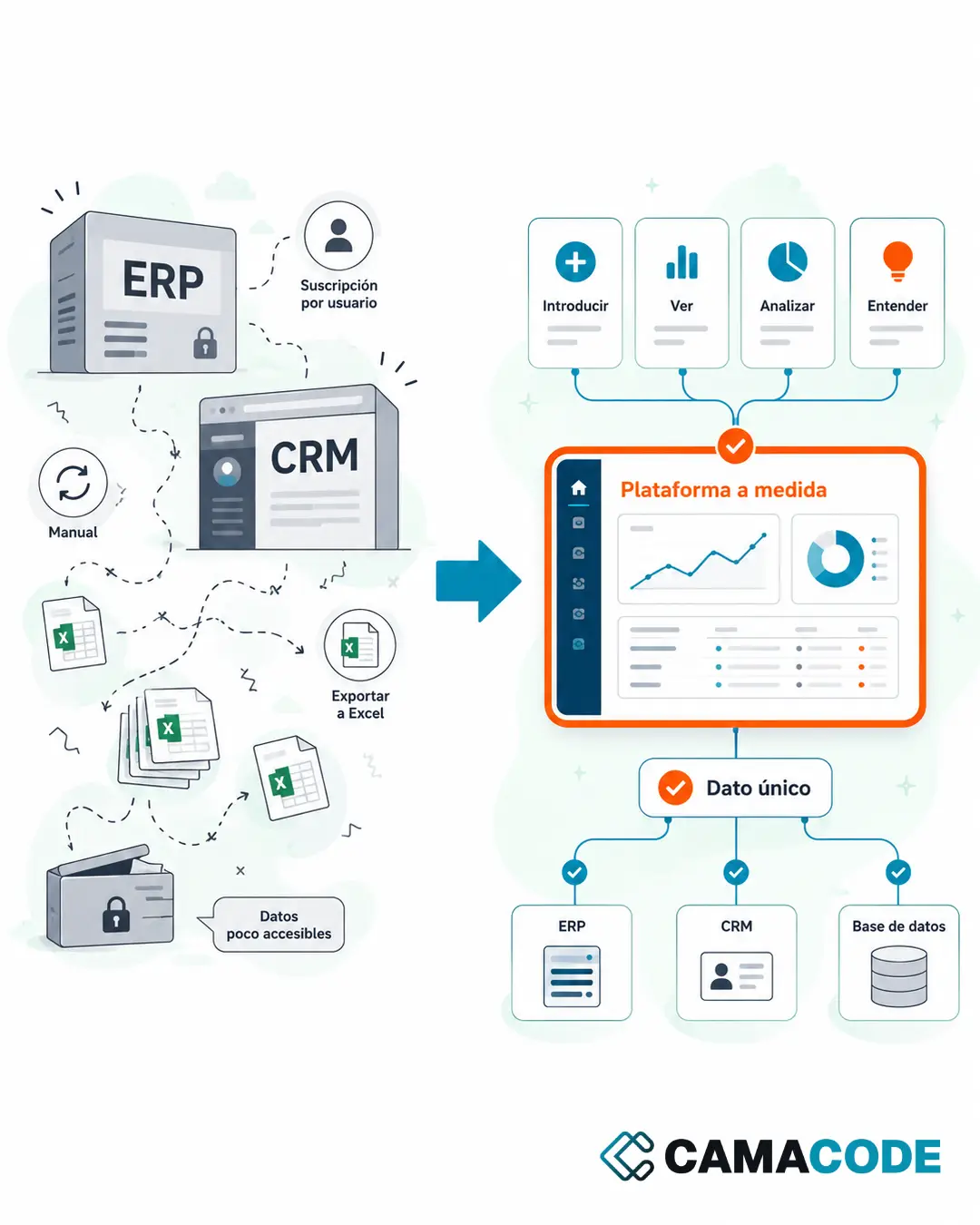
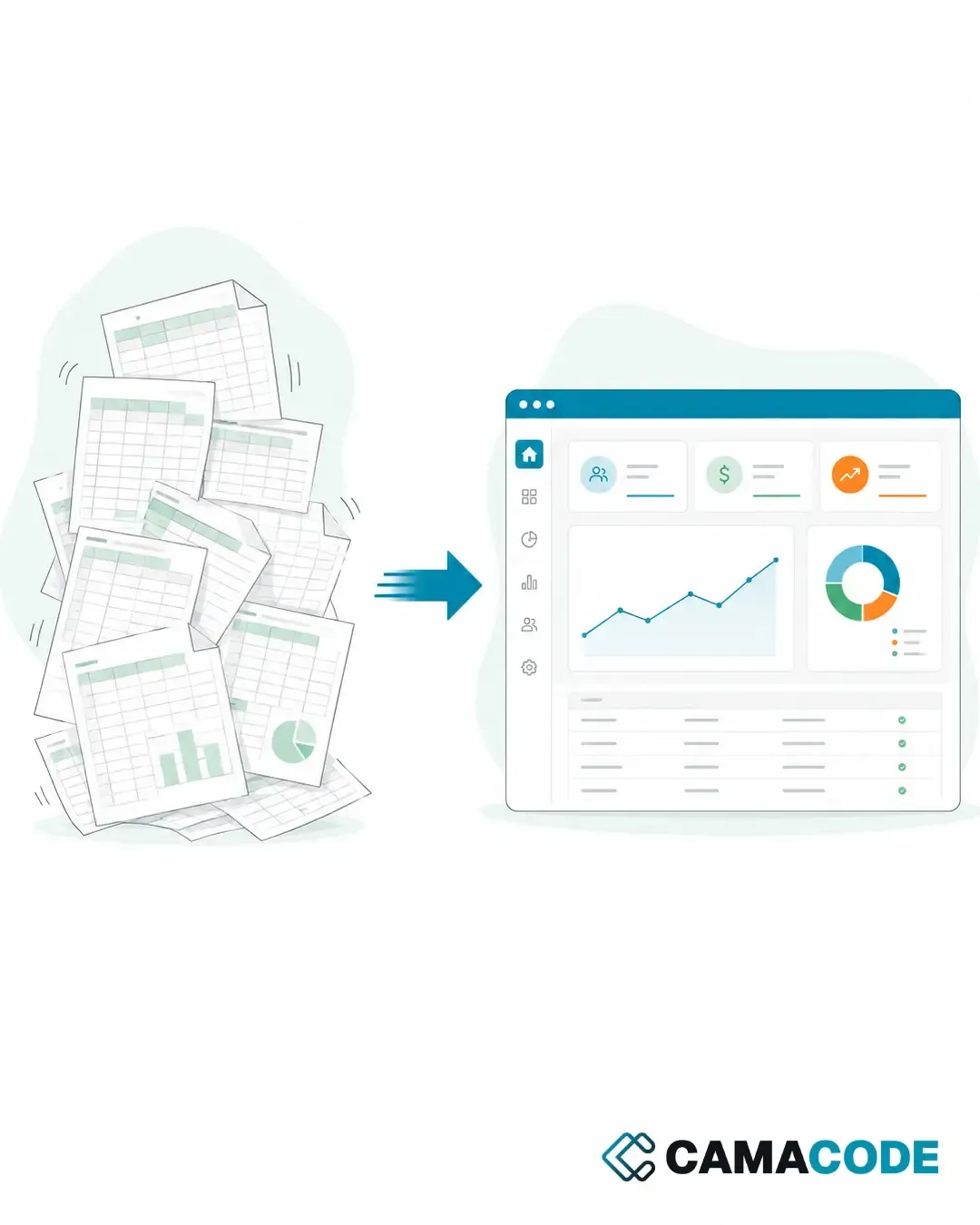
To convert Excel to a web application you move the data and logic in your spreadsheets to an internal tool with a real database, per-user access and screens built around your process. The result: a single version of the information, fewer manual errors and a system that grows with the company.

Written by Lluís Casals Marsol · Founder at Camacode
Published on
There comes a point when Excel stops helping and becomes the process itself. One sheet for customers, another for payments, another for follow-up… and another one that is “the real one”, even though someone is still working off an older version. If that sounds familiar, this article is for you.
How do you know your Excel has fallen short?
You do not need to wait for a serious mistake to spot it. These signs usually show up first:
- Several versions of the same file exist and nobody knows which one is current.
- Several people need to edit at the same time and overwrite each other’s changes.
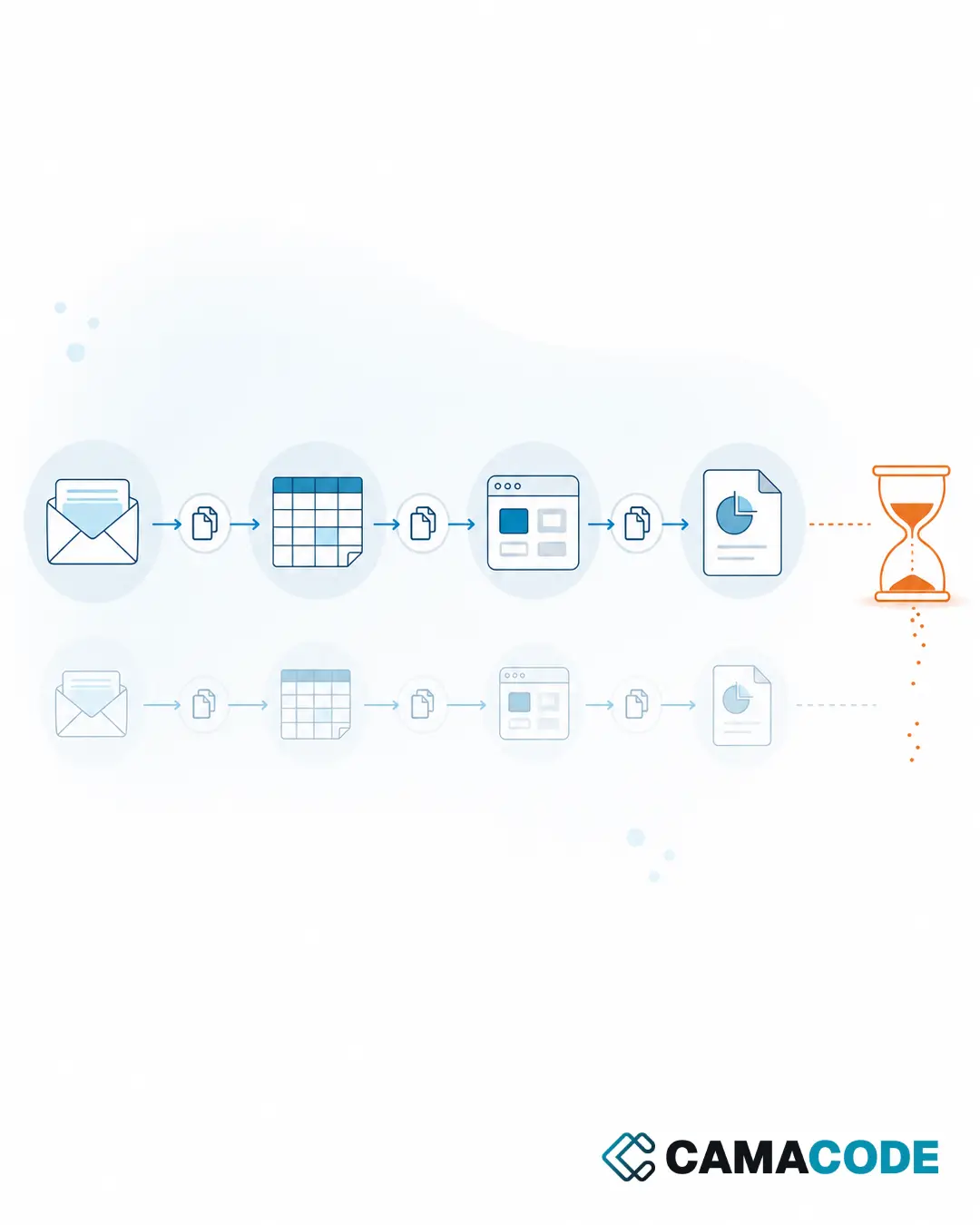
- The same data is repeated across different sheets and updated by hand.
- Only one person understands the formulas, and if something breaks, nobody else can fix it.
- An important decision depends on finding the right file and trusting that it is up to date.
If two or three of these ring true, the problem is no longer about organization: it is about the tool.
What is the hidden cost of sticking with spreadsheets?
The cost never shows up on an invoice, but you pay it every week: time spent looking for the right file, errors copying data between sheets, decisions made on outdated information and dependence on the person who “owns the Excel”. On top of that, a spreadsheet does not control who sees what: anyone with the file sees everything, which is a real risk when it holds customer data or financial information. The more critical the process living in Excel, the more expensive each of these silent failures becomes.
What Excel alternative for business fits your company?
Not every company needs the same thing. The three most common routes:
Convert the Excel to an internal web application
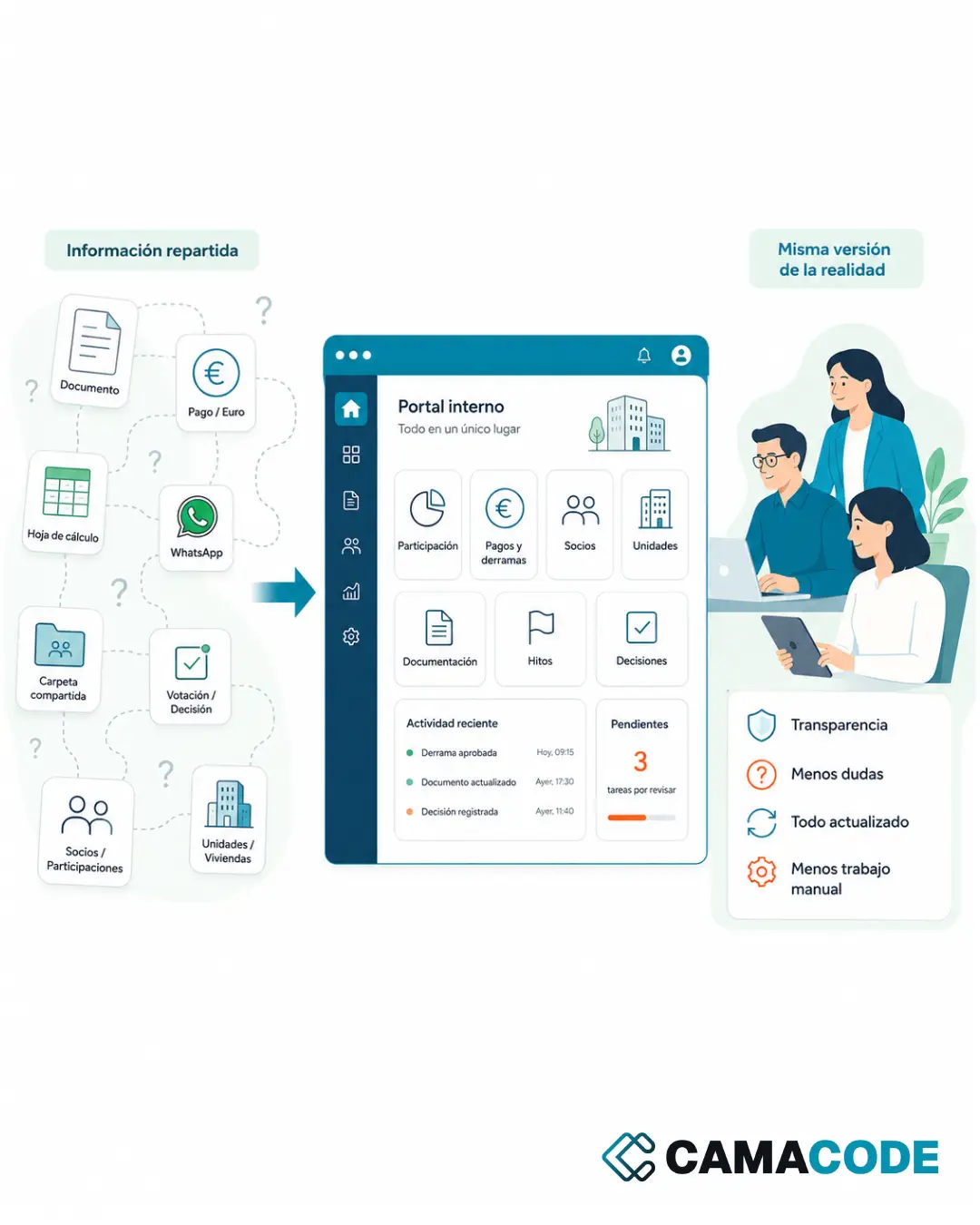
This is the most direct option: a simple application, accessible from the browser, that replicates what your Excel already does but with a central database, per-user permissions and a change history. Everyone works on the same information, from any device, with no files flying around by email. At Camacode this is the starting point of many custom software projects: we do not start from scratch, we start from an Excel file that already defines the process.
Adopt an ERP or off-the-shelf tool
This makes sense when your process is very standard. When it is not, you end up adapting the company to the tool instead of the other way around.
Connect the Excel to other systems
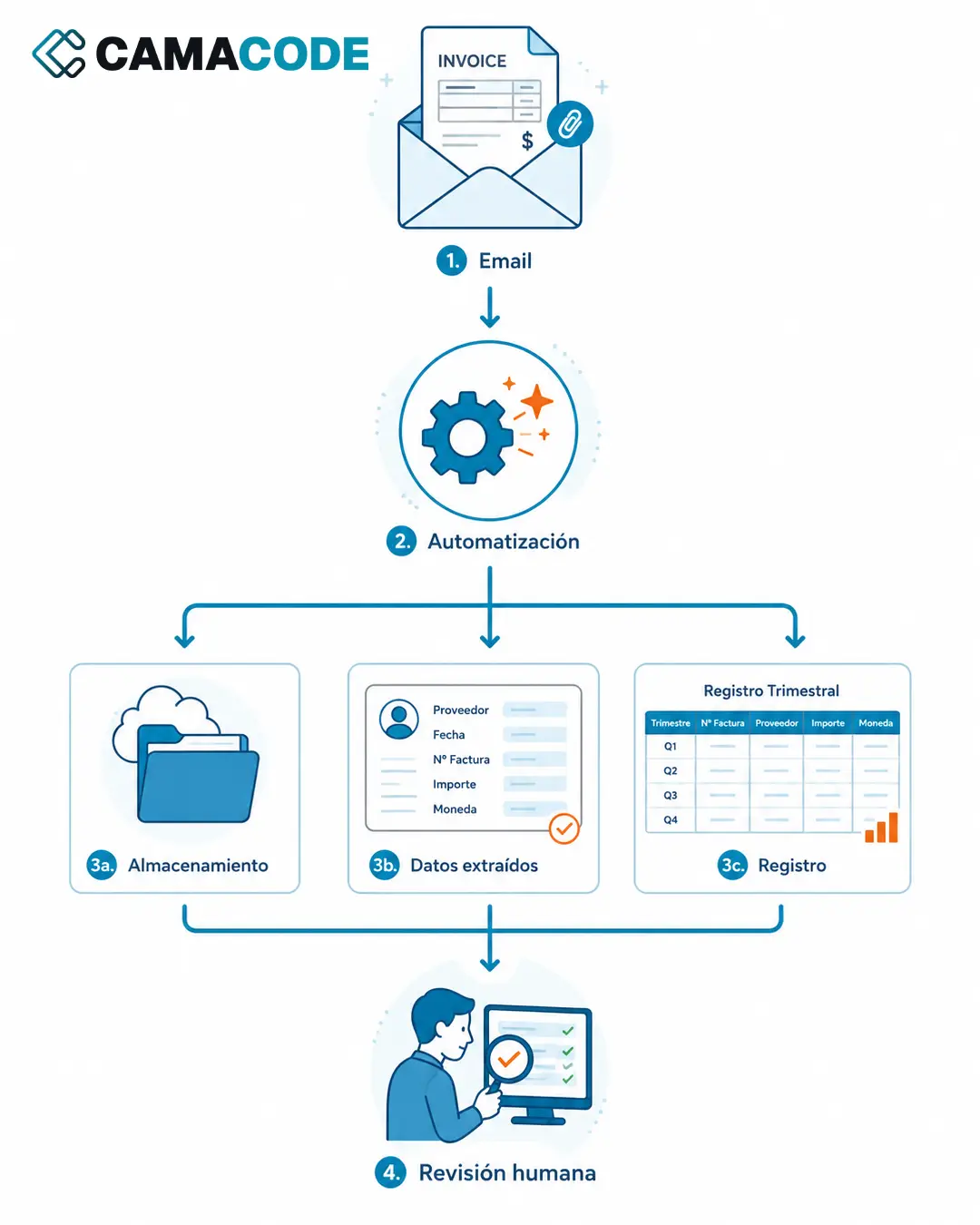
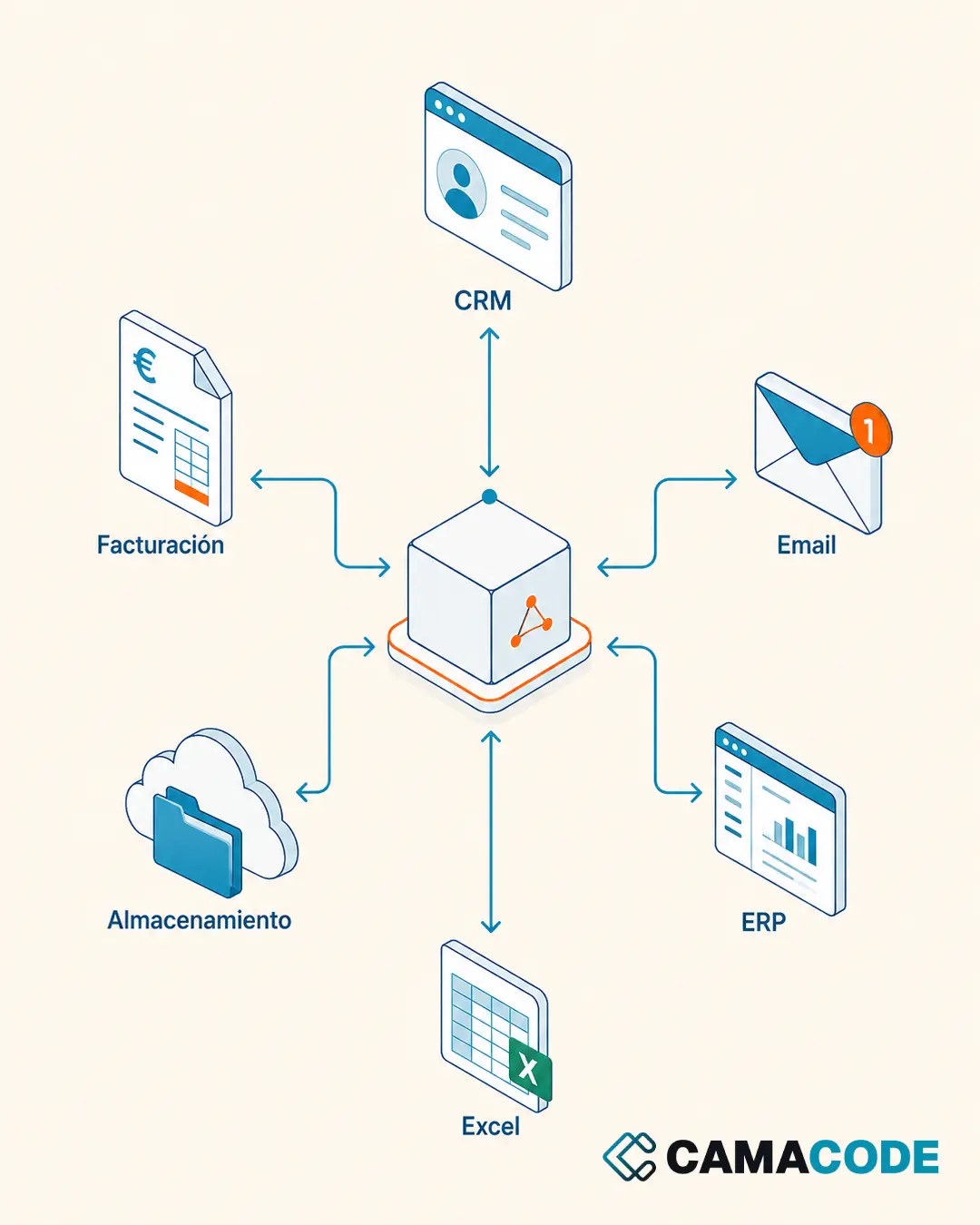
Sometimes the Excel can stay, as long as you automate what goes in and out of it through business system integration. It is a useful middle ground when the file still works but the copy-pasting has gotten out of hand.
Case study: from a legacy program (and its spreadsheets) to an in-house platform
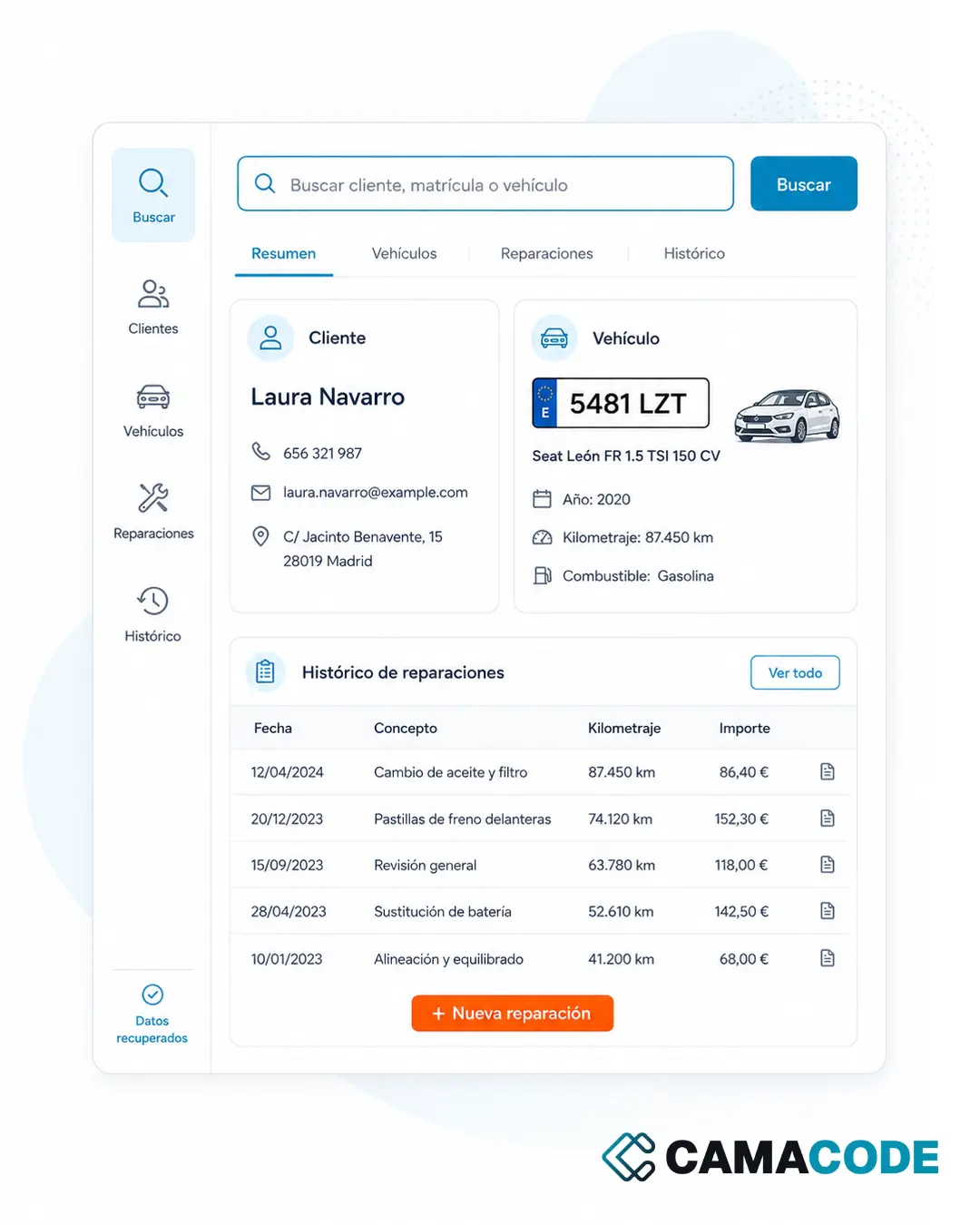
An auto repair shop had years of customers, vehicles and repairs locked in a legacy program it could no longer use, plus scattered spreadsheets. At Camacode we recovered that data and built an internal platform where the team searches for a customer or a license plate and sees the full history instantly, with no dependence on the obsolete system or on scattered files. You can read the full story in Auto repair shop software: recovering years of data from a legacy program.
Where do you start if you want to convert Excel to an app?
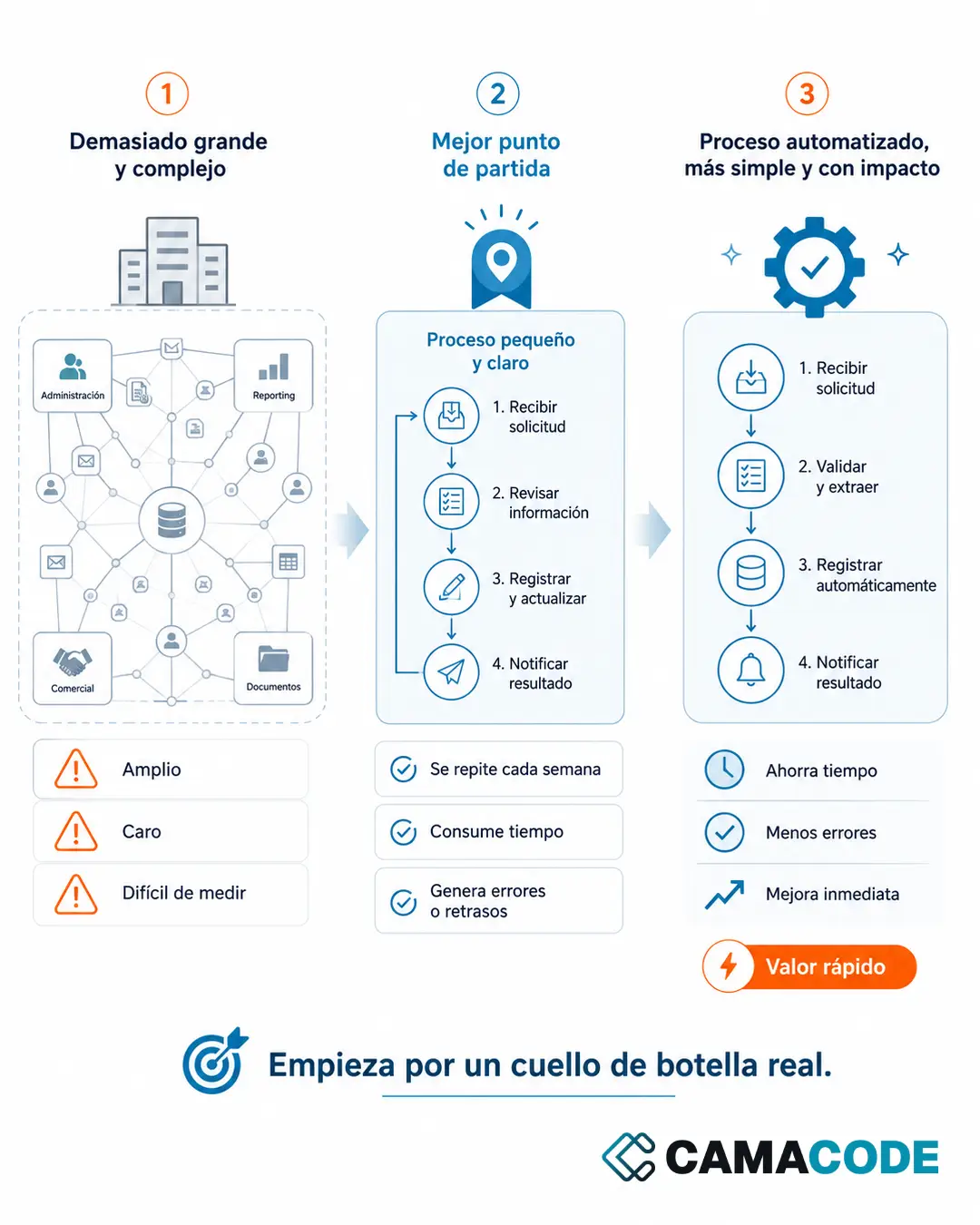
Do not start with the technology: start with a question. Which part of the process has already outgrown Excel? Pick the most critical file (the one most people use or the one that generates the most errors) and write down what data it holds, who updates it and which decisions depend on it. With that map in hand, defining the first version of the app is quick: usually it is enough to replicate the key columns as a database and the routine tasks as screens. Everything else can wait for a second phase.
Which part of your operation has already outgrown Excel? Tell us about it and we will review it with you, no strings attached.