Custom software · Sales follow-up
How to track clients without losing information or opportunities
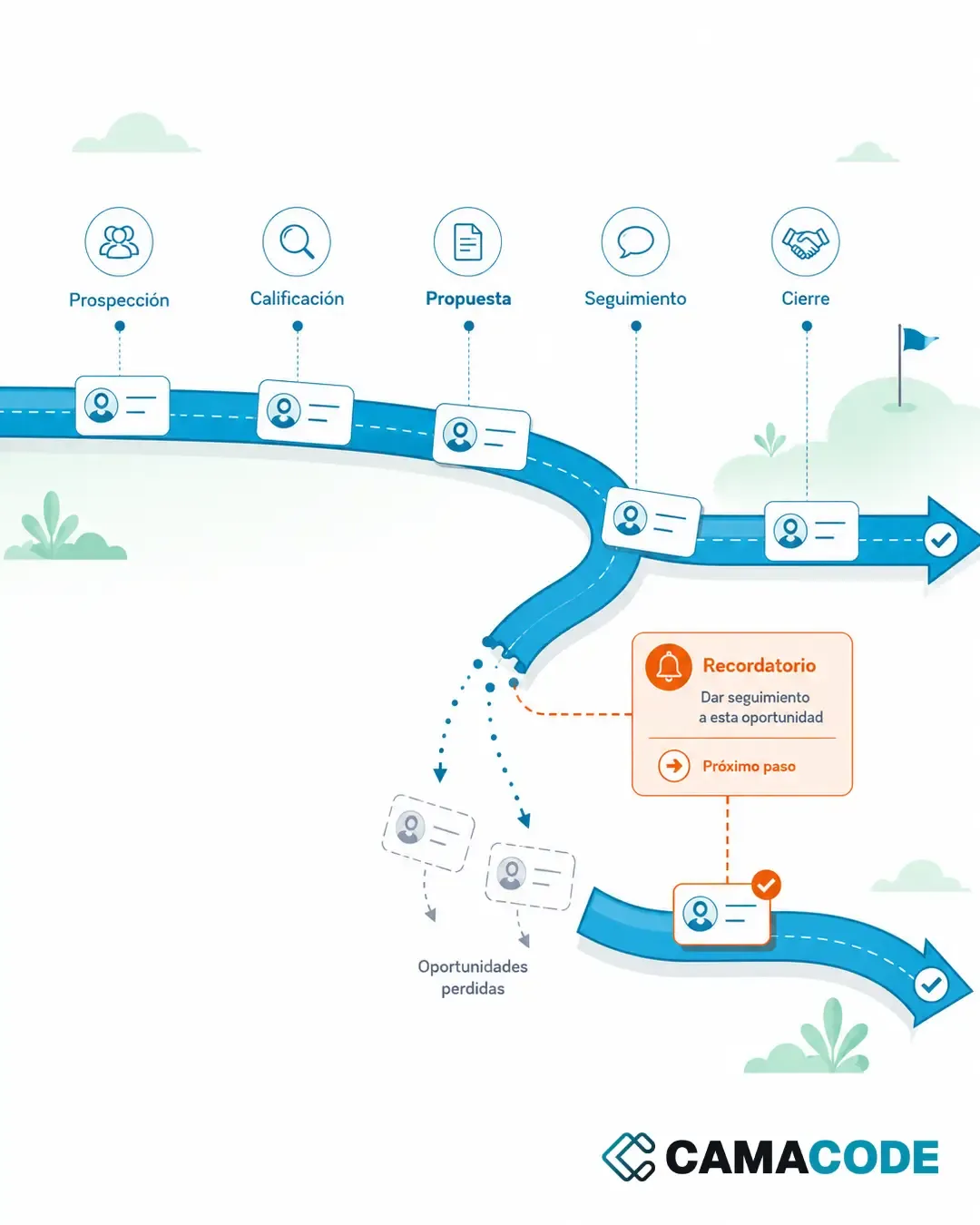
To track clients without losing information you need three things: a single place to record every contact and conversation, a defined next step for each opportunity, and a regular review of whatever is still open. The tool can be a spreadsheet, a lightweight CRM or your own application; what matters is that recording costs less than remembering.

Written by Lluís Casals Marsol · Founder at Camacode
Published on
Not every sale is lost in the proposal. Some are lost in the follow-up: a contact who accepted, a conversation left open, a pending reply nobody picked up in time. And when you sell services, context is everything.
How to track clients with a spreadsheet, and how to tell when it has stopped working
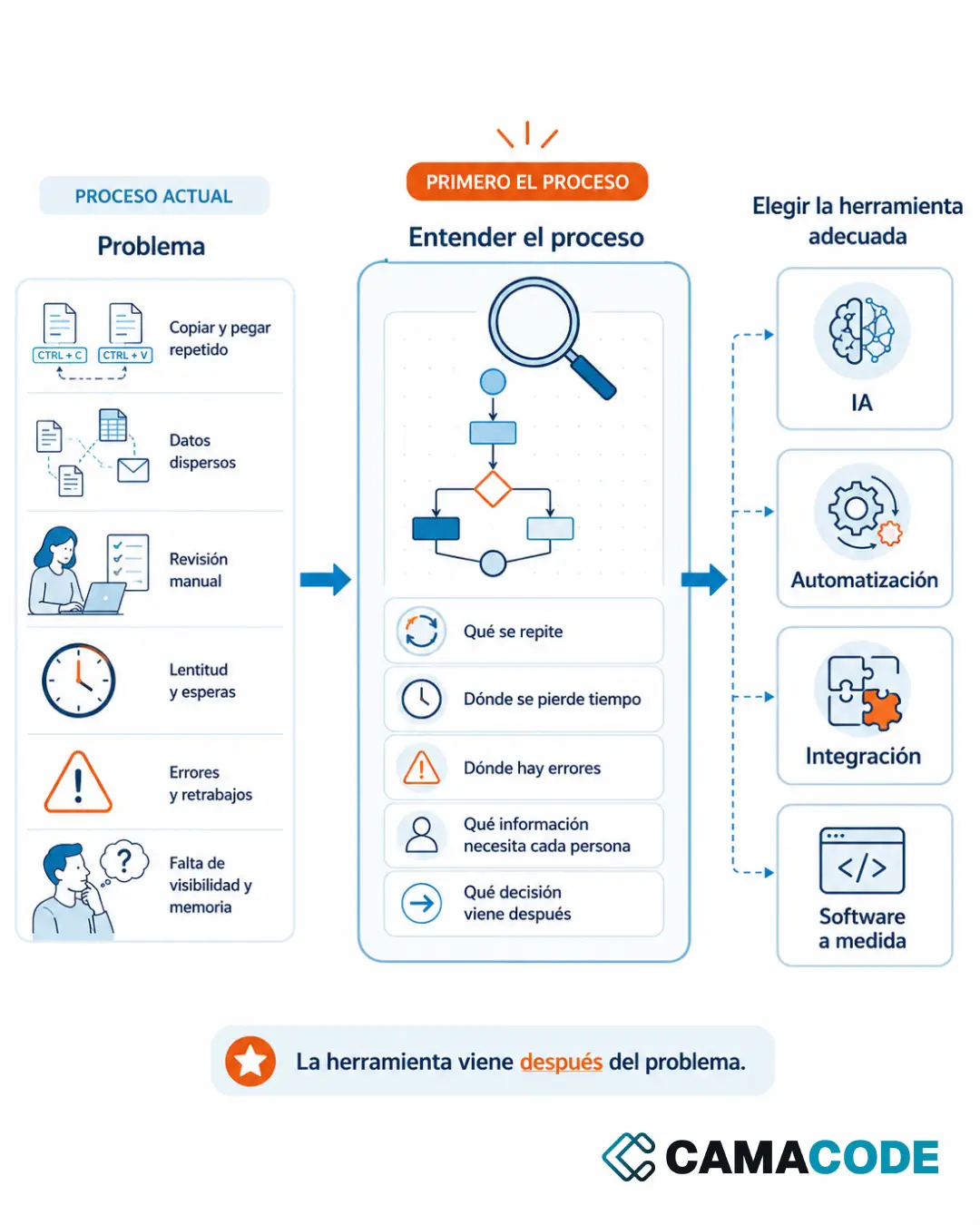
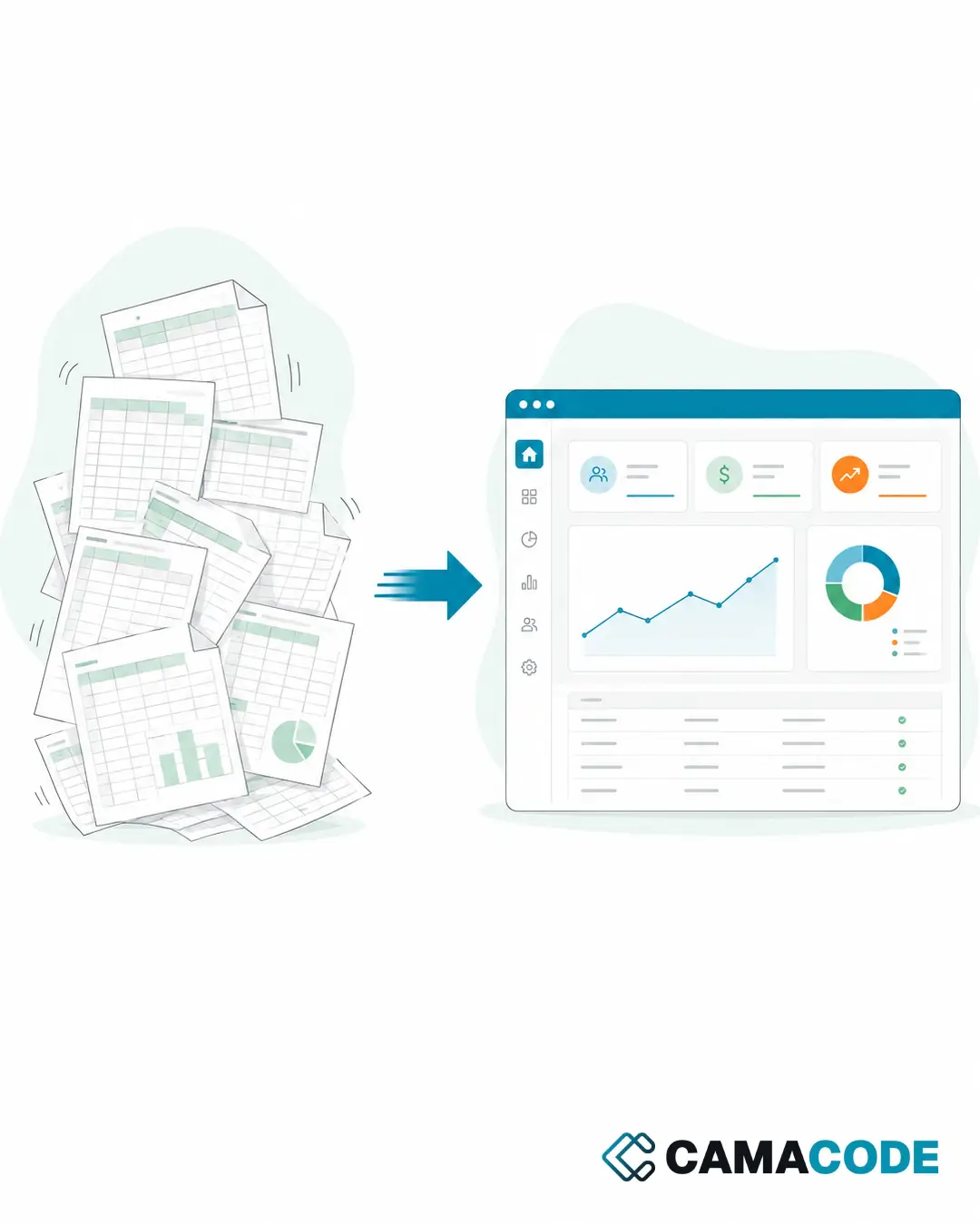
Almost everyone starts the same way: a spreadsheet with names, dates and a column of notes. It is a perfectly reasonable first system, and while you have few clients and one person selling, it holds up. These are the signs that it no longer does:
- You remember talking to someone interesting… but not what about, nor when you were supposed to write again.
- The follow-up lives in your memory, in loose notes and in a spreadsheet updated “when there is time”.
- Every salesperson keeps their contacts their own way; if someone is away, nobody can pick up their conversations.
- You write to a contact without remembering what you discussed last time, and it shows.
- You do not know how many opportunities are open right now or where each one stands.
If the process depends on memory, the process is fragile.
What does an improvised sales follow up process cost you?
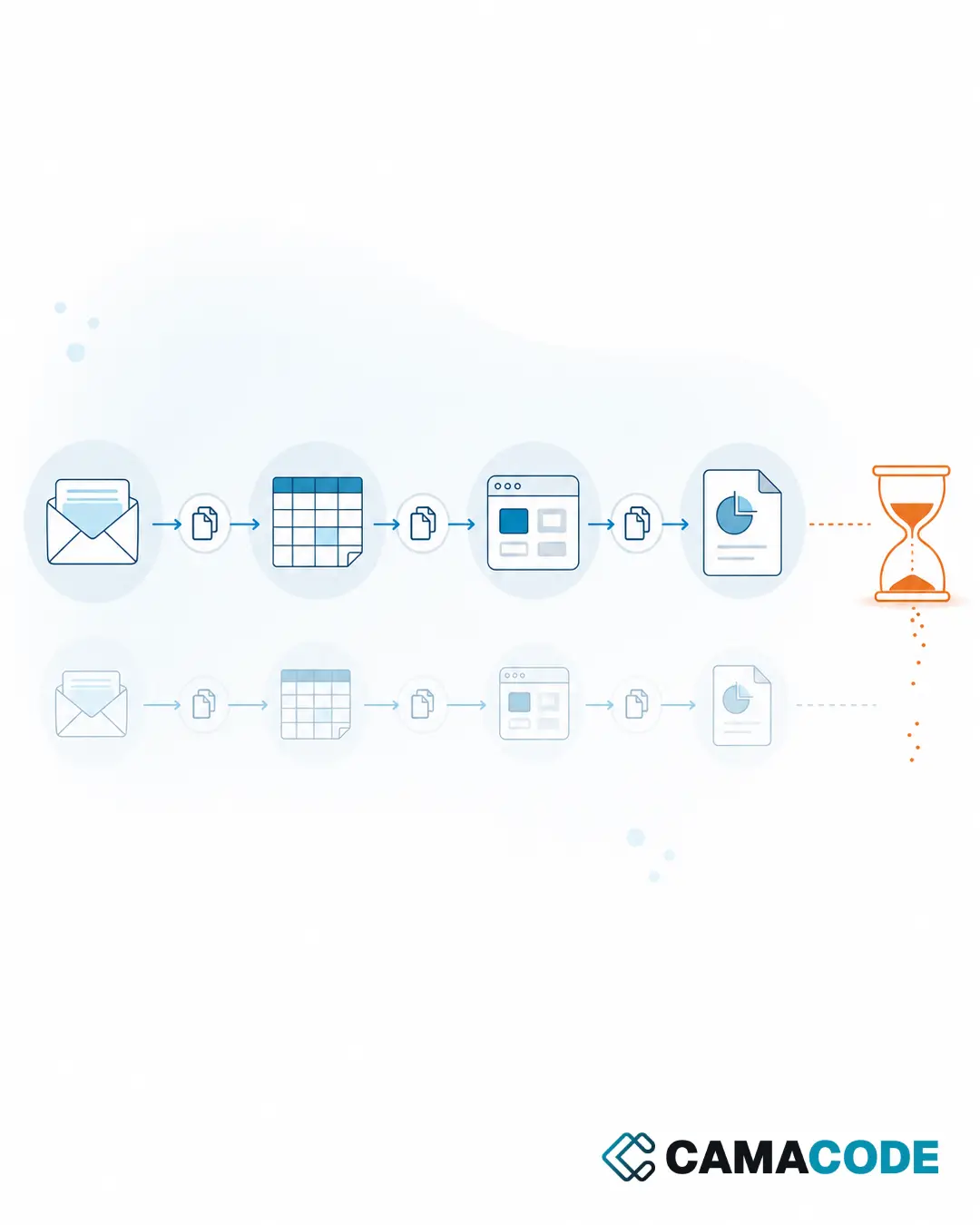
The most expensive part is not the time: it is the opportunities that quietly go cold. A prospect who does not get a timely reply does not complain; they simply buy elsewhere. On top of that, without a record there is no learning: you do not know which messages work or where conversations get stuck, so every month you improvise just as you did the last one. And there is a reputational cost: writing to someone when you have forgotten what you agreed sends exactly the opposite message to the one you want. A sales follow up process does not fail out of laziness; it fails because recording is uncomfortable when the tool does not help.
What do you need: a CRM for small business or something lighter?
When a standard CRM is enough
If your sales process is conventional (contacts, opportunities, stages), a standard CRM for small business works well. The condition for success is not the tool but the habit: recording has to be so easy that it always gets done. A huge CRM full of empty fields is the old spreadsheet at a new price.
When a tool of your own makes sense
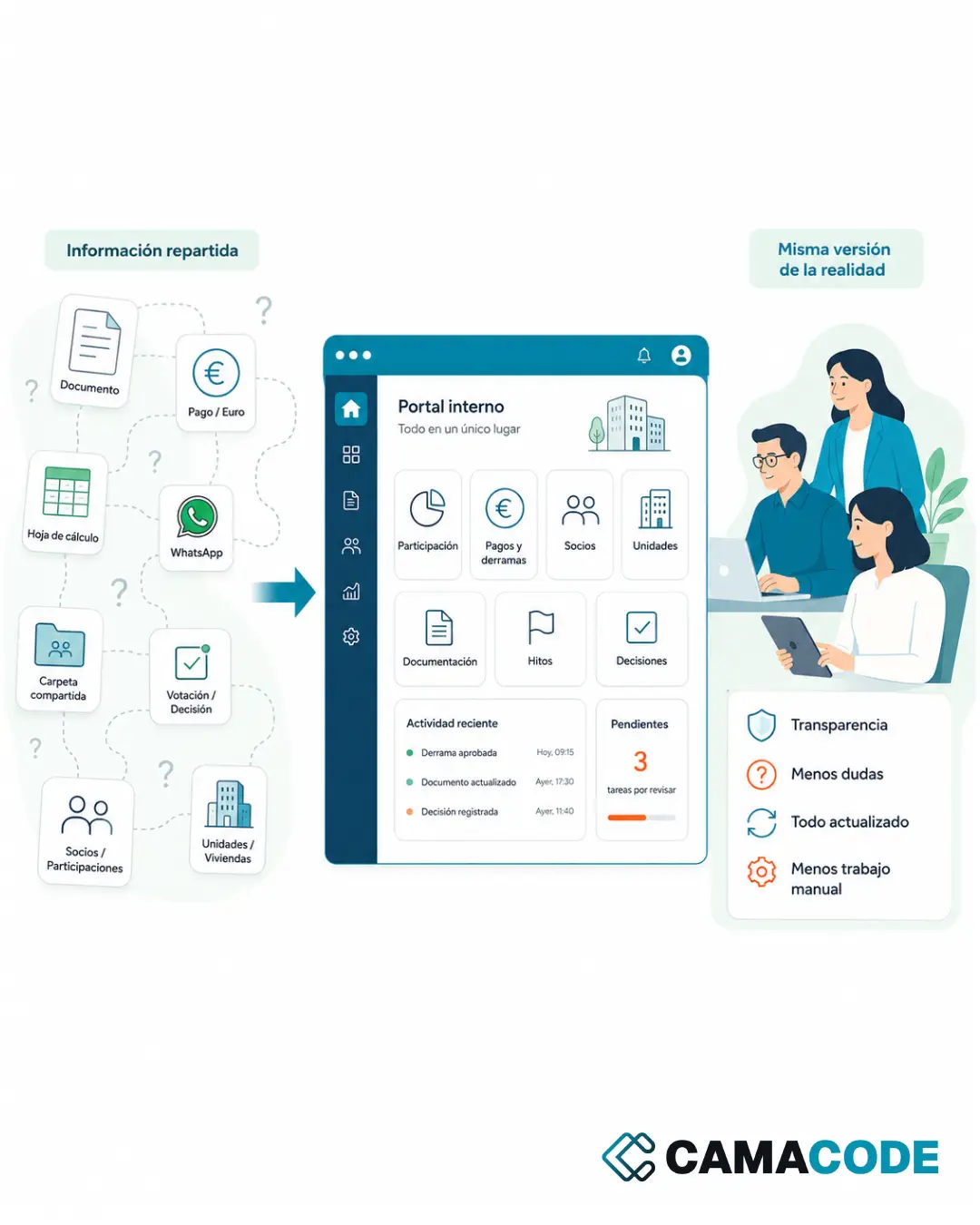
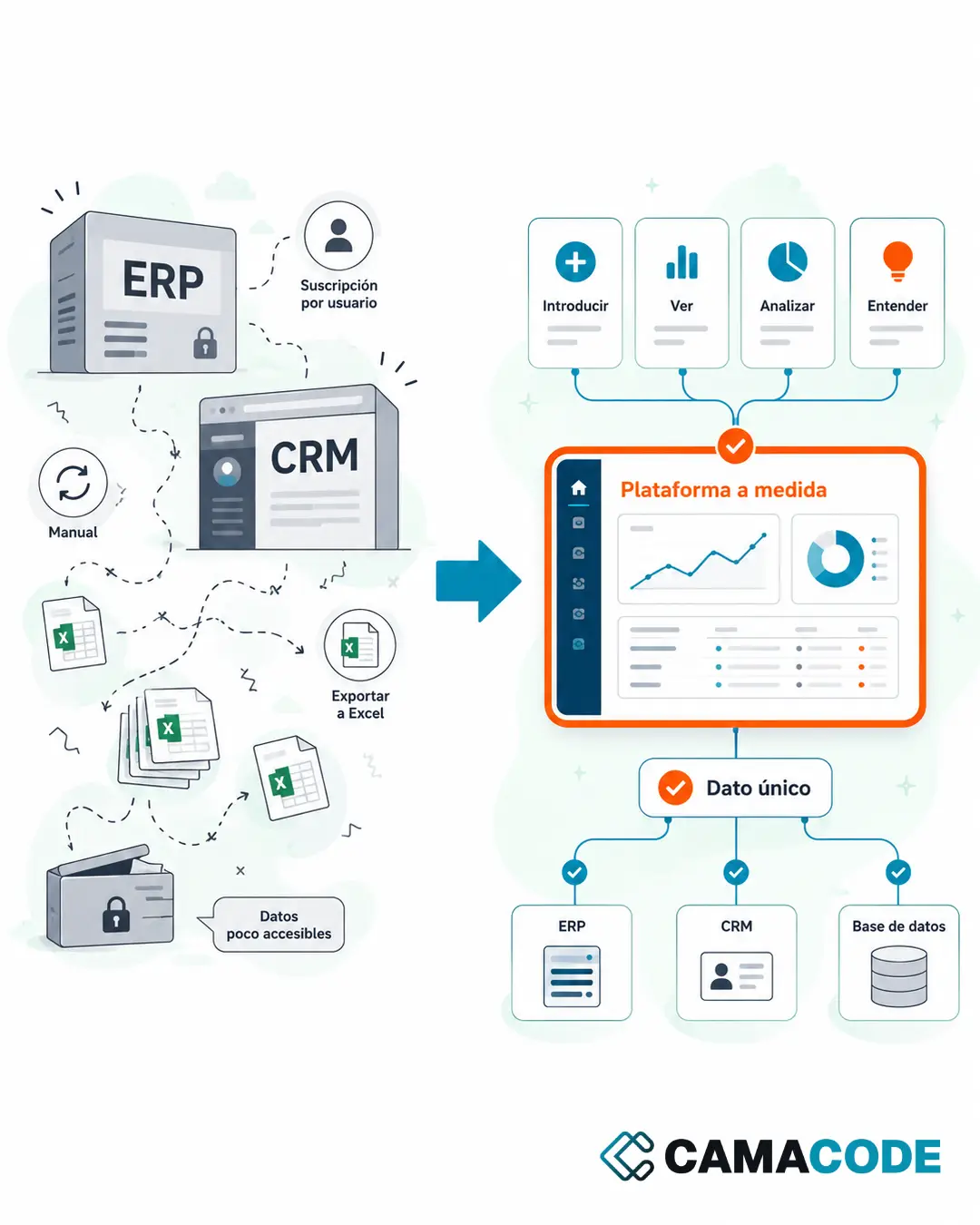
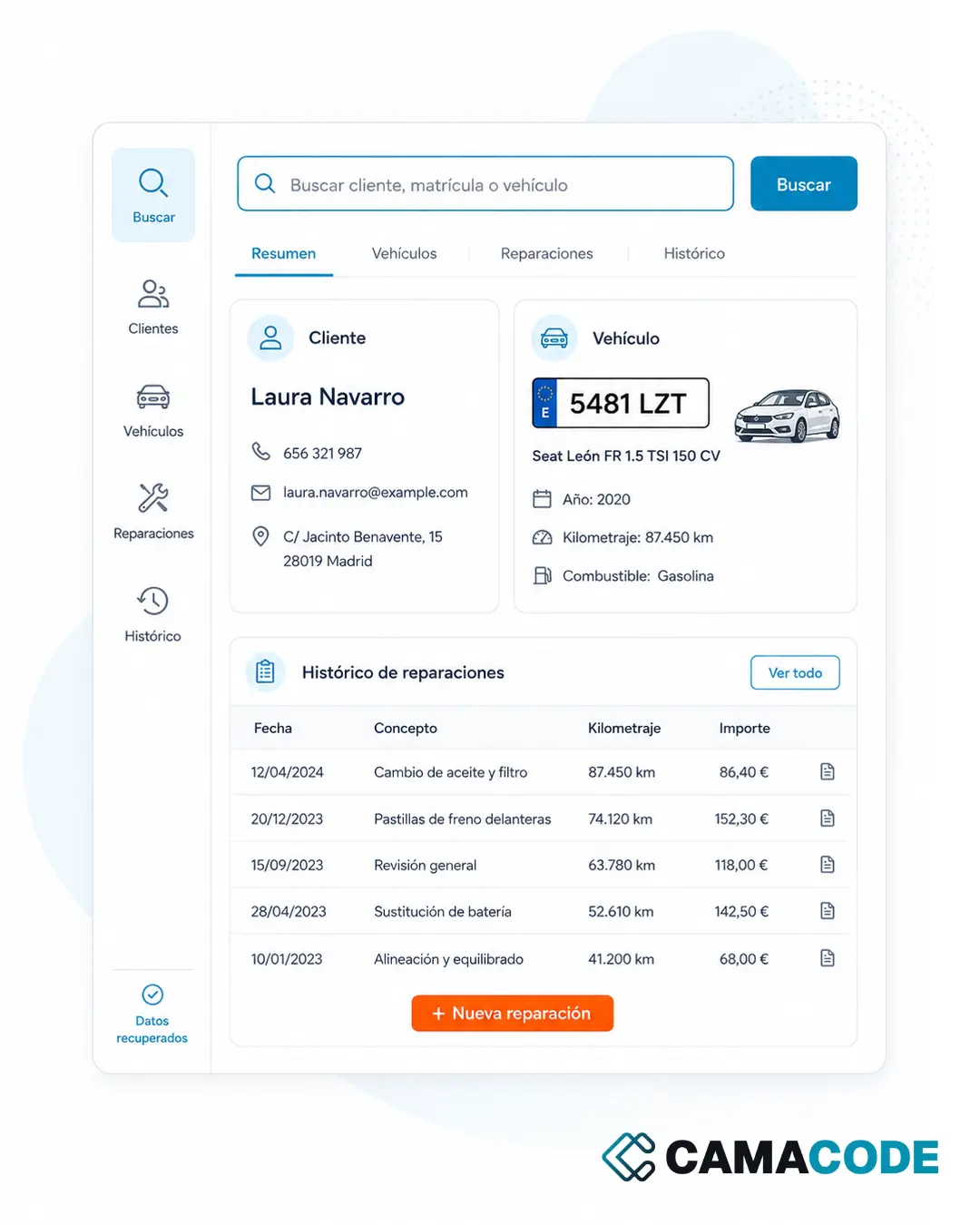
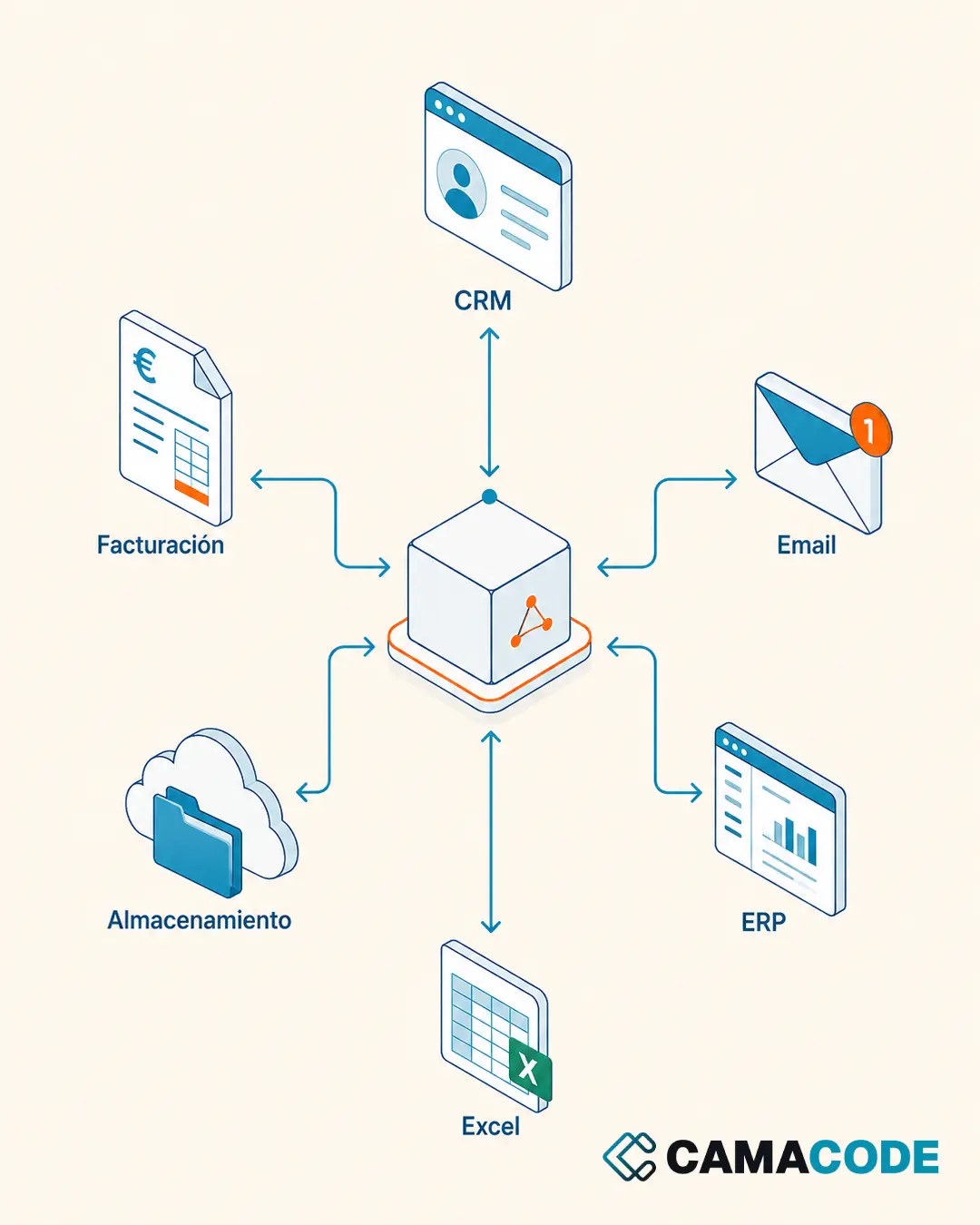
If your lead generation lives in one specific channel (LinkedIn, WhatsApp, calls) or your process does not fit the usual stages, a lightweight custom-built tool records the context where it happens, without forcing you to duplicate data by hand. It always works through each platform’s official channels, which is what keeps the tool alive over time. It is the same logic as taking out of a spreadsheet the processes that have outgrown it, applied to sales.
Automate the mechanical part, never the relationship
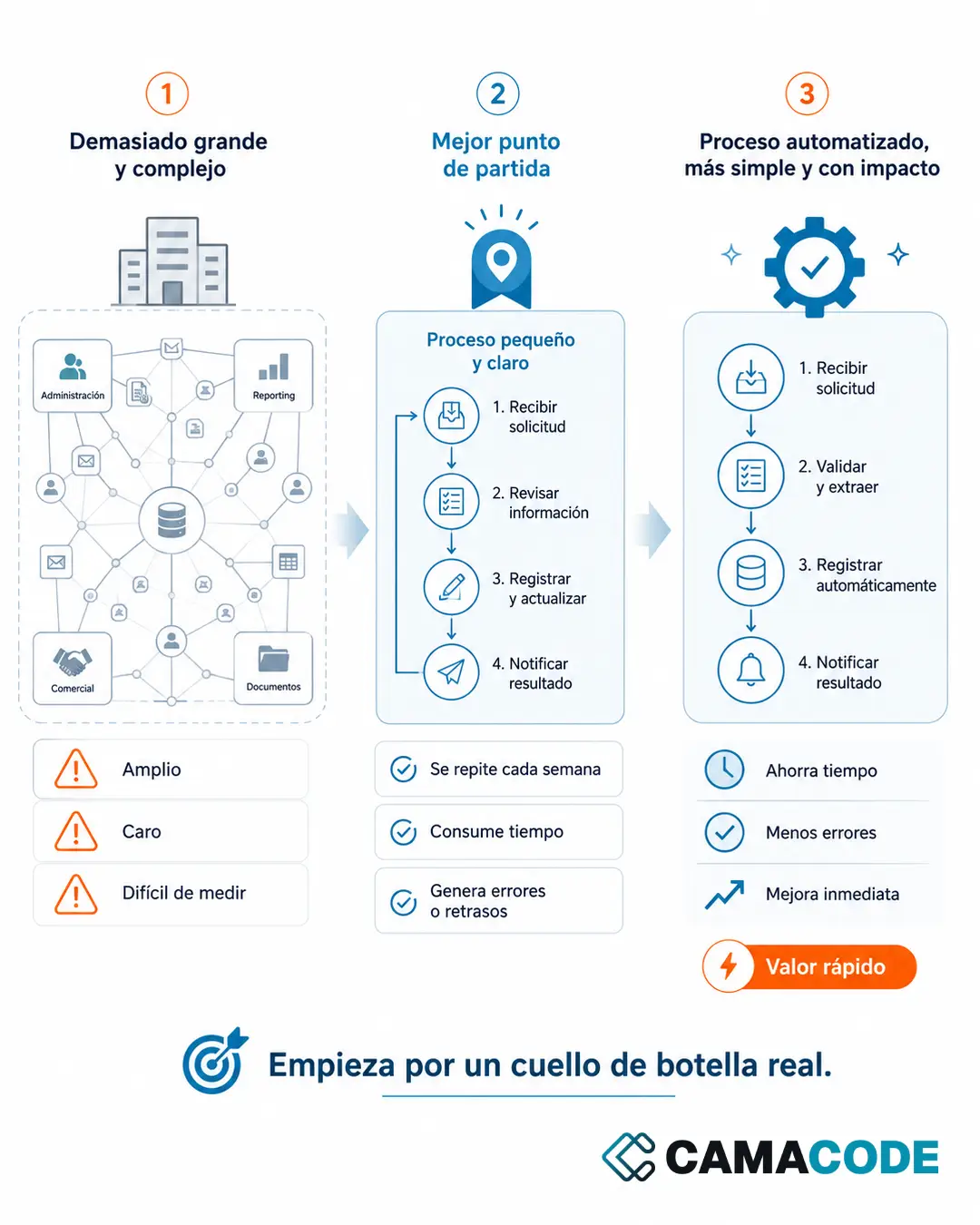
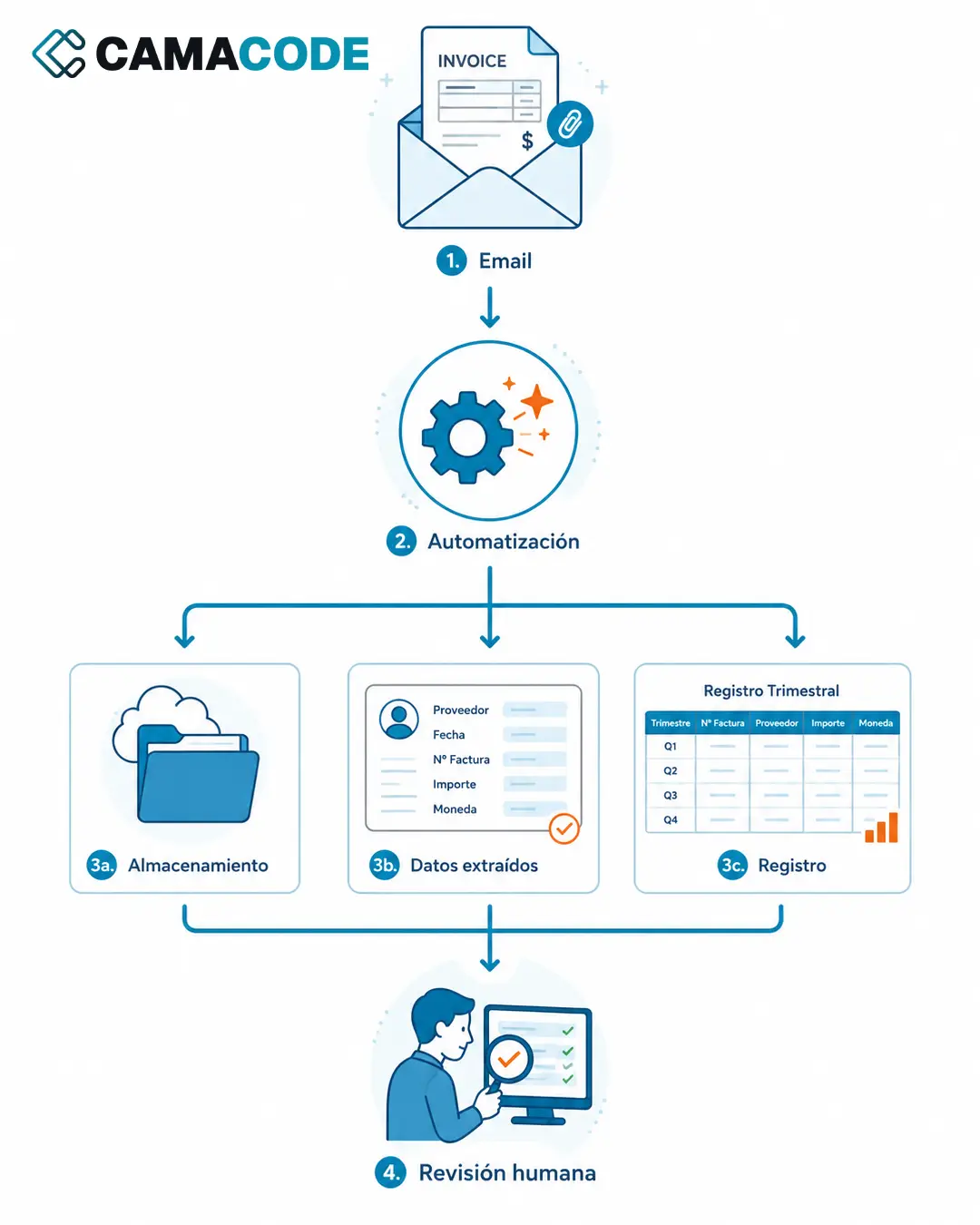
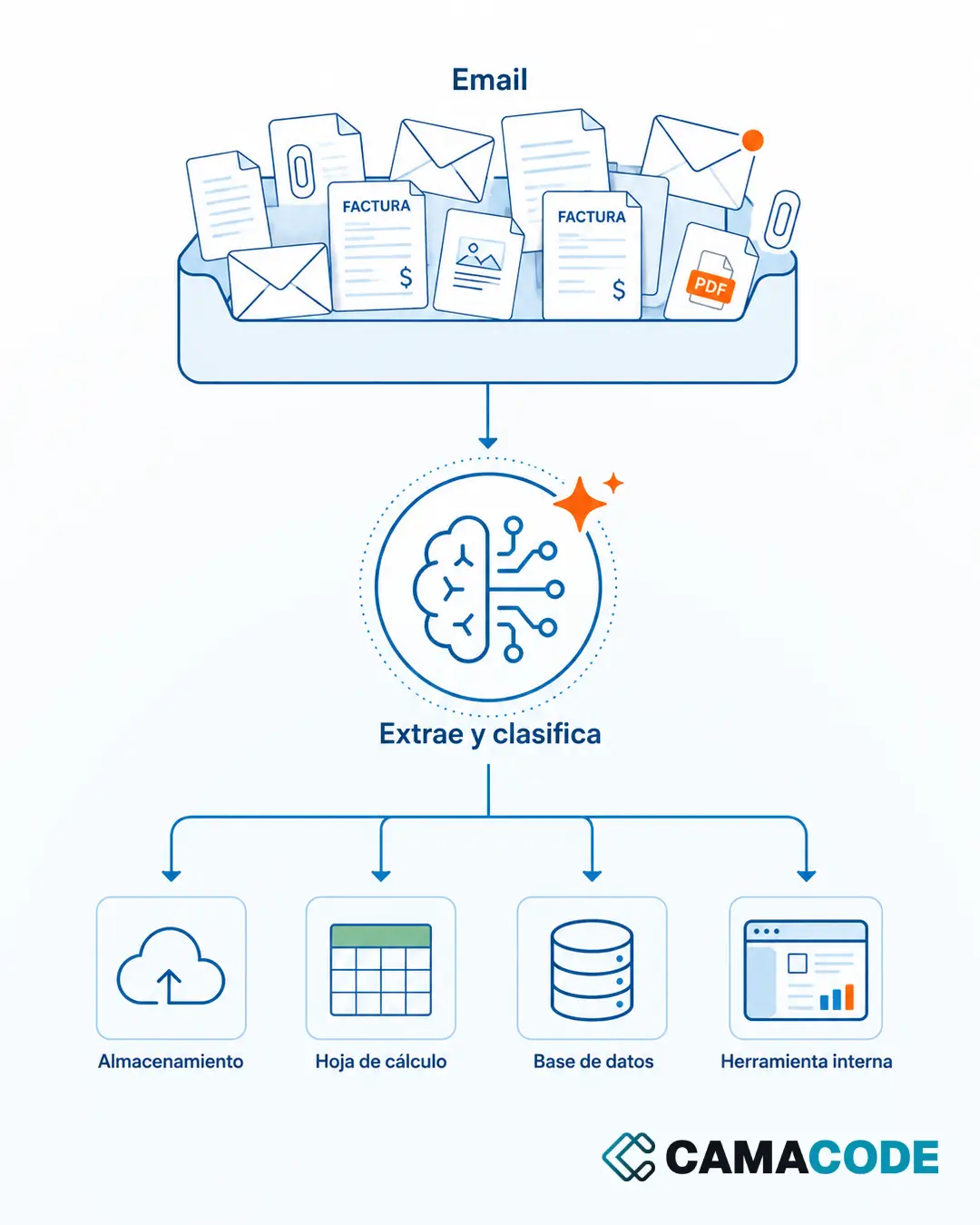
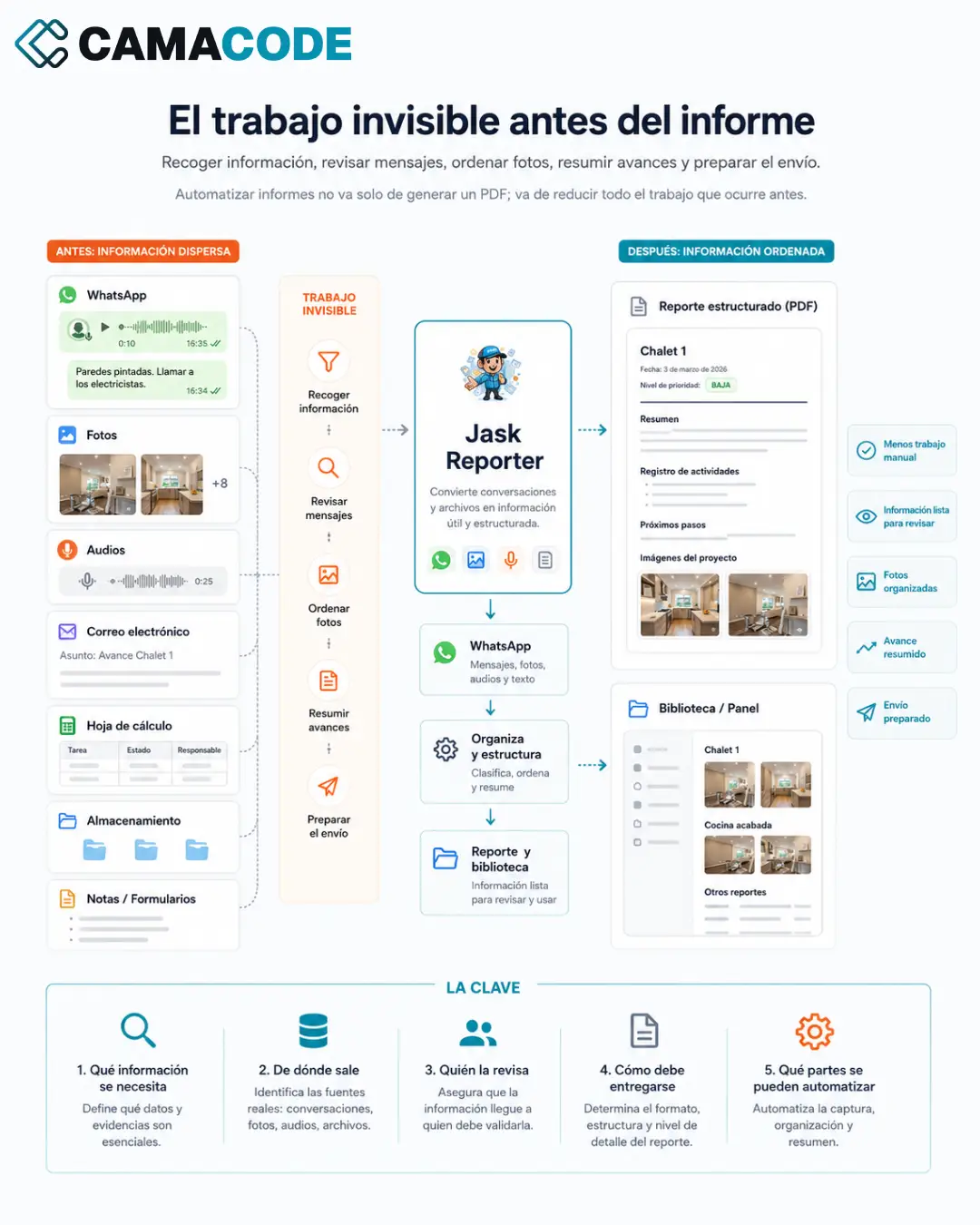
Next-step reminders, activity logging and weekly reports can all be automated, just like other repetitive tasks. The conversation, the judgment and the decision of when to write remain yours. This is not about automating human relationships: it is about not losing important information because you are winging it.
Case study: tracking LinkedIn clients without relying on memory
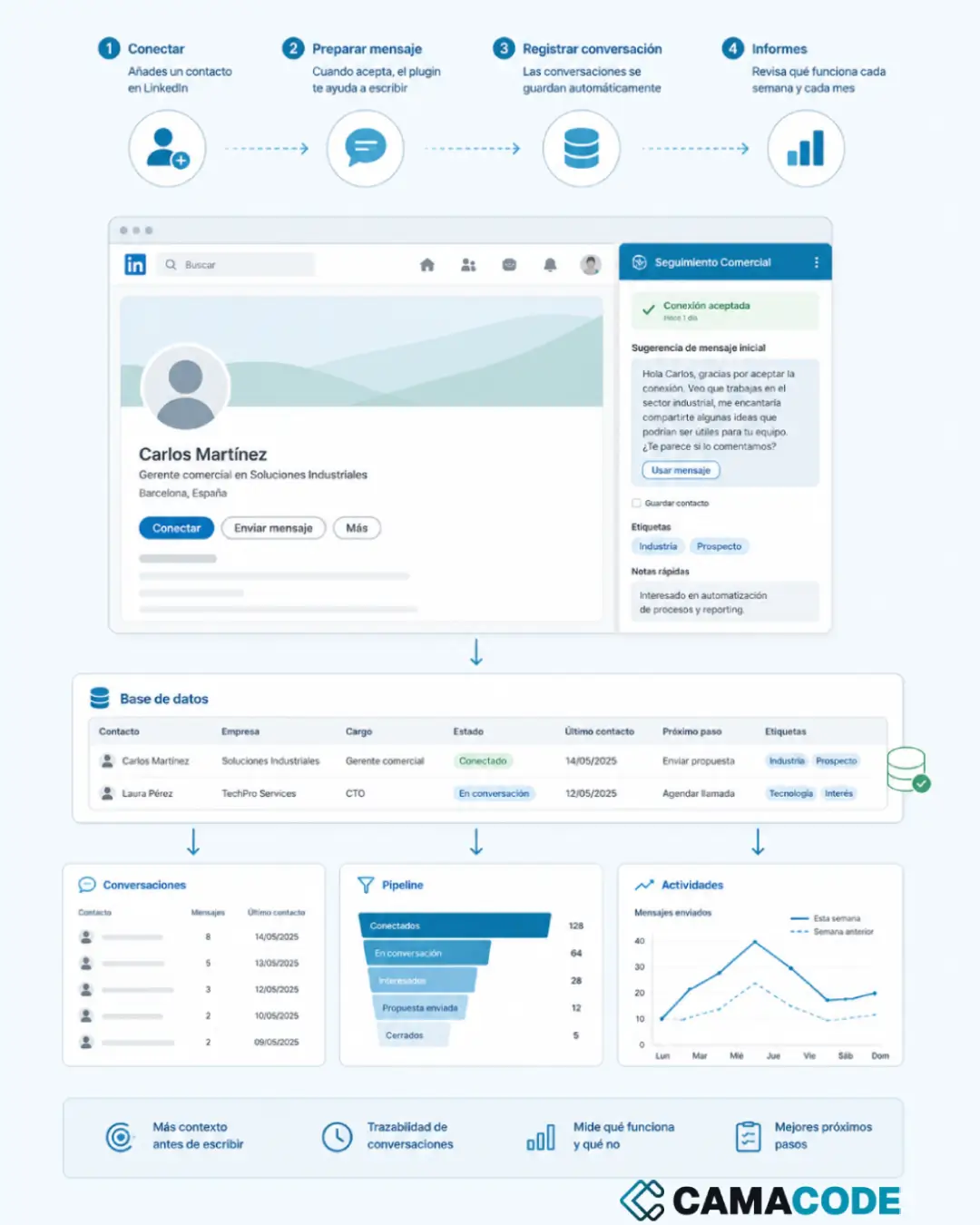
At Camacode we lived this problem in our own process: making contacts on LinkedIn is only the beginning; the hard part is remembering who accepted, which conversation was left open and what is actually working. We built a Chrome extension that saves the link to each contact’s profile along with the context we add about them, helps prepare the first message when they accept, records the conversations in a database and generates weekly and monthly reports. It does not scrape LinkedIn or send messages in bulk: it saves the link to the contacts we are already managing, when we tell it to. The goal is to write with context and not lose opportunities through poor follow-up. We tell the story in A LinkedIn CRM built as a Chrome extension: contacts, messages and sales reports.
Where do you start tidying up the way you track clients?
Start this week with a simple exercise: list every sales conversation you have open right now and note, for each one, what the next step is and when it is due. If you struggle to complete the list, you have already confirmed the problem. Then decide where that list will live from now on (one single place, accessible to the whole team) and set a fifteen-minute weekly review. The definitive tool can come later; the habit of recording and reviewing is what changes results.
Does the way you track clients depend on memory and on a spreadsheet updated whenever there is time? Tell us how you follow up today and we will tidy it up without making it heavier.