Process automation · Business process management
What processes can be automated in a company? How to choose the first one
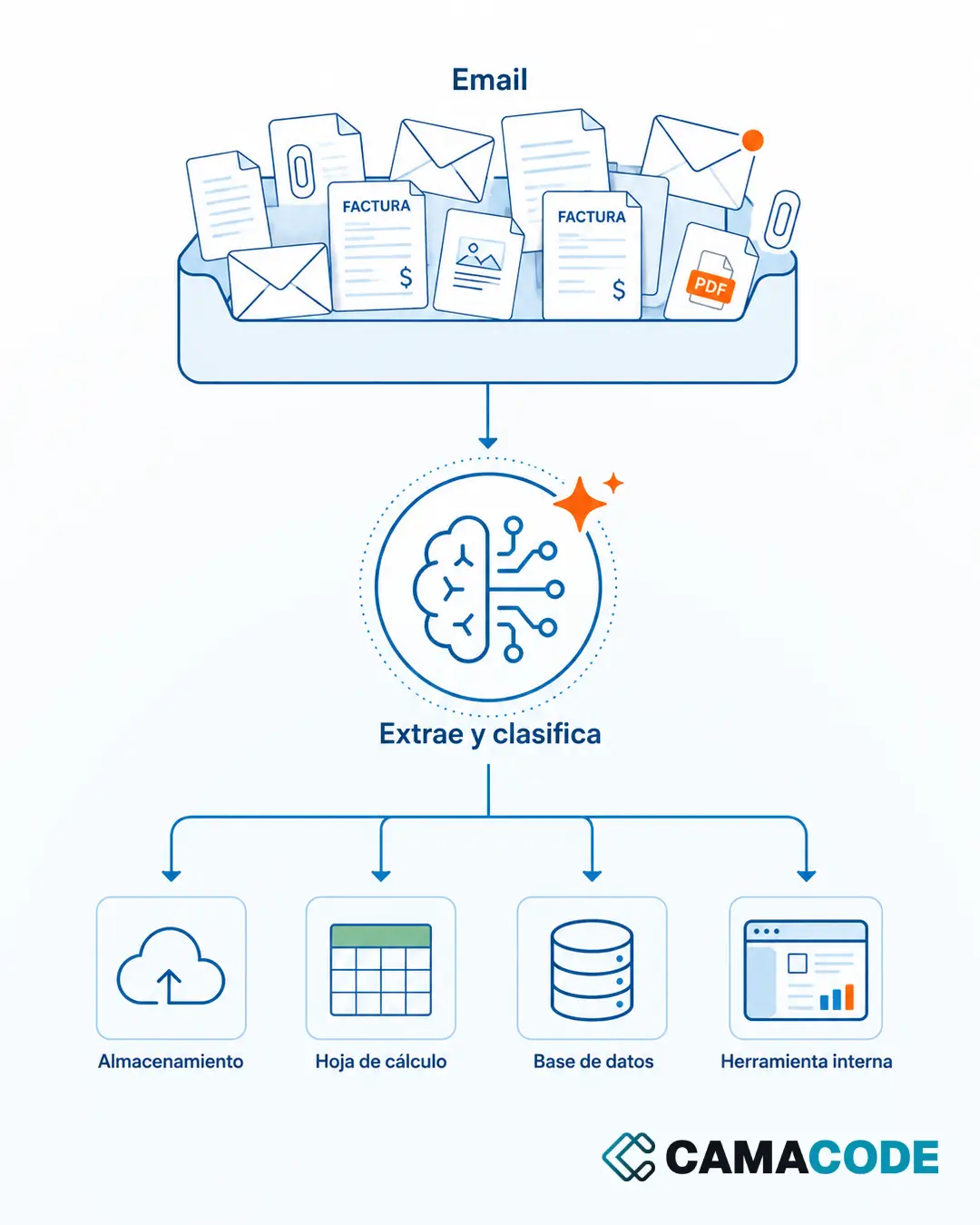
Any repetitive process with clear rules can be automated: invoice and document handling, recurring reports, moving data between systems, reminders and follow-ups, and first-line answers to routine inquiries. The best first candidate is the one that repeats every week, eats up time and causes errors when done by hand.

Written by Lluís Casals Marsol · Founder at Camacode
Published on
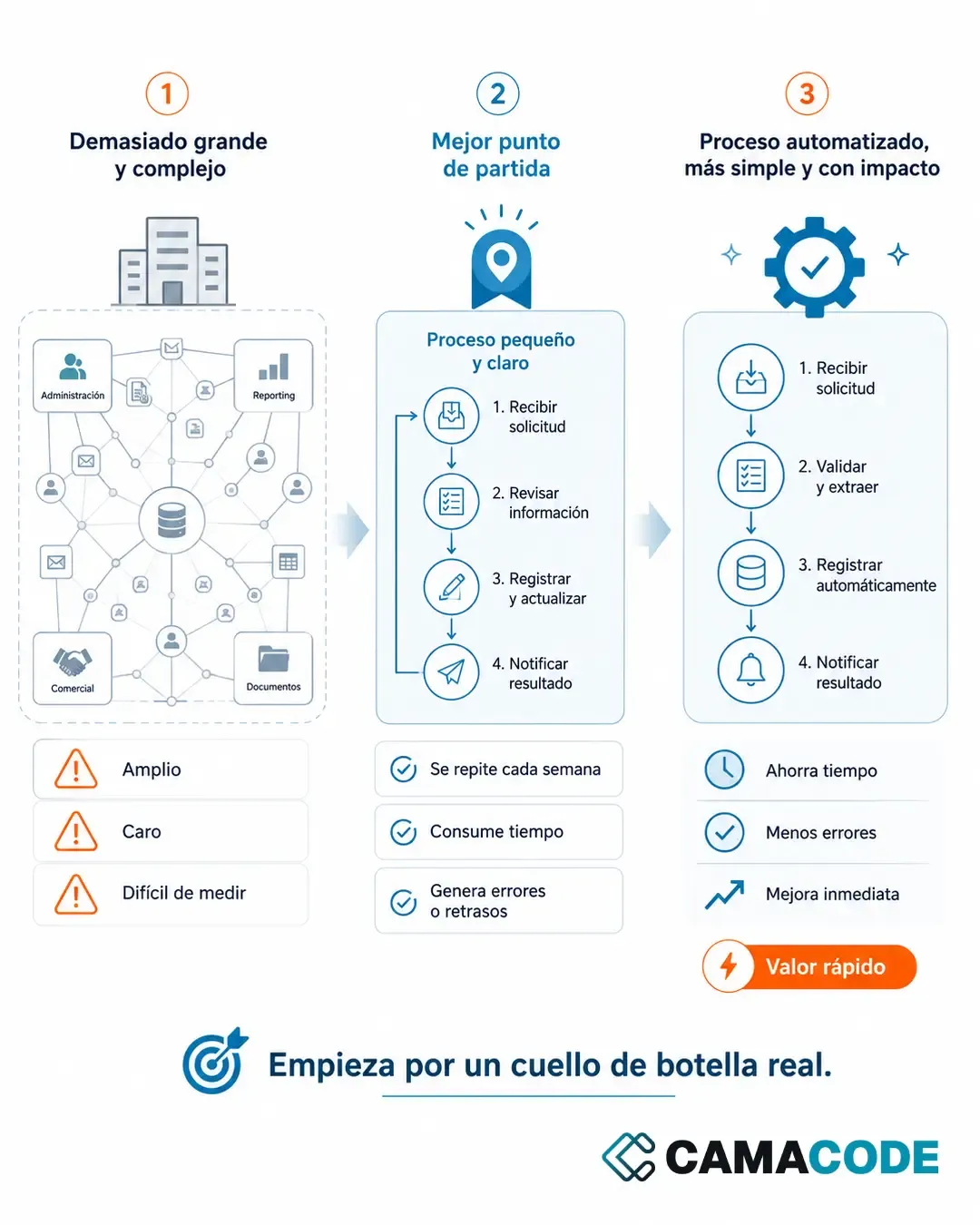
Digitizing the whole company in one go is usually a bad idea: too broad, too expensive and too hard to measure. It works far better to start with a small, repetitive, clearly defined process. The question is which one.
What business processes can be automated?
The usual candidates show up in almost every company:
- Admin and documents: incoming invoices, filing, accounting records, expense handling.
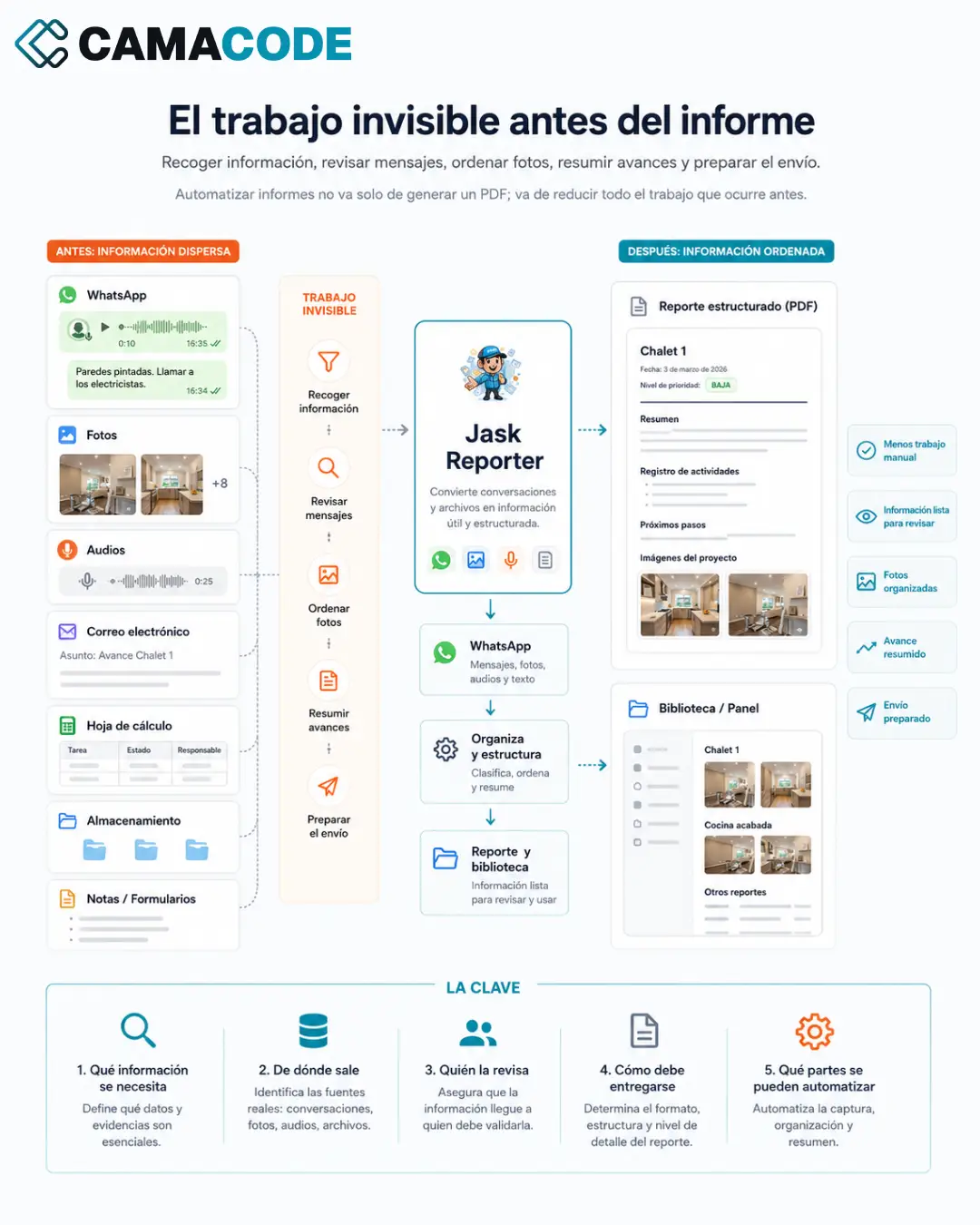
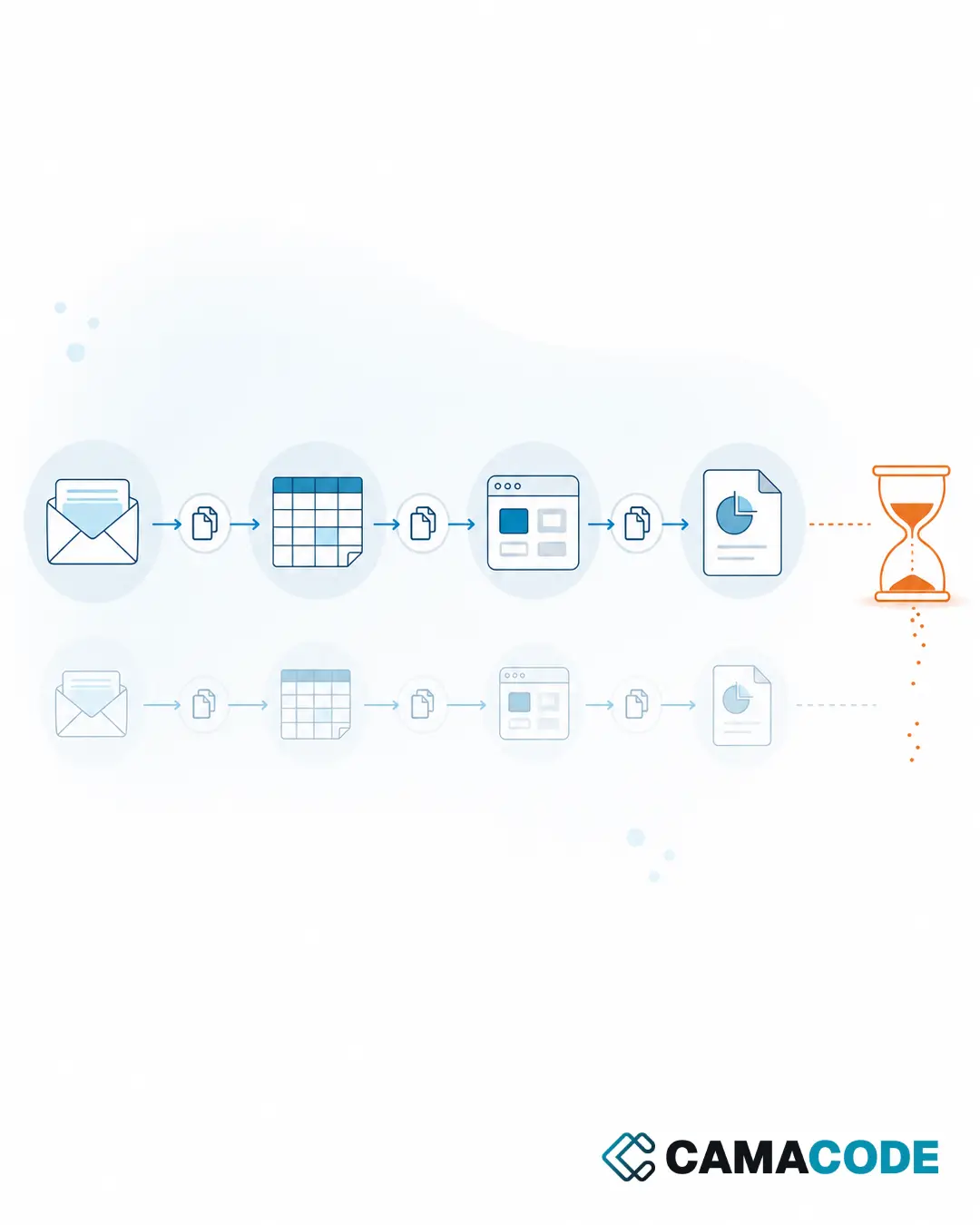
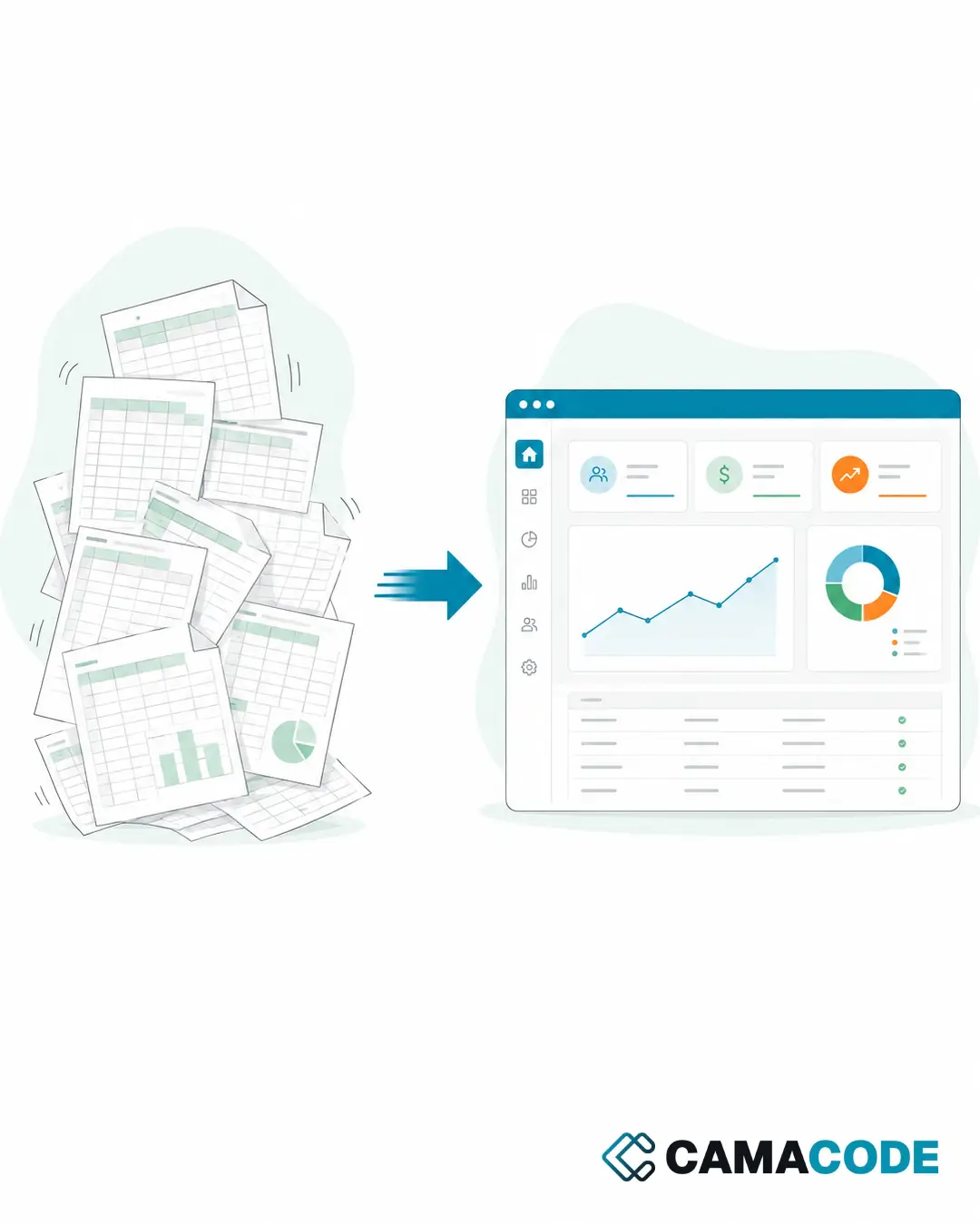
- Recurring reports: gathering the data, assembling the document and sending it, as we explain in how to automate reports.
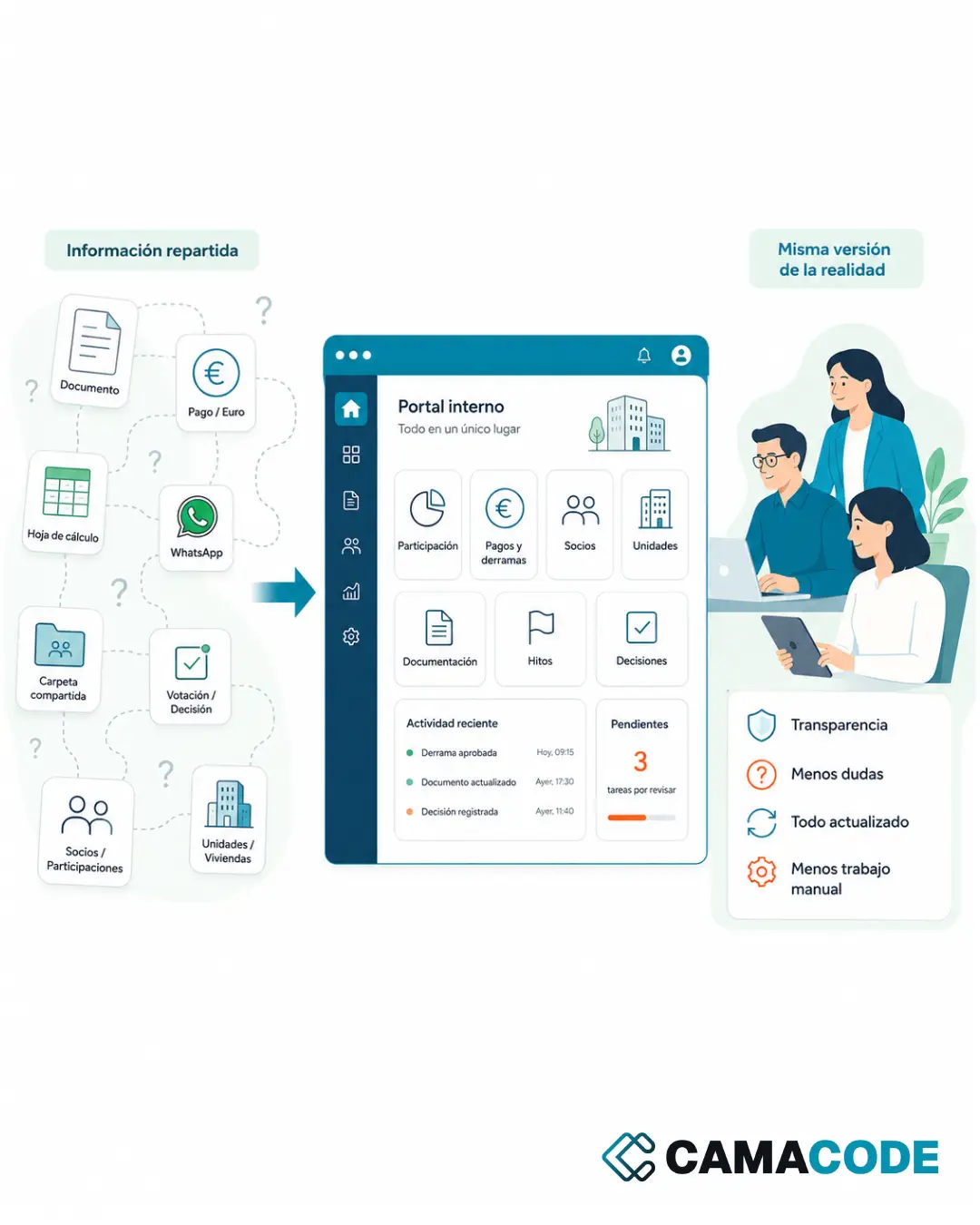
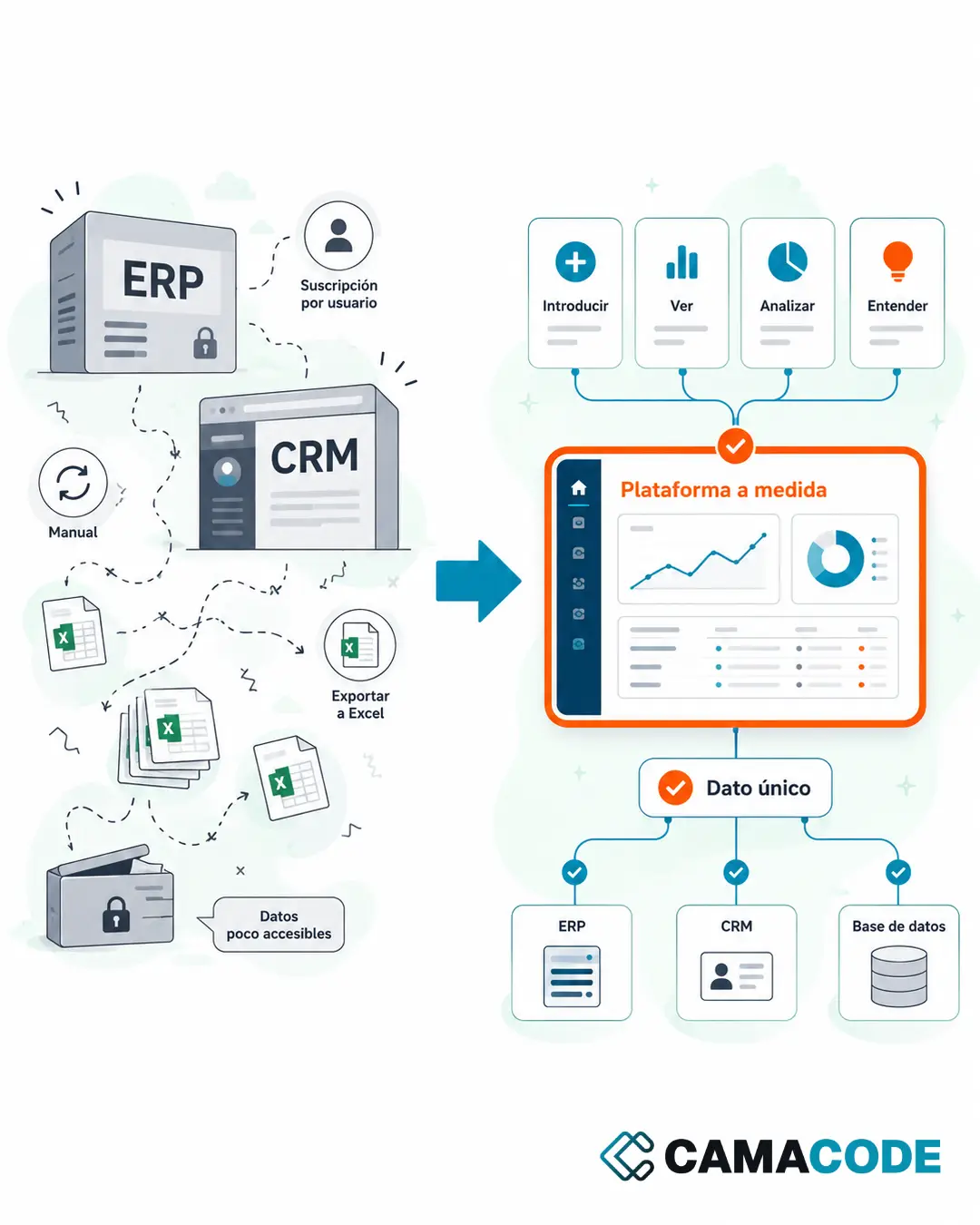
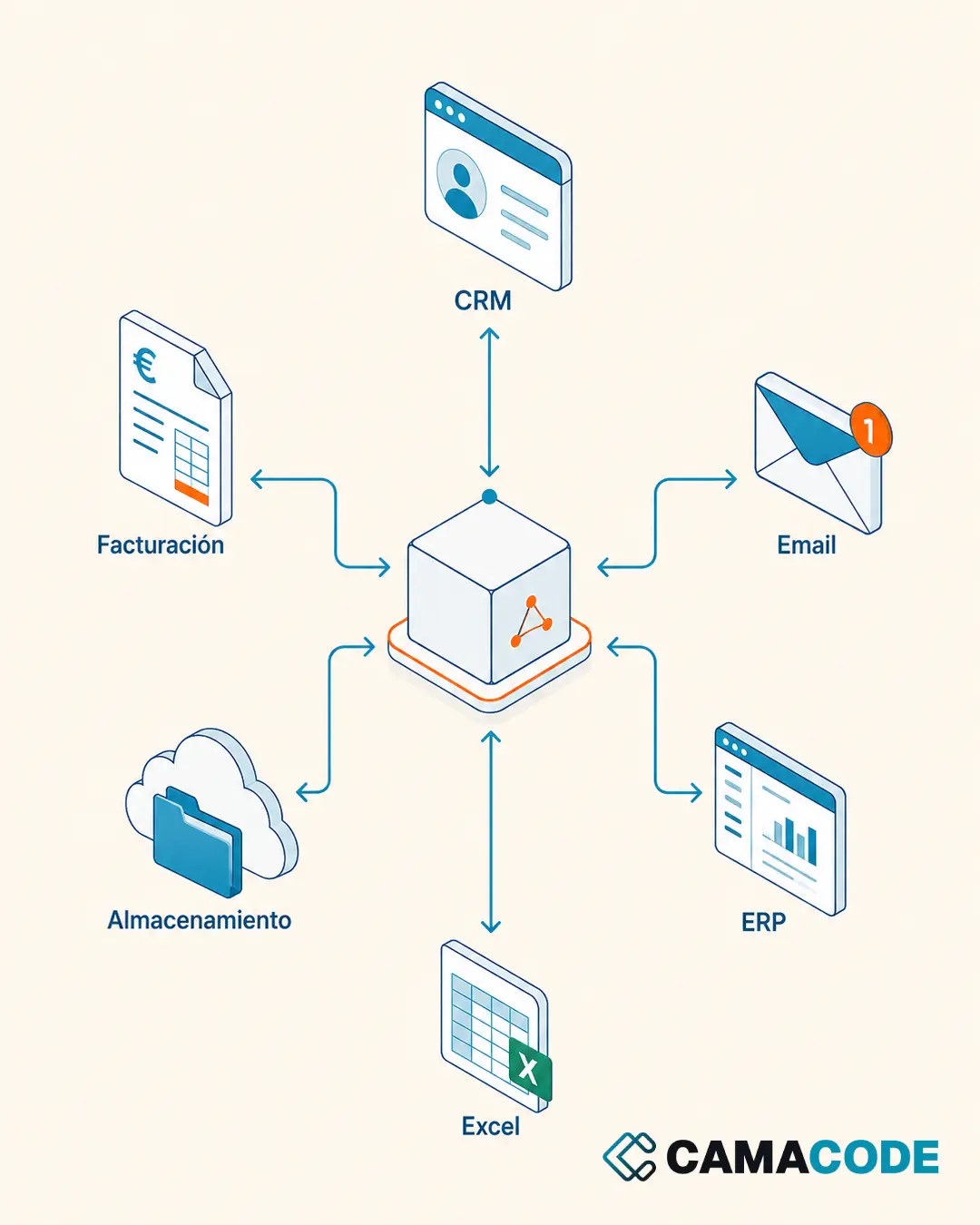
- Moving data between systems: everything that today gets copied from one screen to another.
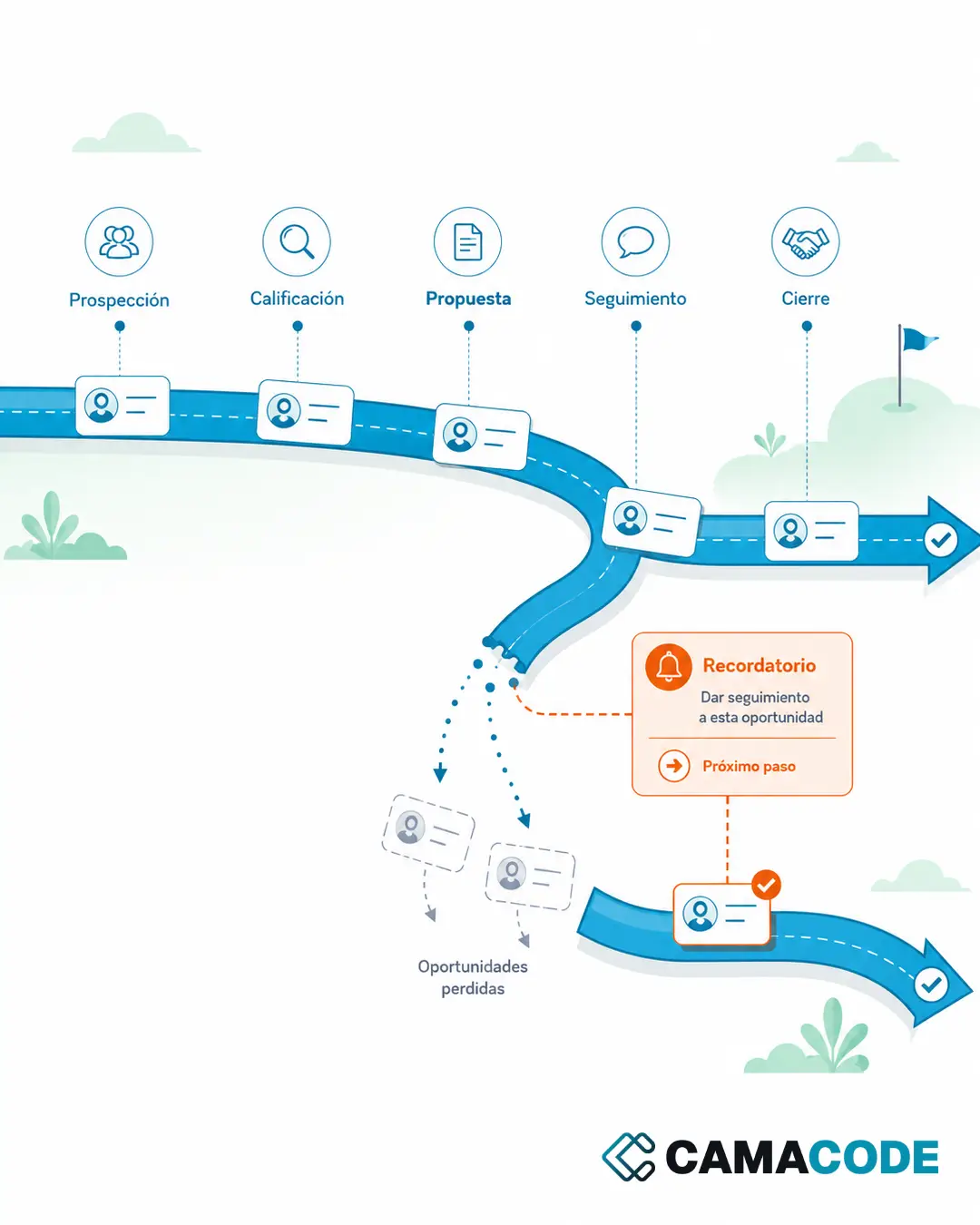
- Reminders and follow-ups: payment reminders, renewals, pending tasks, replies that never arrive.
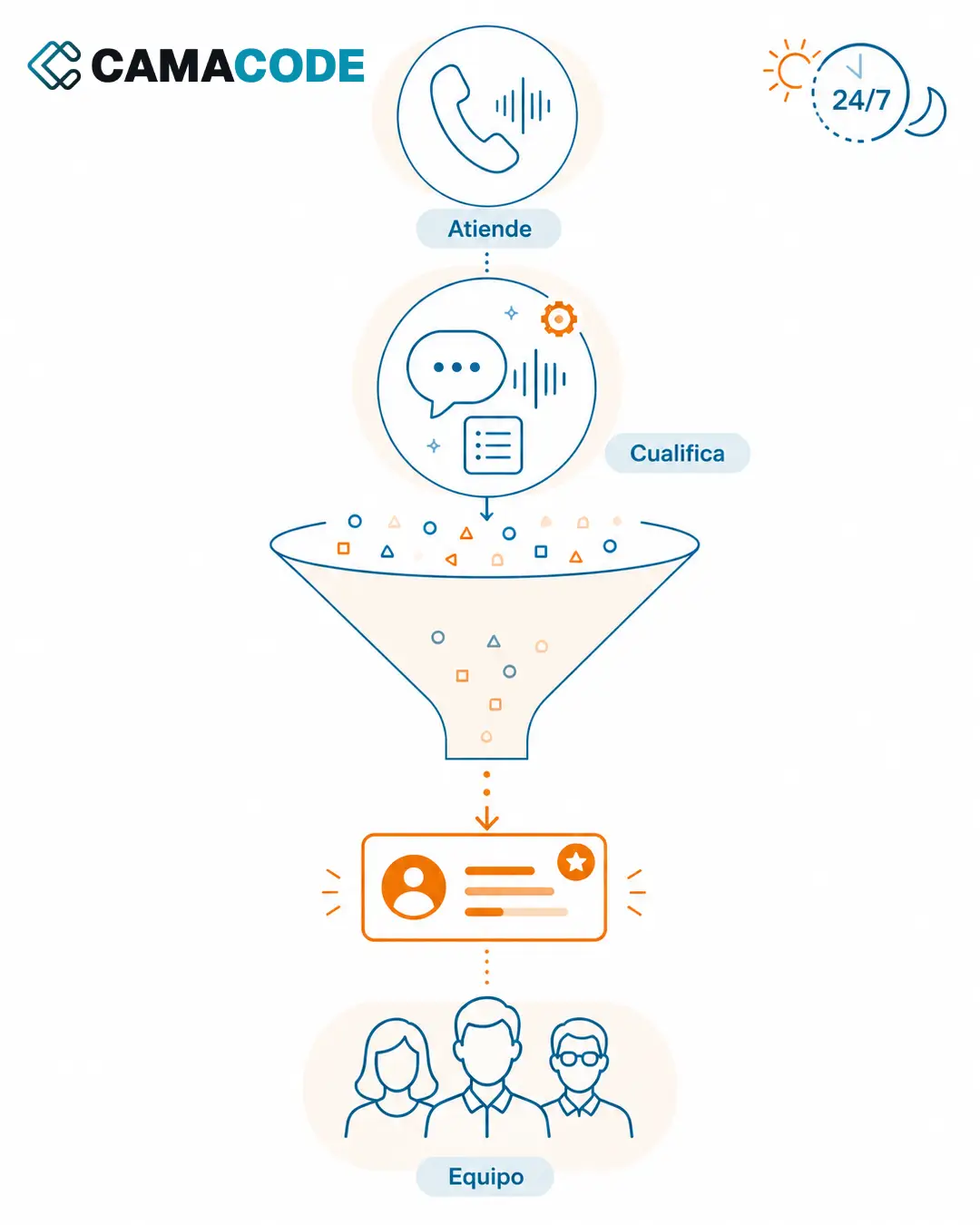
- First-line support: repetitive inquiries by phone, email or web that follow predictable patterns.
- Registrations and records: creating customers, orders or incidents from forms or messages.
Business process automation examples: which ones need AI and which do not?
It helps to separate two families. Processes with fixed rules (moving files, cross-checking data, sending alerts) are automated with traditional tools: cheaper and completely predictable. AI comes in when the process requires understanding something: reading an invoice with a variable layout, interpreting an email, transcribing a call, classifying documents or summarizing scattered information. Most good projects combine both: AI interprets the input and classic automation does the rest. If you are weighing up where to introduce AI in your business, we go into that approach in how to implement AI in my business.
How do you choose the first process to automate?
A good first candidate meets three conditions:
- It repeats every week (or more often). Repetition multiplies the savings.
- It takes time but adds no distinctive human judgment. Nobody will miss doing it.
- It causes errors, delays or doubts when it is done by hand.
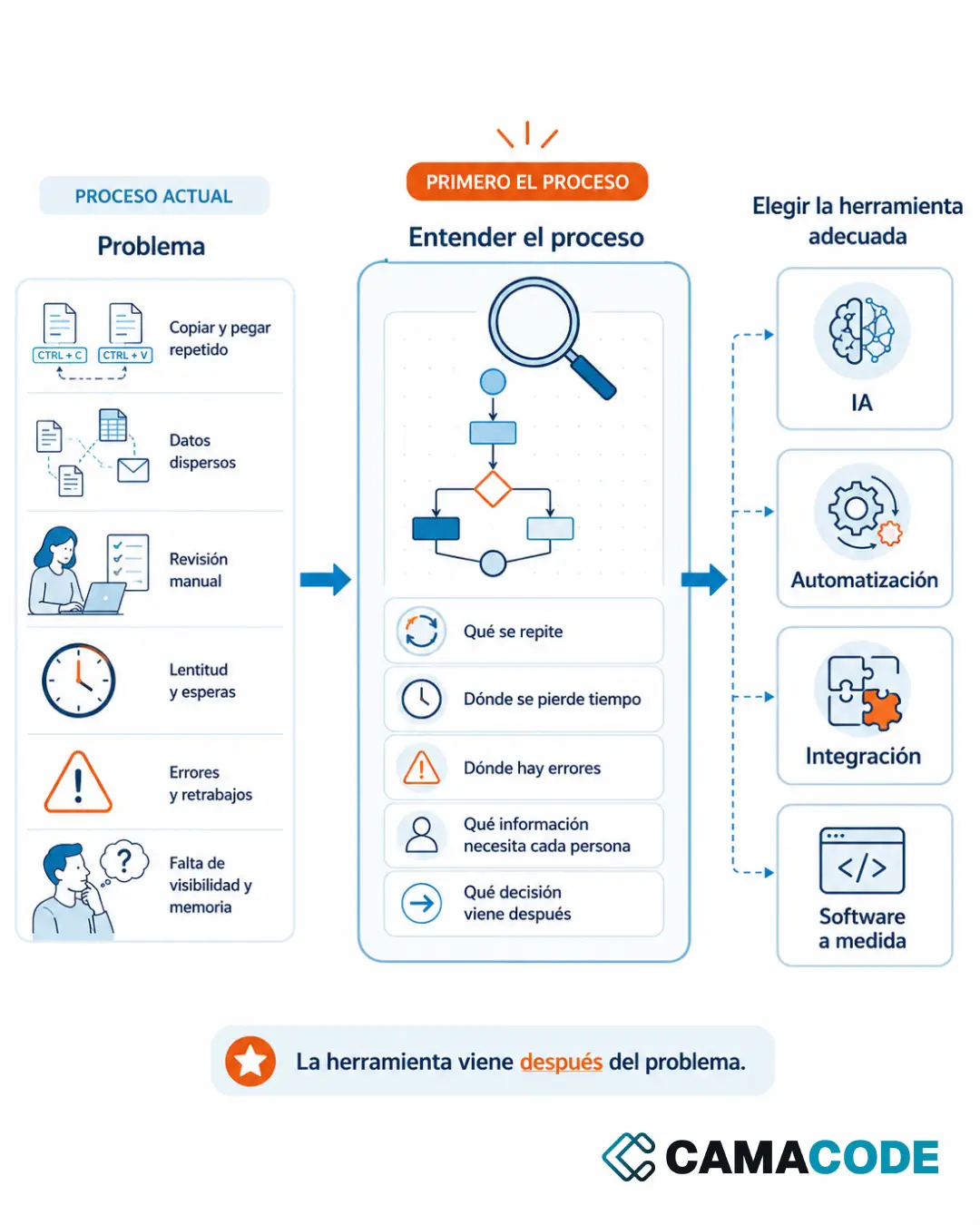
It does not have to be the most spectacular process: it has to be the one that proves value fast. A small improvement in admin, reporting or document handling already frees up hours every week. And there are two traps to avoid: automating a chaotic process without tidying it up first (you automate the chaos) and starting with the most complex process in the company (the project drags on and burns through everyone’s trust). This prioritization work is the essence of business process management: first understand and organize, then automate.
Case study: a first process that was small, clear and measurable
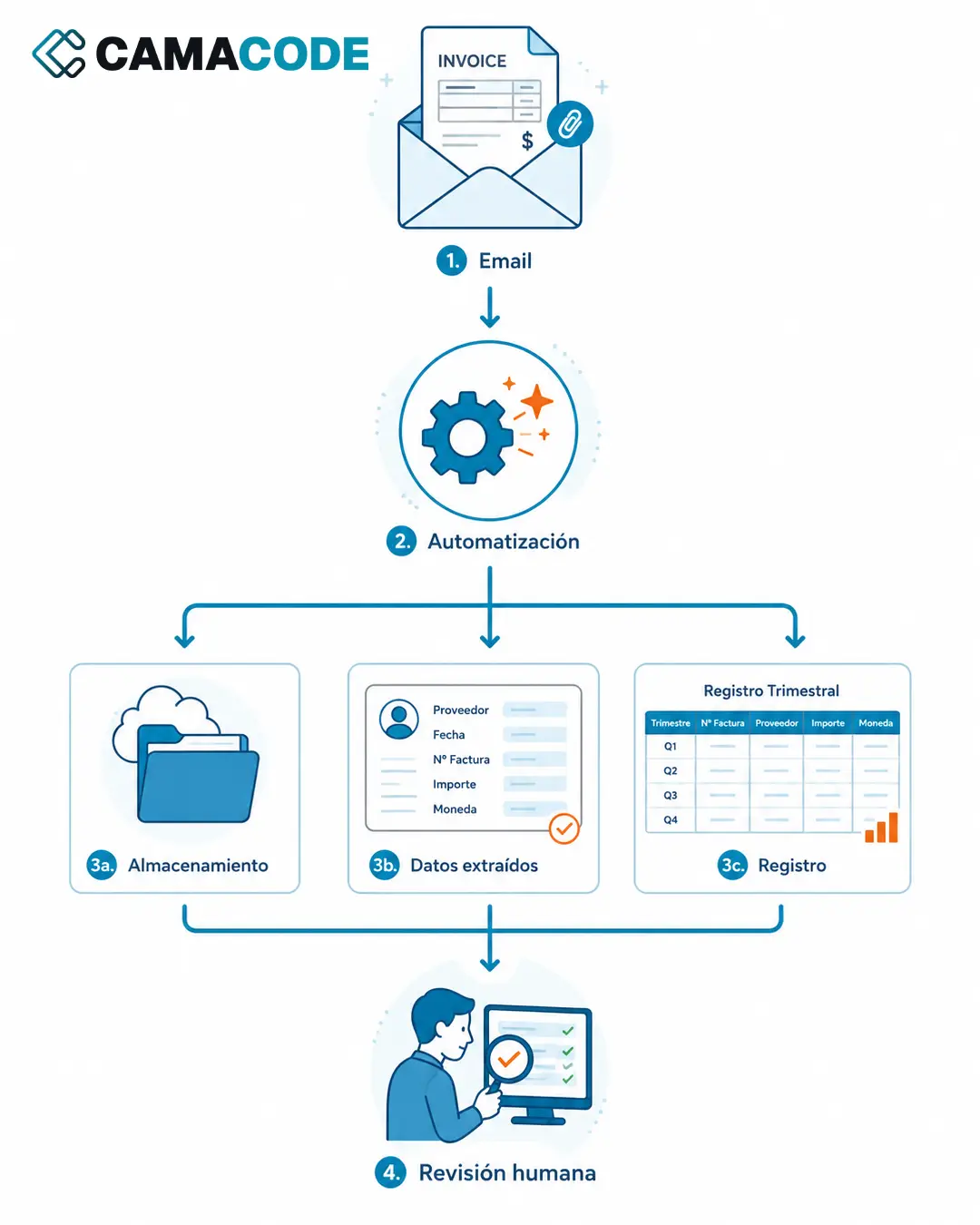
A good example of a well-chosen first process: the quarterly invoice handling at a company we work with at Camacode. It met the three conditions: it repeated in exactly the same way, it consumed mechanical hours and the odd slip ended up as an error in the ledger. We automated that specific flow: detecting invoices in the inbox, filing them in the right folders and updating the quarterly ledger. A contained scope, a visible result from the very first quarter. The full case: Invoice automation: from the inbox to the quarterly ledger, hands-free.
Where do you start automating processes in your company?
Run this exercise with your team this week: ask everyone to write down the three tasks they repeat in exactly the same way and how long each takes. Put the list together and score every task by frequency, time and errors. The highest total is your pilot. Give it a simple goal (“invoices record themselves”, “the report comes out without assembling it by hand”) and validate the result over a few weeks before moving on to the next process. The best automation is not the most sophisticated one: it is the one that solves a real bottleneck.
Would you like a quick assessment to identify two or three clear automation opportunities in your company? Tell us how your business runs today and we will go through it with you.