Automation · Reporting
How do you automate reports without changing your whole system?
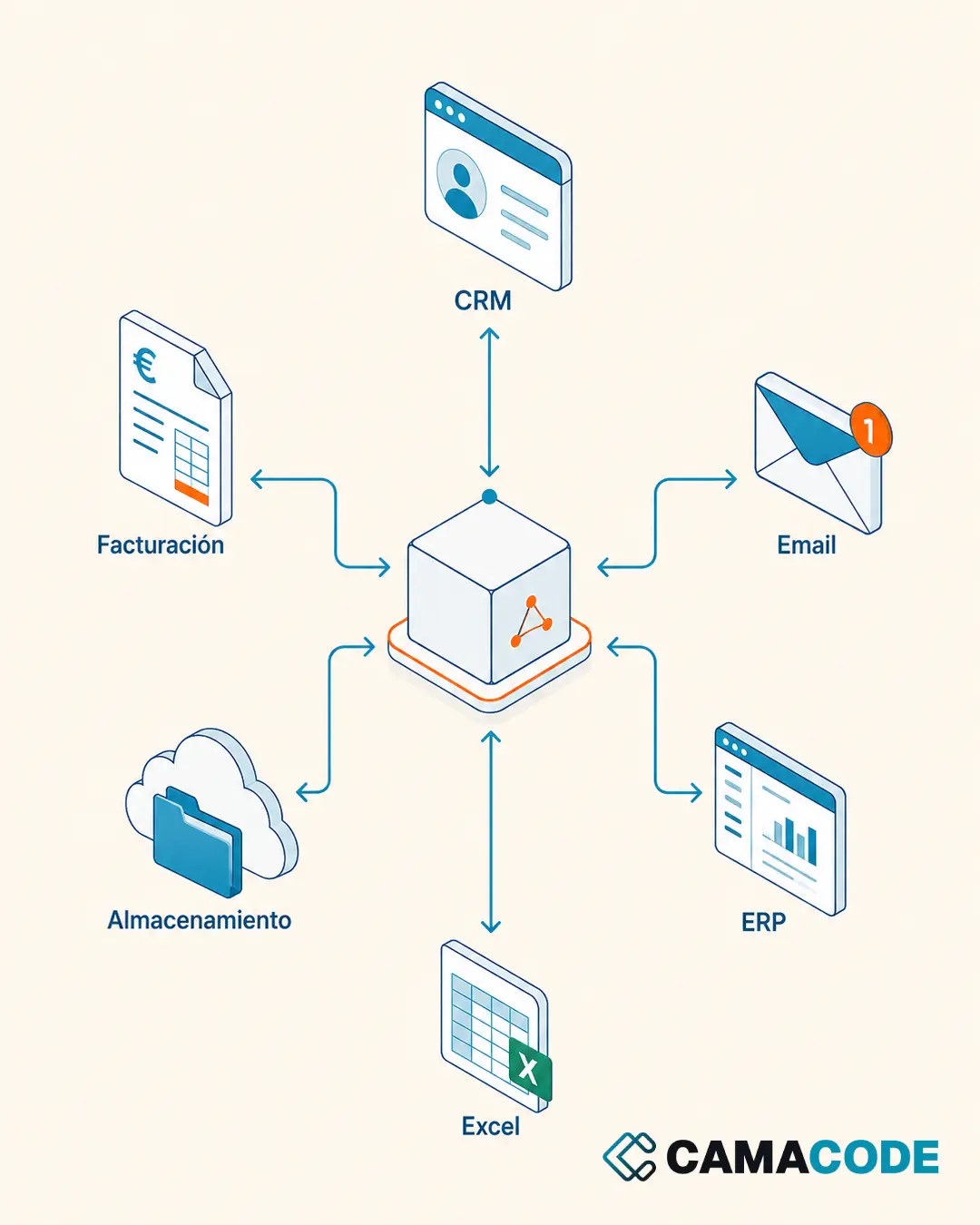
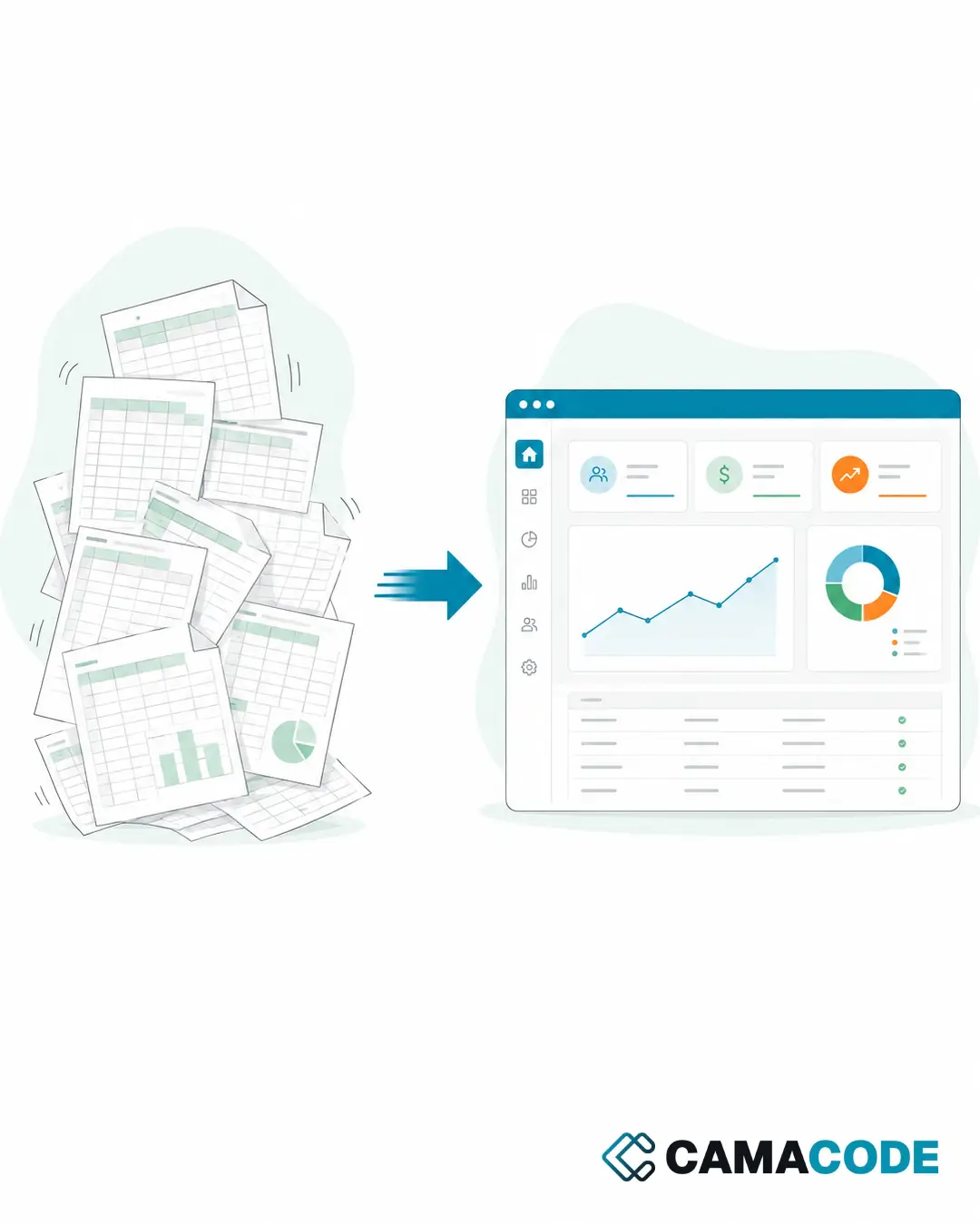
Automating reports does not require changing systems: you just need to connect the sources where the data already lives (spreadsheets, emails, databases, and WhatsApp through its official Business API, using a company number), define the report template and let an automated flow generate and send it. The person goes from writing the report to reviewing it.

Written by Lluís Casals Marsol · Founder at Camacode
Published on
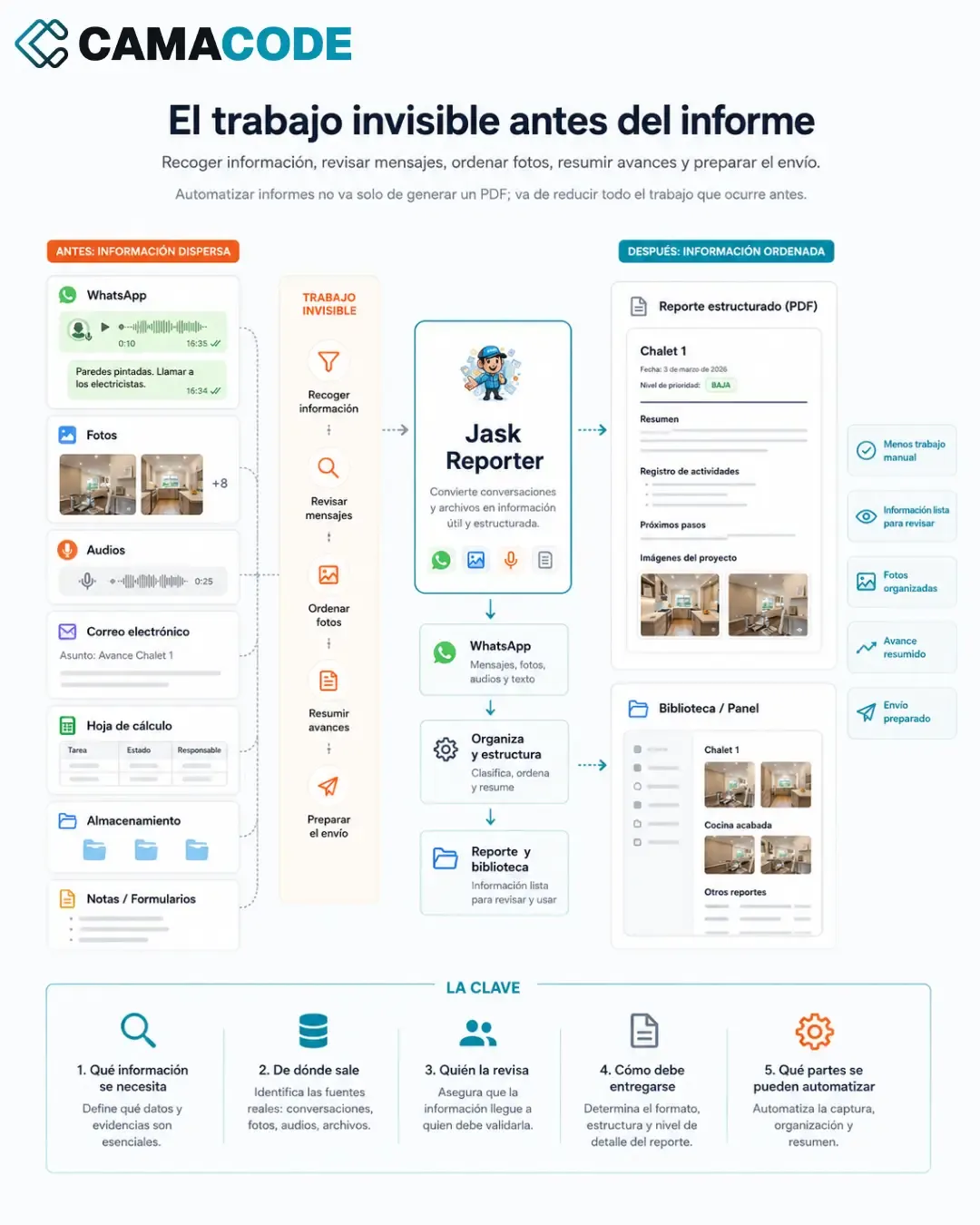
A weekly report does not start when you open the document. It starts much earlier: gathering information, going through messages, sorting photos, summarizing progress and preparing the delivery. That invisible work is what can genuinely be automated.
Where is time lost when preparing reports?
If you produce recurring reports, you probably recognize these steps:
- Chasing colleagues to send in their part.
- Looking for data across several tools and copying it into a document.
- Rearranging photos, notes and messages that arrived through different channels.
- Formatting the document over and over, the same way every week.
- Remembering who it goes to, when and in which format.
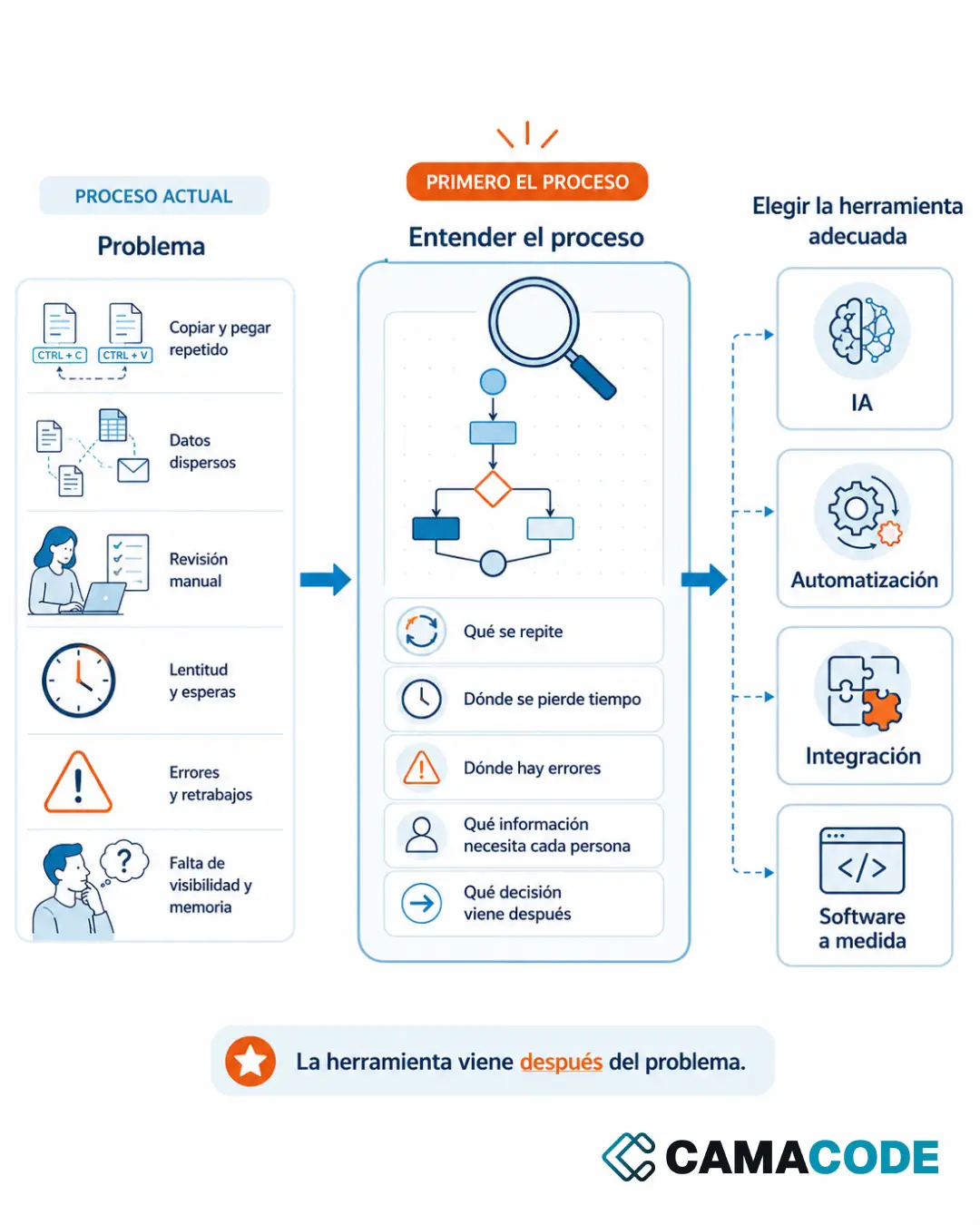
The content of the report changes; the process of putting it together is identical every time. And anything that repeats identically is a candidate for automation.
What data do you need and where does it come from?
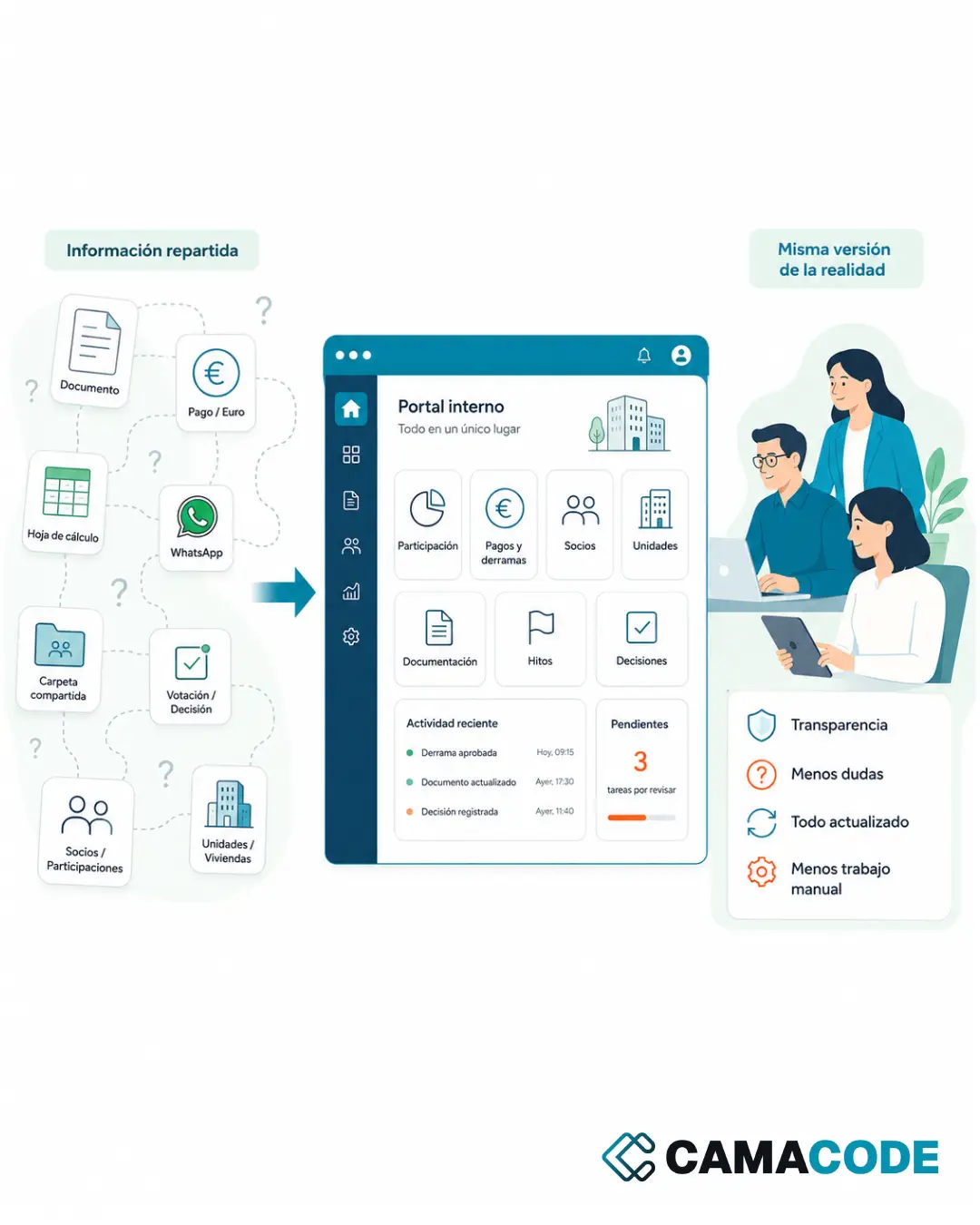
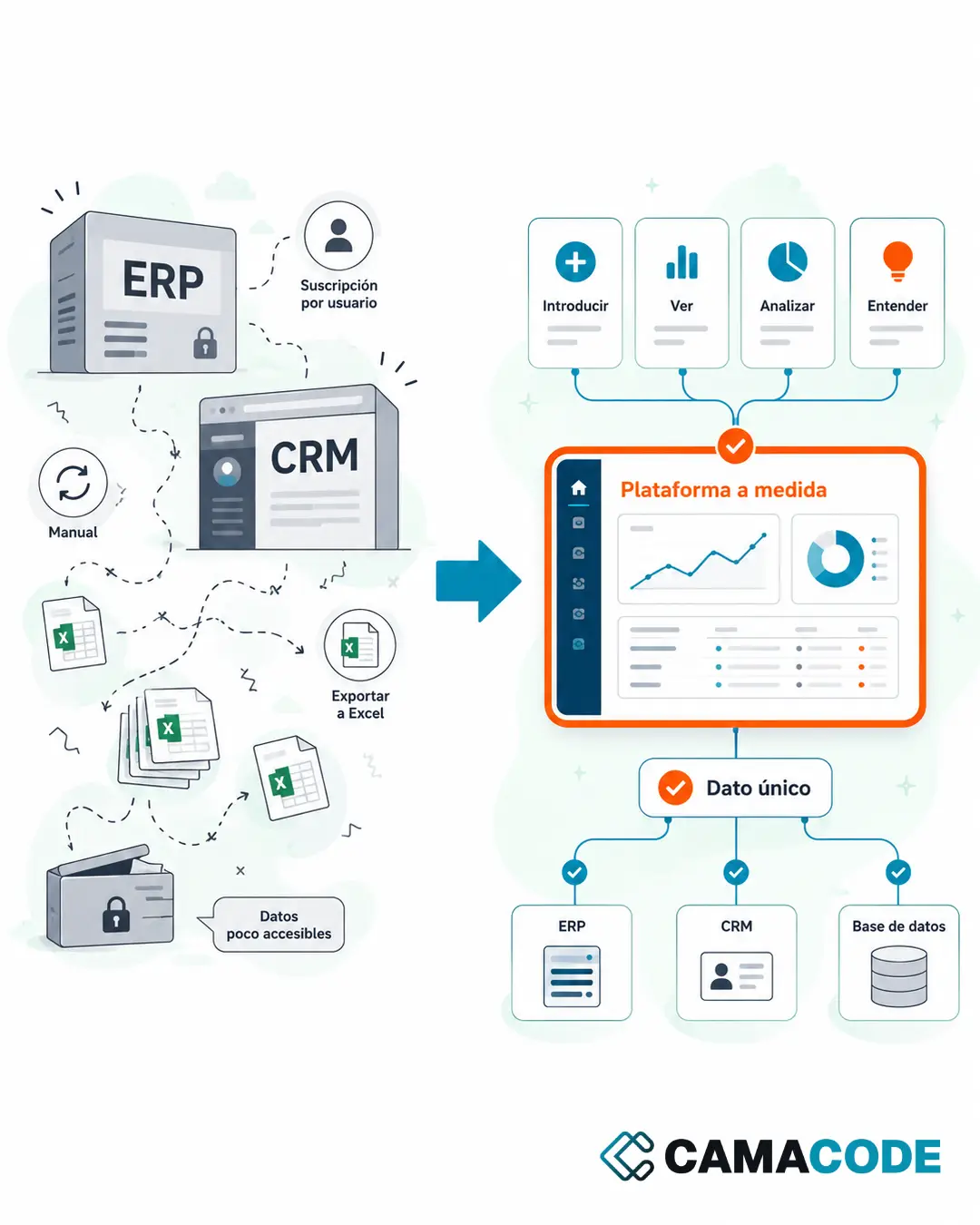
Before automating anything, it is worth answering five questions: what information the report needs, where it comes from, who reviews it, how it must be delivered and which parts require human judgment. In most companies the data already exists: forms, emails, spreadsheets, databases, WhatsApp, storage systems or internal tools. The problem is not a lack of data, but that it is scattered and someone has to pull it together by hand. This mapping is the most valuable part of the project and it is pure business process management work: understanding the flow before touching the technology.
How do you build a flow to automate reports?
Automated report generation from spreadsheets and databases
If the data already lives in spreadsheets or databases, automated report generation is straightforward: a scheduled process reads the sources, calculates the indicators and fills in the report template. Excel can remain the source; what disappears is the manual assembly of the document.
Automate reporting when the information is unstructured
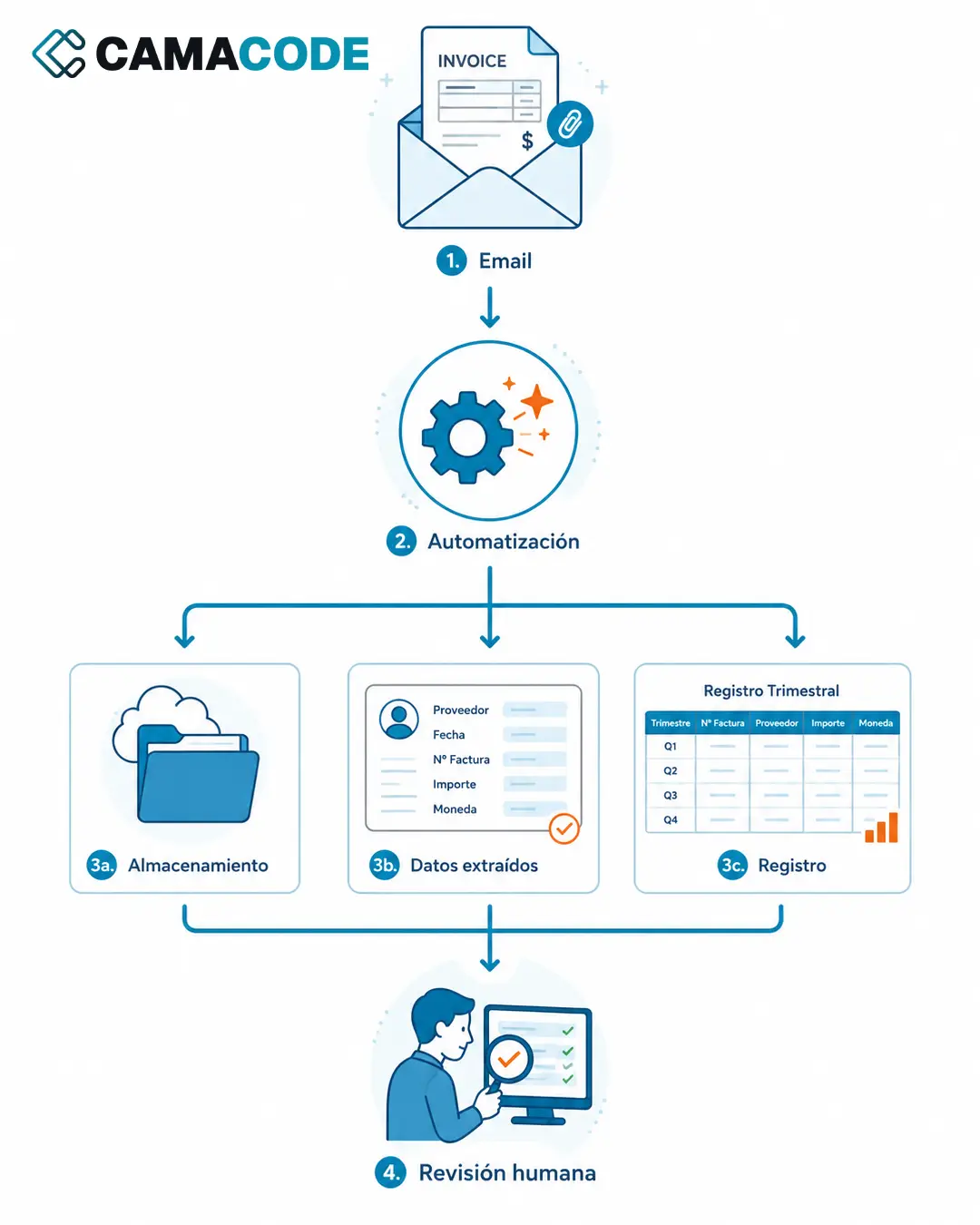
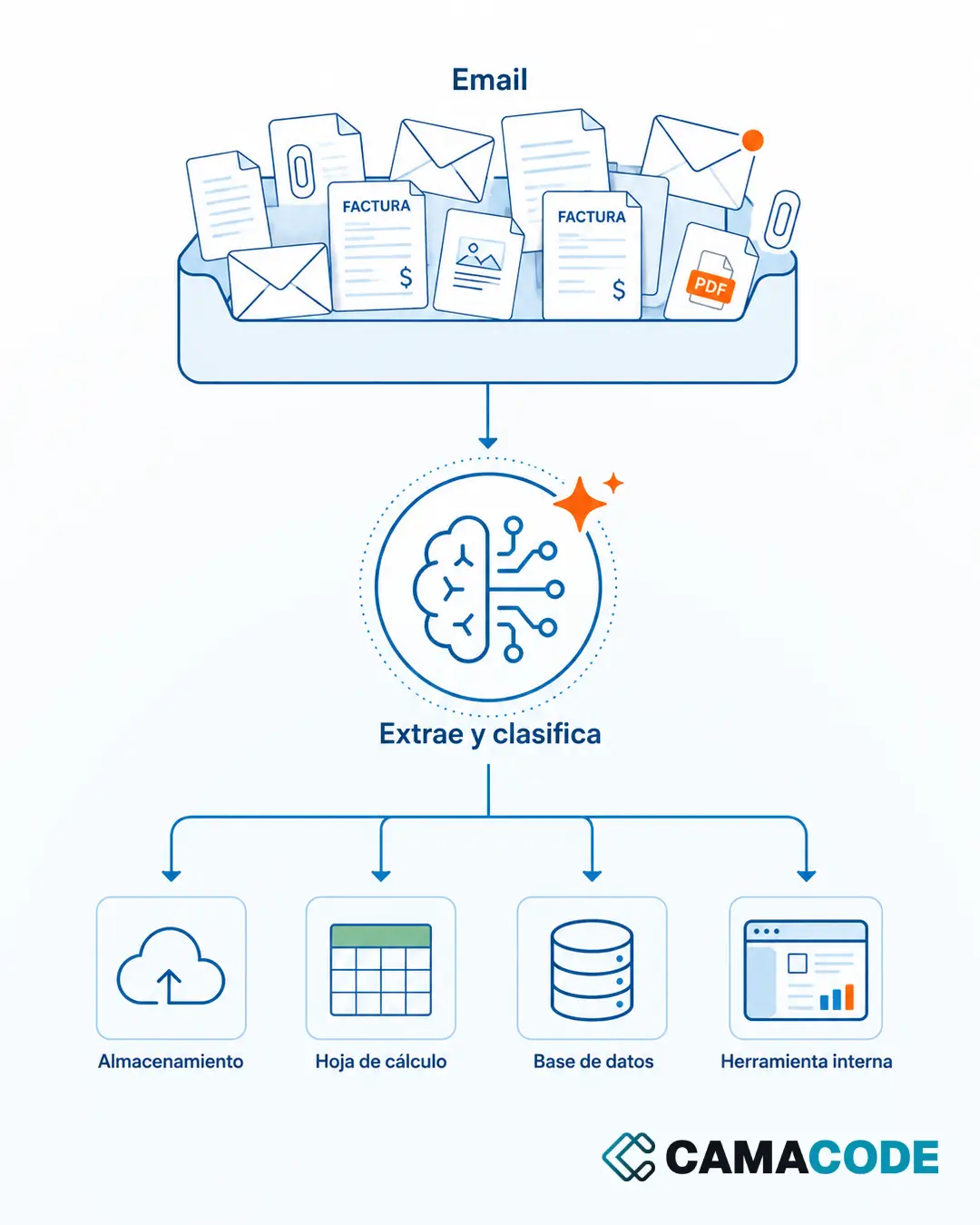
When the raw material is messages, photos, audio or free text, AI provides the step that used to require a person: understanding the content and structuring it. A model can transcribe a voice note, classify an incident or summarize progress in a consistent format. It is the same principle we use to extract data from invoices with AI.
Automated reporting for clients: deliver it, but keep the human review
The last stretch is automated too: generating the PDF, emailing it to the right list or publishing it in the shared folder, on the agreed date. When the report goes out to clients, that reliability is half the value: it always arrives, always on the same day, always in the same format. That said, it is wise to keep a human review point before delivery: the automation prepares, the person validates. That way the report gains speed without losing judgment.
Case study: construction daily reports built from WhatsApp messages
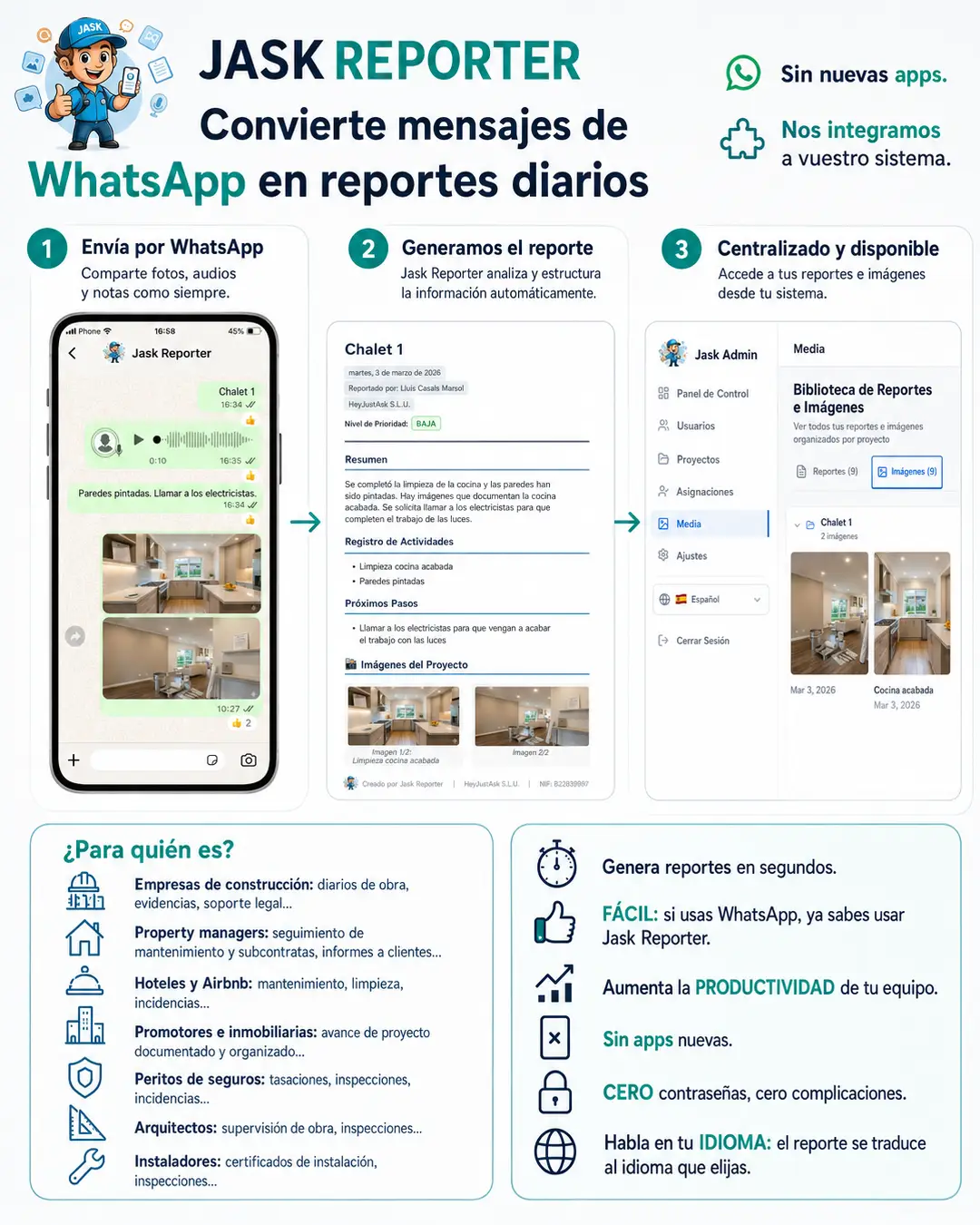
Jask Reporter, the product we developed before Camacode, was born from exactly this problem. A lot happens on a construction site every day, but documenting it took hours: photos on one side, voice notes on another, scattered calls and messages. The solution was to let the team send progress updates, incidents, photos and audio through WhatsApp (the tool they were already using) to a company number connected to the official WhatsApp Business API, and have the system turn them into structured reports ready for follow-up and coordination. You can see how it works in A construction daily report app that runs on WhatsApp: Jask Reporter.
Where do you start automating your reports?
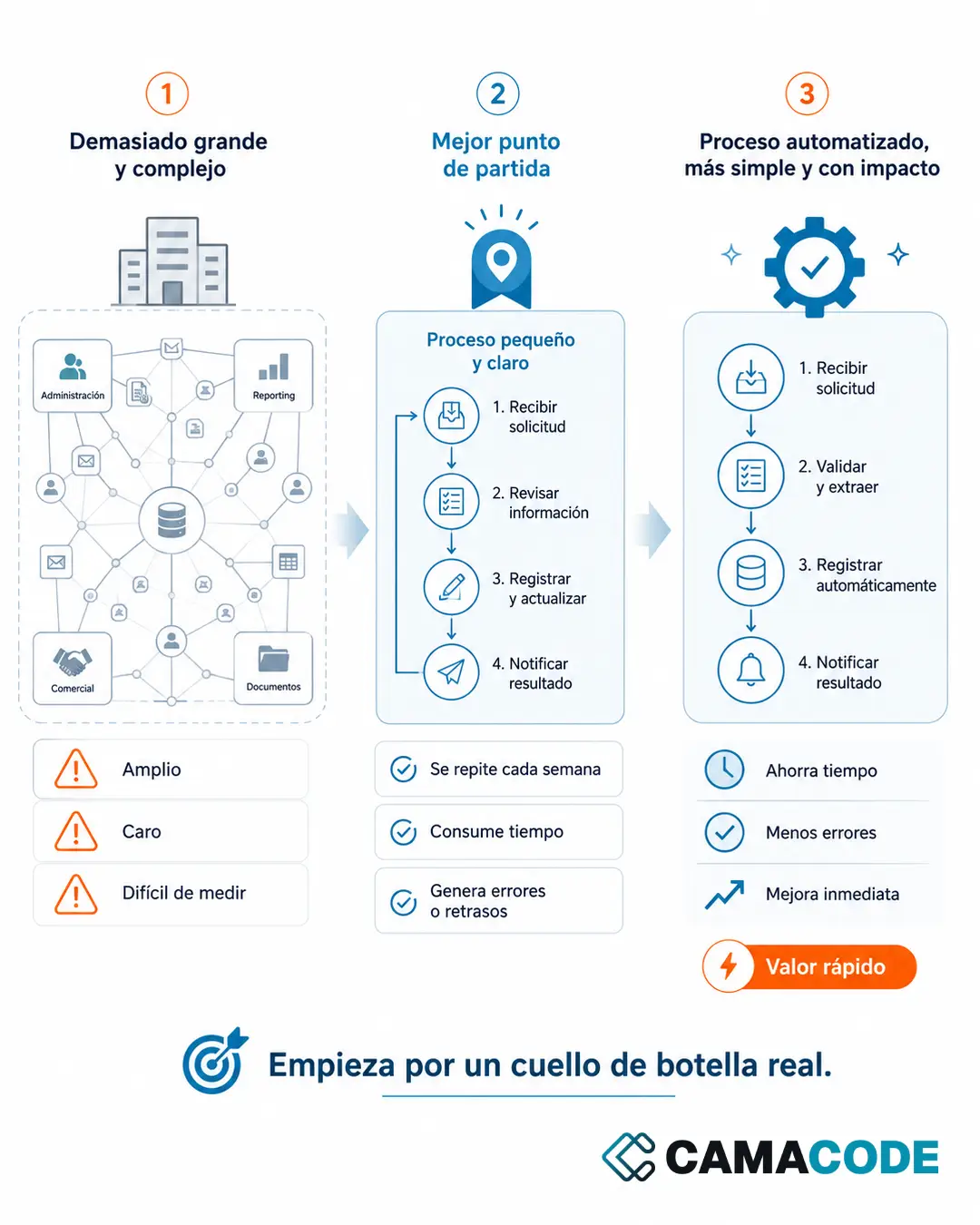
Pick a single report: the most repetitive one, not the most complex. For a week, note how much time each step of preparing it takes, from gathering data to sending it. With that list in front of you, mark which steps are mechanical (collecting, formatting, sending) and which require judgment (interpreting, deciding, nuancing). The mechanical ones get automated; the judgment ones stay with the person. If you are unsure which report or process to pick first, this guide on what processes can be automated in a company will help.
Which report do you prepare exactly the same way every week? Tell us which one it is and we will look at whether it can be automated.