System integration · Automation
Business system integration: how to make your data flow on its own
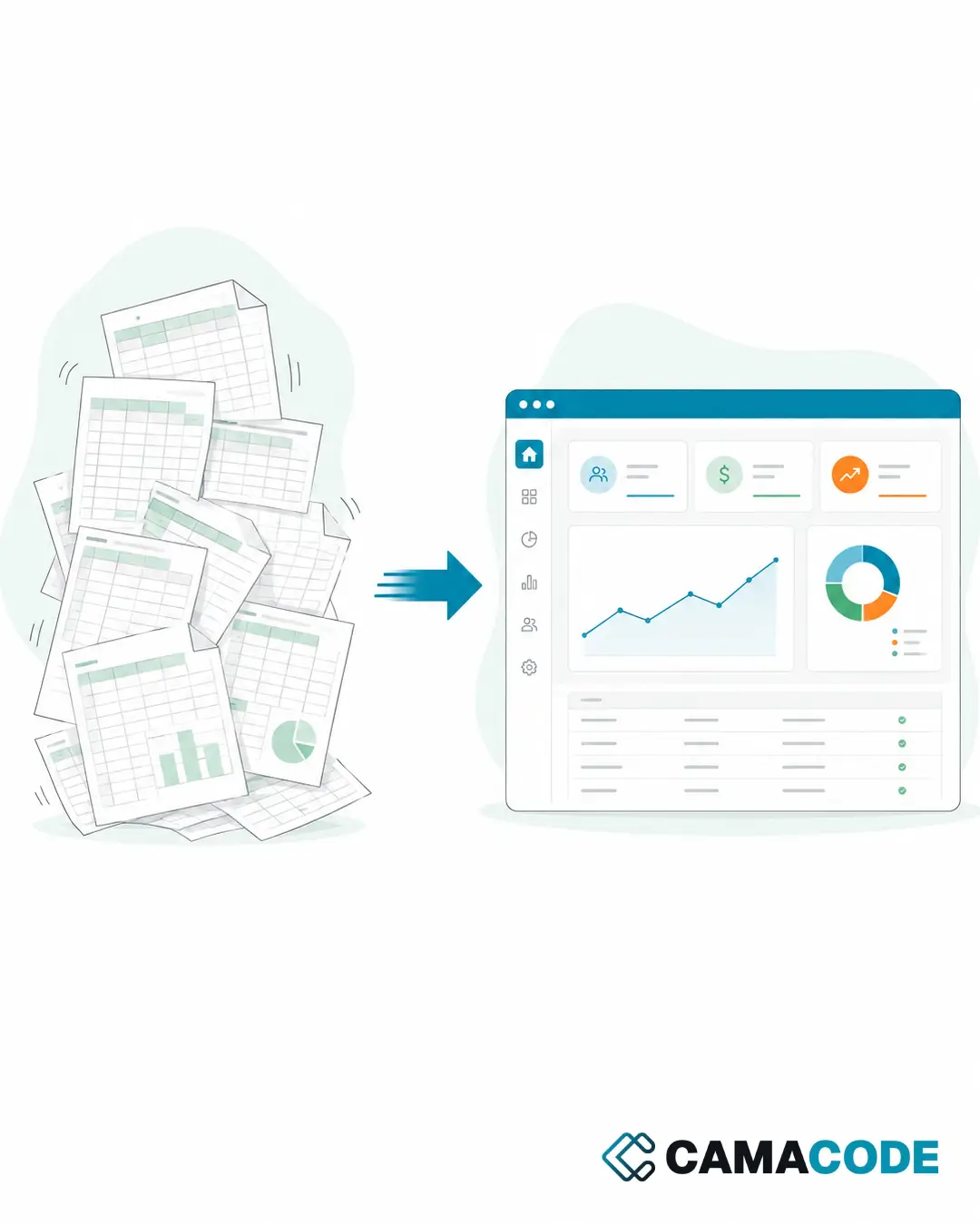
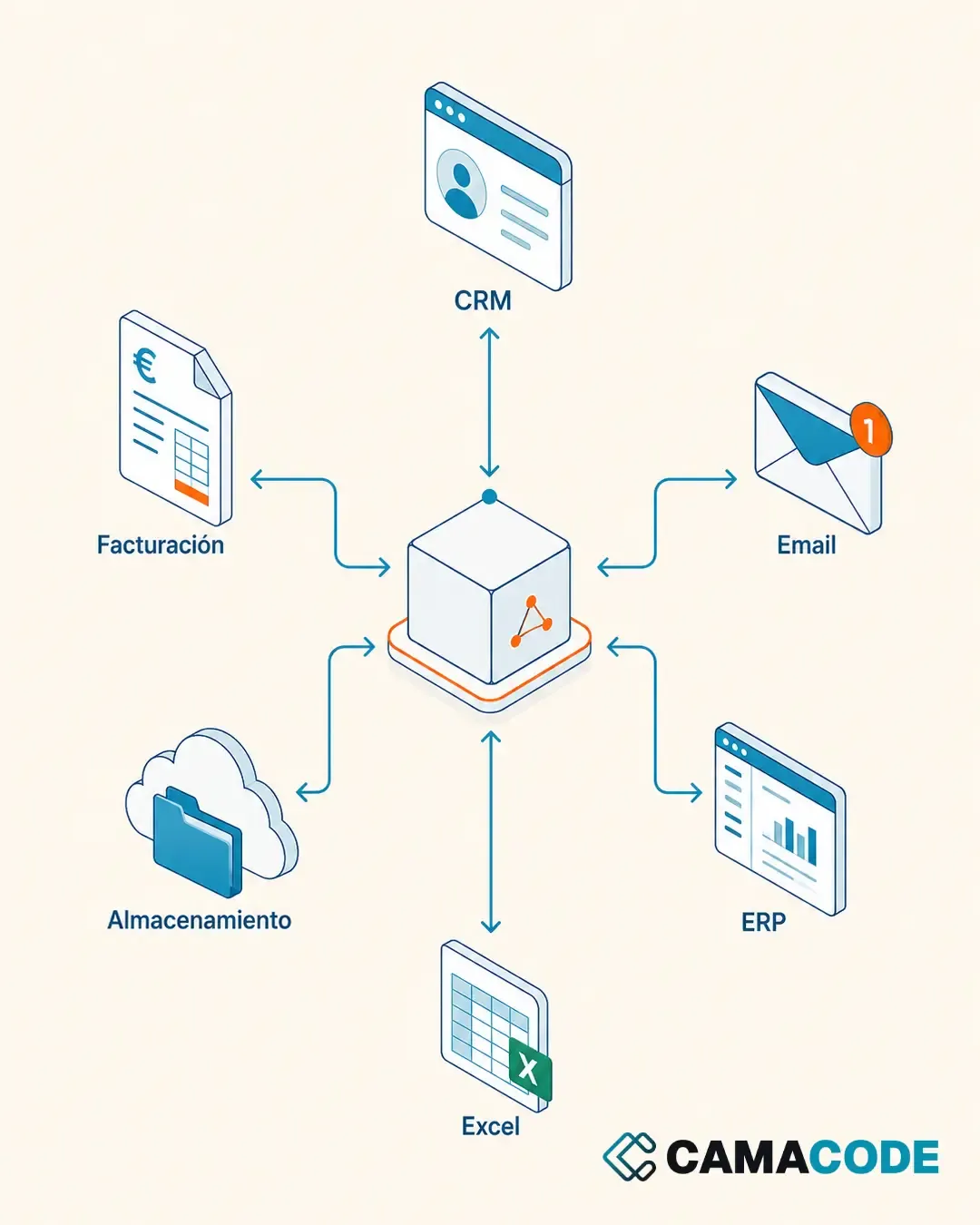
Business system integration means connecting CRM, email, invoicing, storage and spreadsheets so a piece of data is entered once and then flows between tools on its own. It is done through each system's API or small pieces of software that act as a bridge, without replacing the tools you already use.

Written by Lluís Casals Marsol · Founder at Camacode
Published on
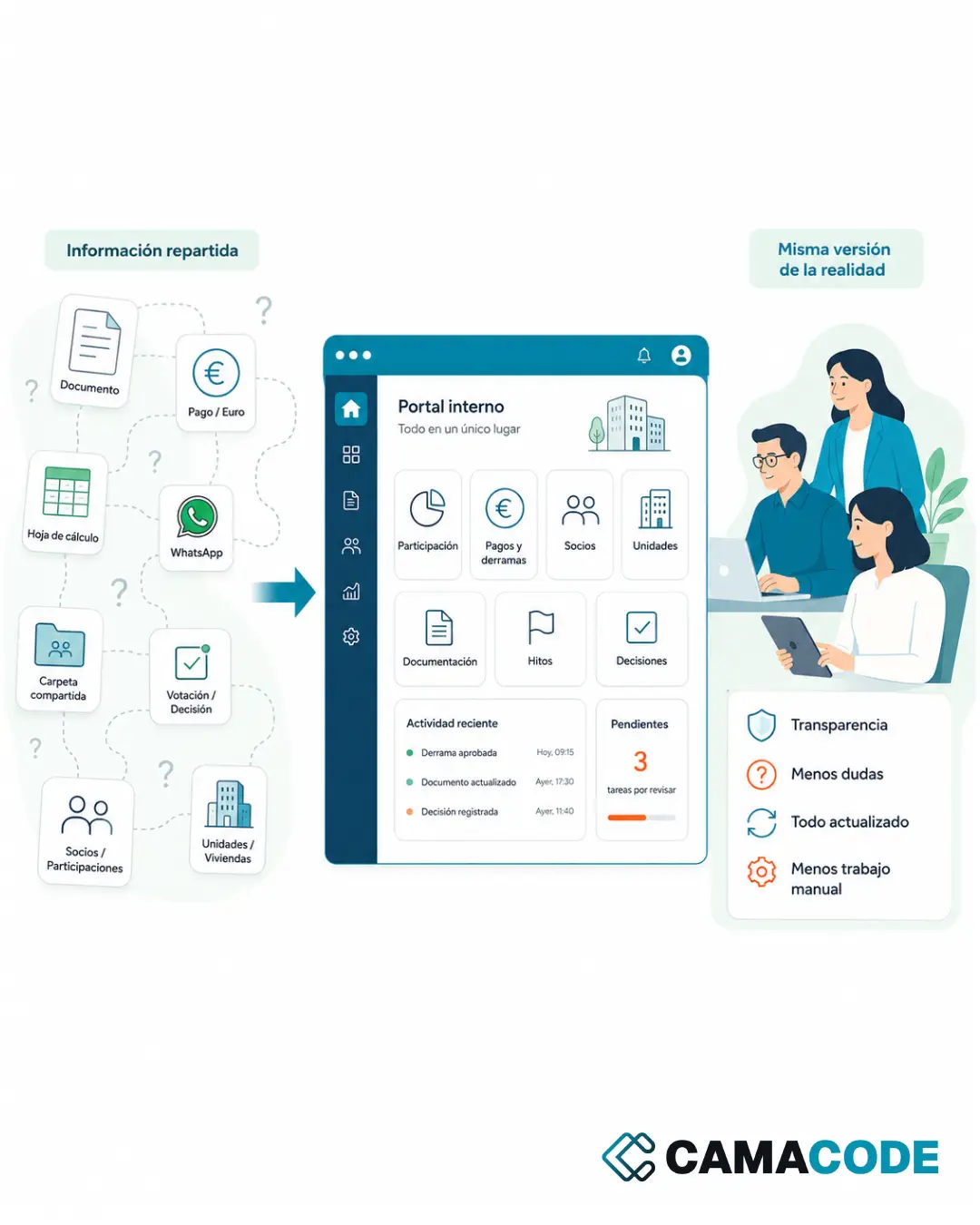
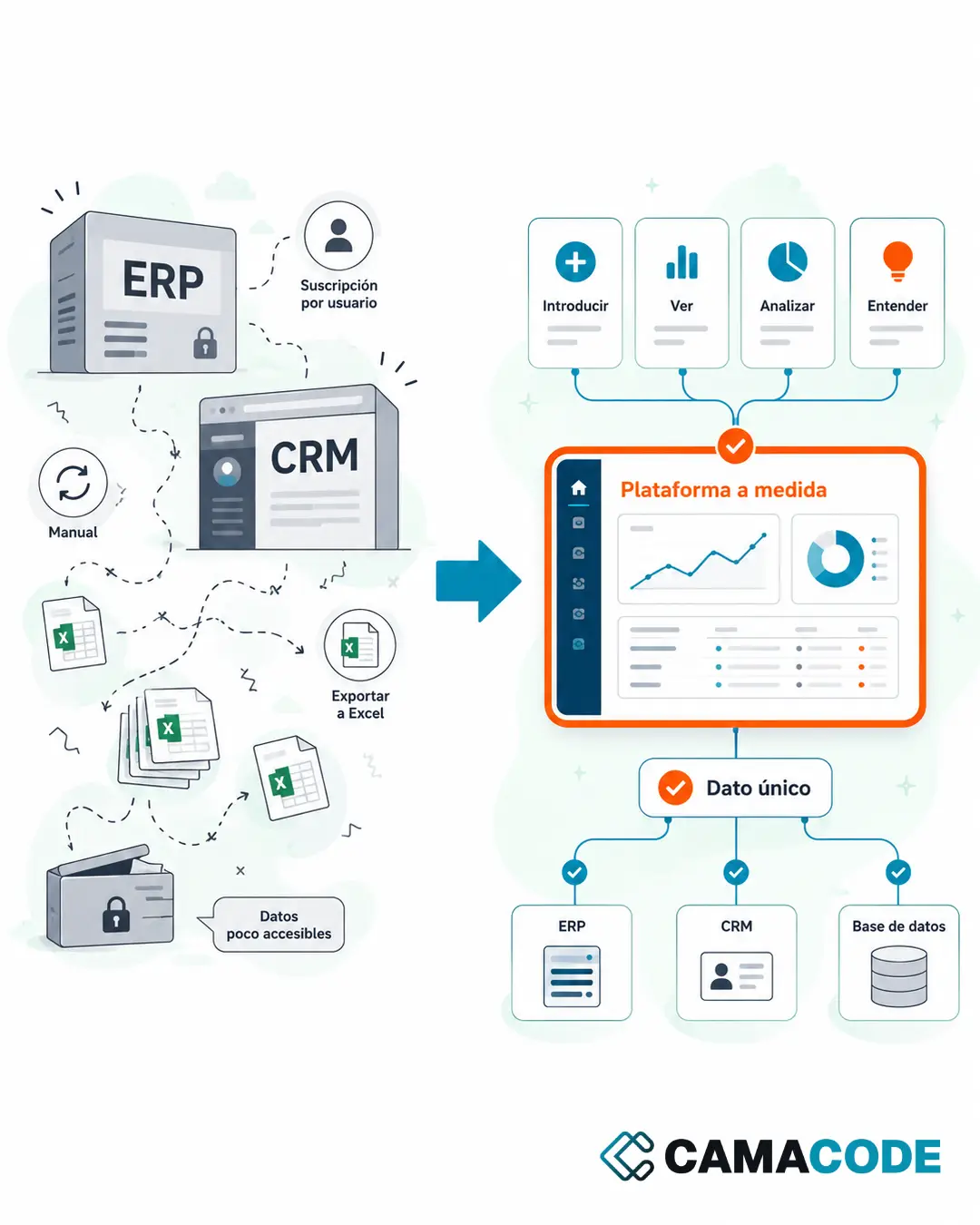
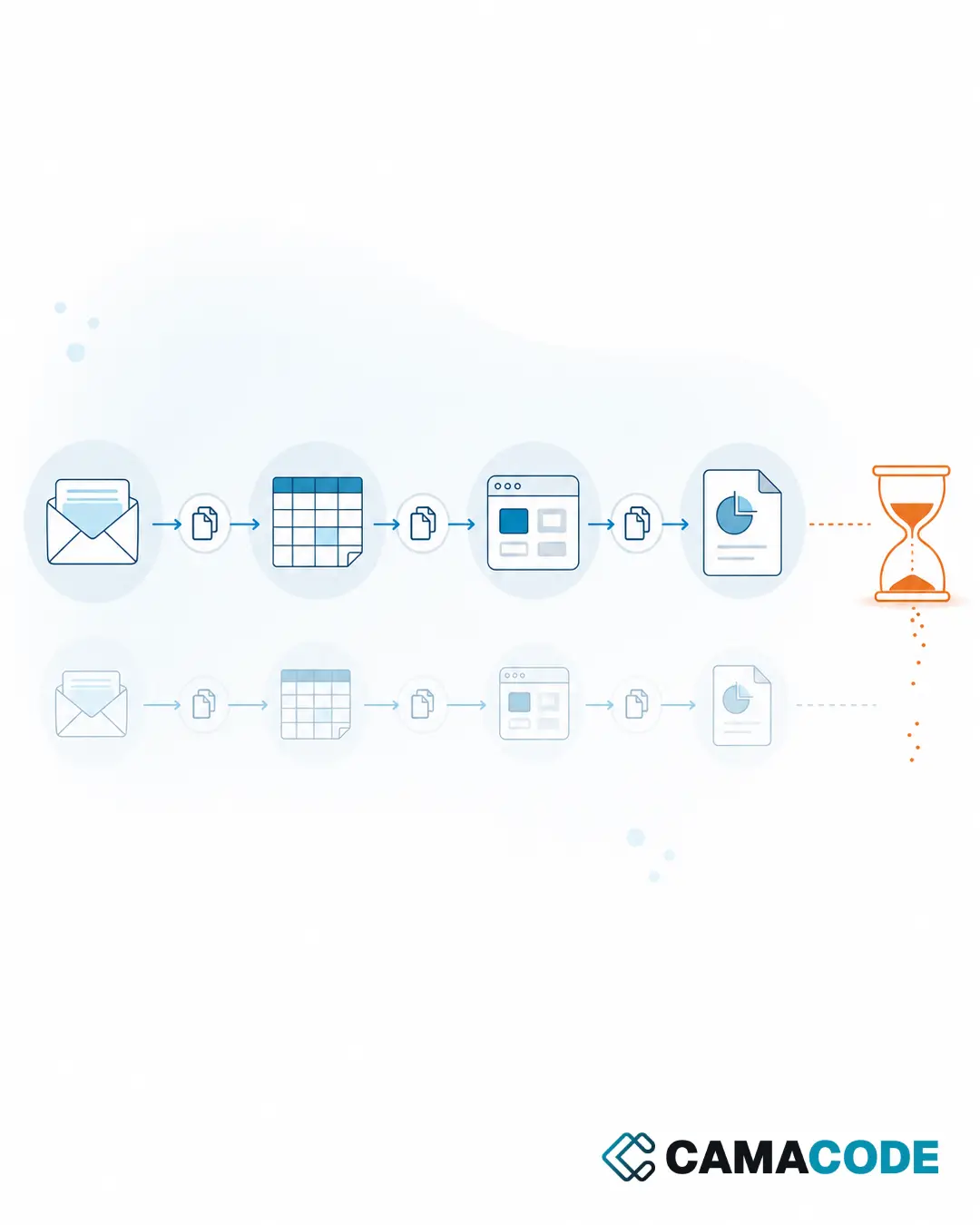
A piece of data arrives by email, gets copied into a spreadsheet, is checked in the storage system, passed on to invoicing, and then someone types it into yet another system. Each tool works fine on its own. The problem lives in the space between them.
How do you know your systems are disconnected?
These signs mean your team has become the manual bridge between tools:
- The same data is entered two or more times in different systems.
- The same customer shows up with different details depending on where you look.
- Someone spends part of their week moving information from one screen to another.
- Reports are put together by copying data from several sources by hand.
- When something goes wrong, you have to check several systems to find out which version is the right one.
None of these tasks adds value: they just move information around.
What does duplicating data between tools really cost?
The most visible cost is time, but the most expensive one is the error. Every time a piece of data is typed twice, there is a chance the two copies stop matching: a mistyped amount, an outdated email address, an order that shows as pending in one system and delivered in another. From that point on, the team stops trusting the data and verifies everything manually, which is the slowest possible way to work. Duplicated information also makes data protection harder to comply with: it is difficult to correct or delete a customer’s data when it lives in five places at once.
What types of business system integration exist?
There is no single way to connect business applications. The three most common:
Direct API integrations
Most modern tools (CRM, invoicing, cloud storage) expose an API: a door for other systems to read and write data. An API integration keeps both systems in sync reliably and in real time. It is the approach we apply in Camacode’s system integration projects.
Connect apps to Business Central and other management systems
Management systems and ERPs (Microsoft Dynamics 365 Business Central among them) also expose APIs, so the same principle applies: instead of replacing the system, you connect the apps around it (the web form, the internal tool, the spreadsheet) so data reaches it without anyone retyping it. The work here is mapping fields and deciding which system is the source of truth for each piece of data.
Automations that act as a bridge
When continuous synchronization is not needed, a small automated flow can watch a source (an inbox, a folder, a form) and move the data where it belongs. It is the fast route to eliminate repetitive copy-pasting without touching the underlying systems.
How do you integrate WhatsApp with a CRM?
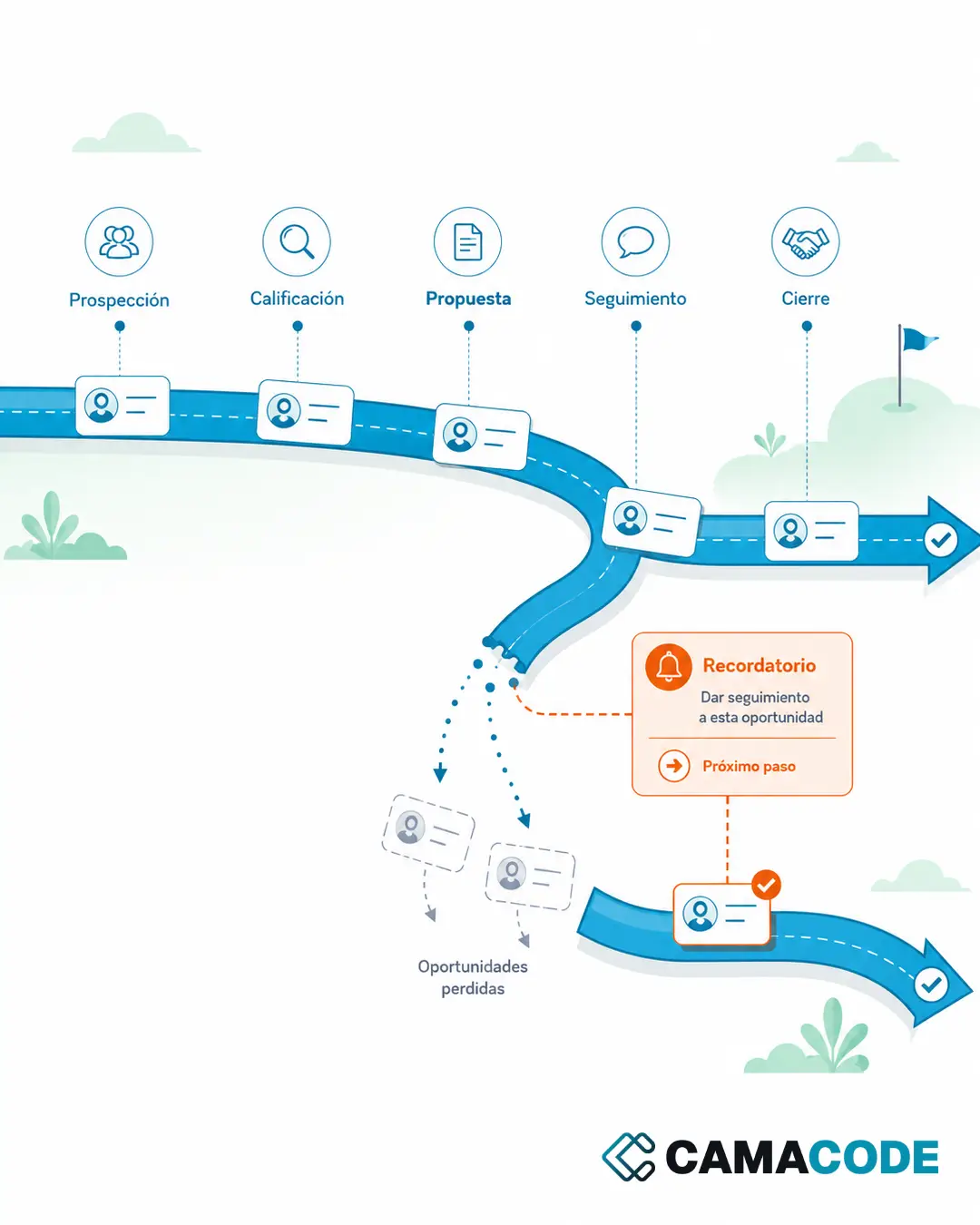
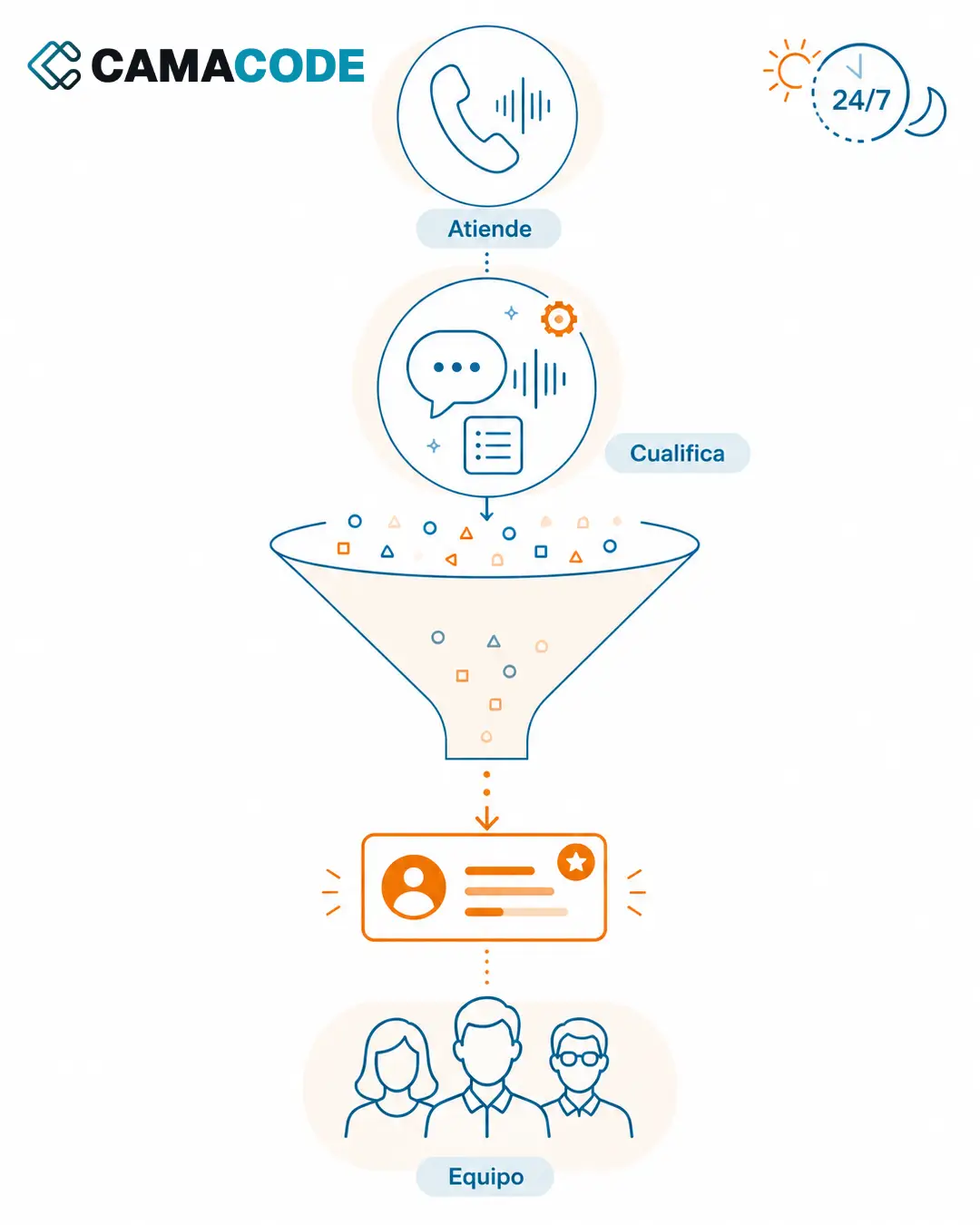
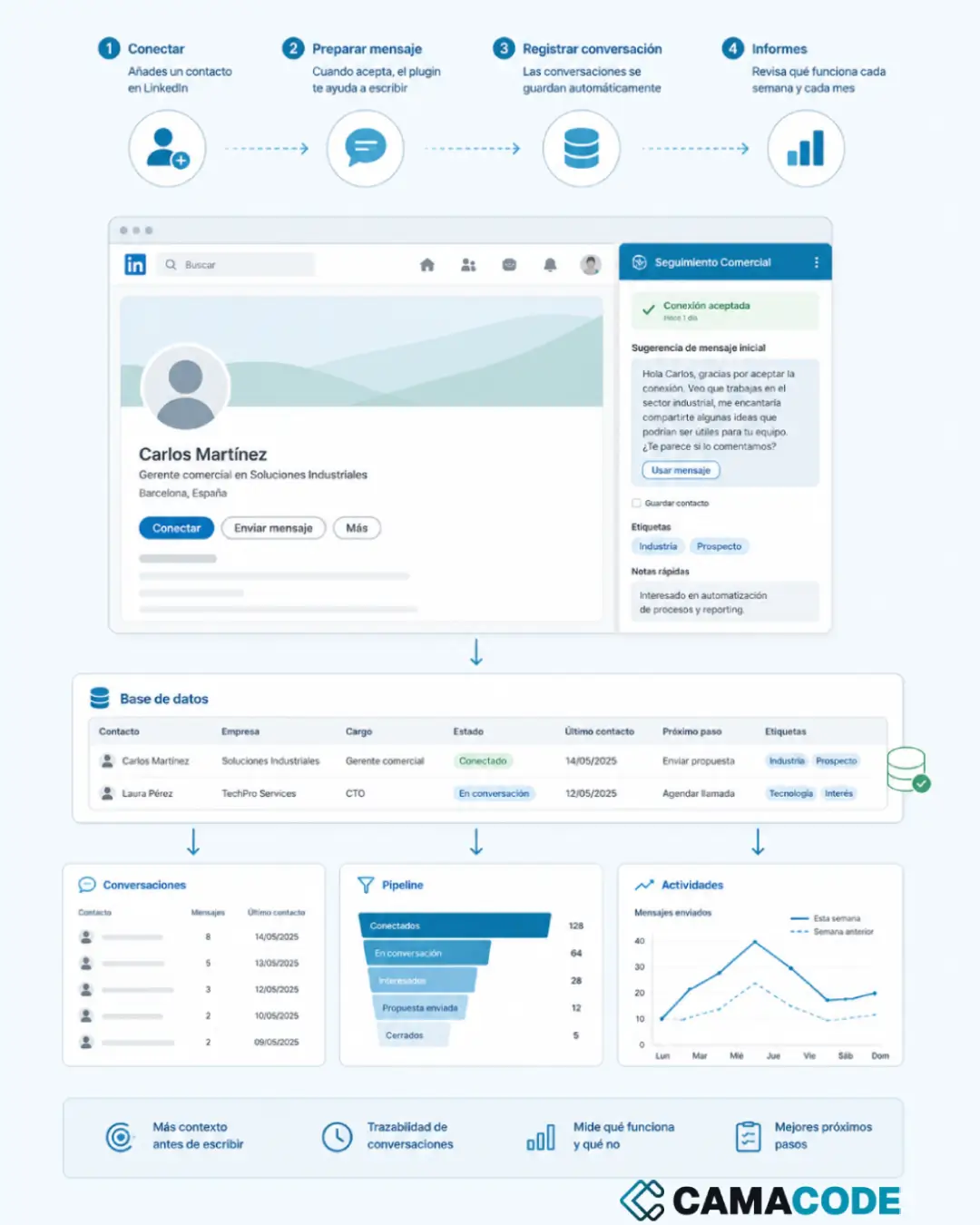
An increasingly requested case: to integrate WhatsApp with the CRM, so conversations with customers are logged next to their record. The connection runs on a company number connected to the WhatsApp Business API, Meta’s official channel: the customer writes to that number, the incoming message creates or updates the contact, the conversation is attached to their history and the team sees the full context without leaving the CRM.
What you cannot do is read a salesperson’s personal WhatsApp with an extension or a simulated session: that breaks the platform’s terms of use and falls apart the first time anything changes. So moving customer conversations off personal phones and onto a company number is not a side effect of the project; it is half the project, and usually the half that pays for itself. The same pattern works for email or web forms: the incoming channel is connected to the system where the work is actually managed. What matters is deciding up front what gets stored, for how long and who can see it.
Case study: invoices that travel on their own from the inbox to the quarterly ledger
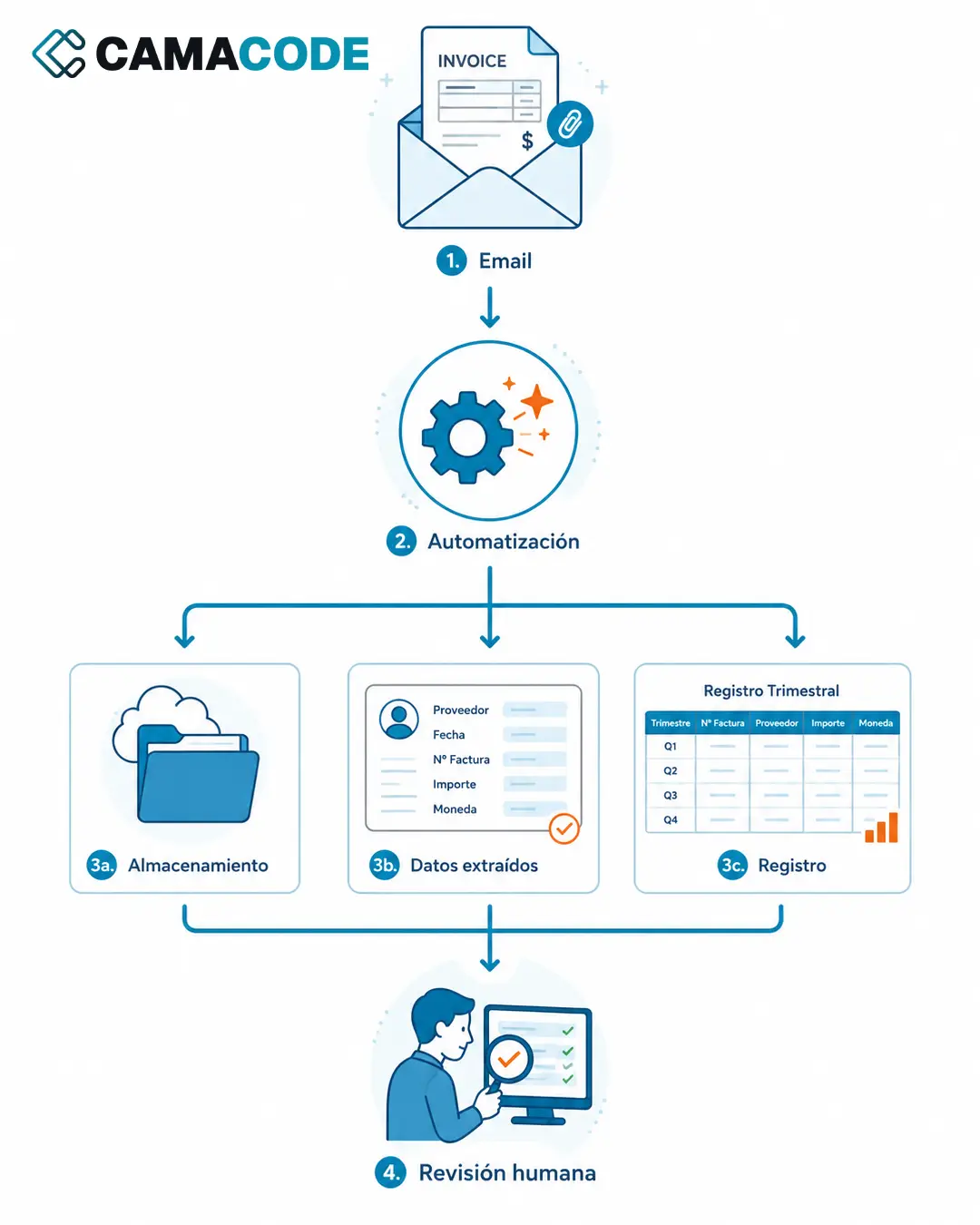
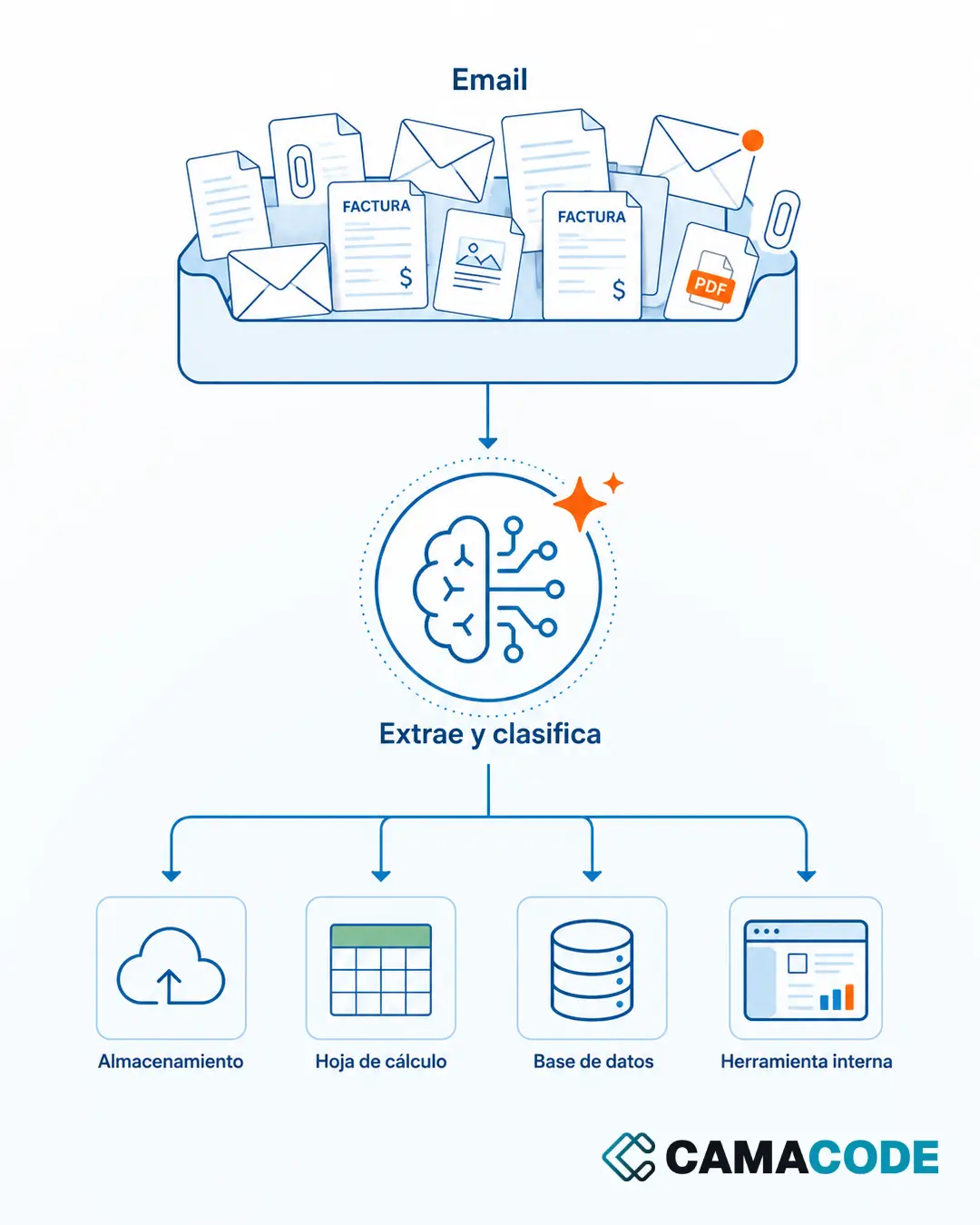
A real Camacode example: every quarter, a company searched its inbox for invoices, downloaded them, filed them in folders and updated the ledger by hand. We connected the email, the storage system and the ledger: now the automation detects each invoice, files it in the right folder and adds its data to the quarterly ledger. The person only reviews the result. The full story is in Invoice automation: from the inbox to the quarterly ledger, hands-free, and we explain the same extraction pattern in how to extract data from invoices with AI.
Where do you start integrating your systems?
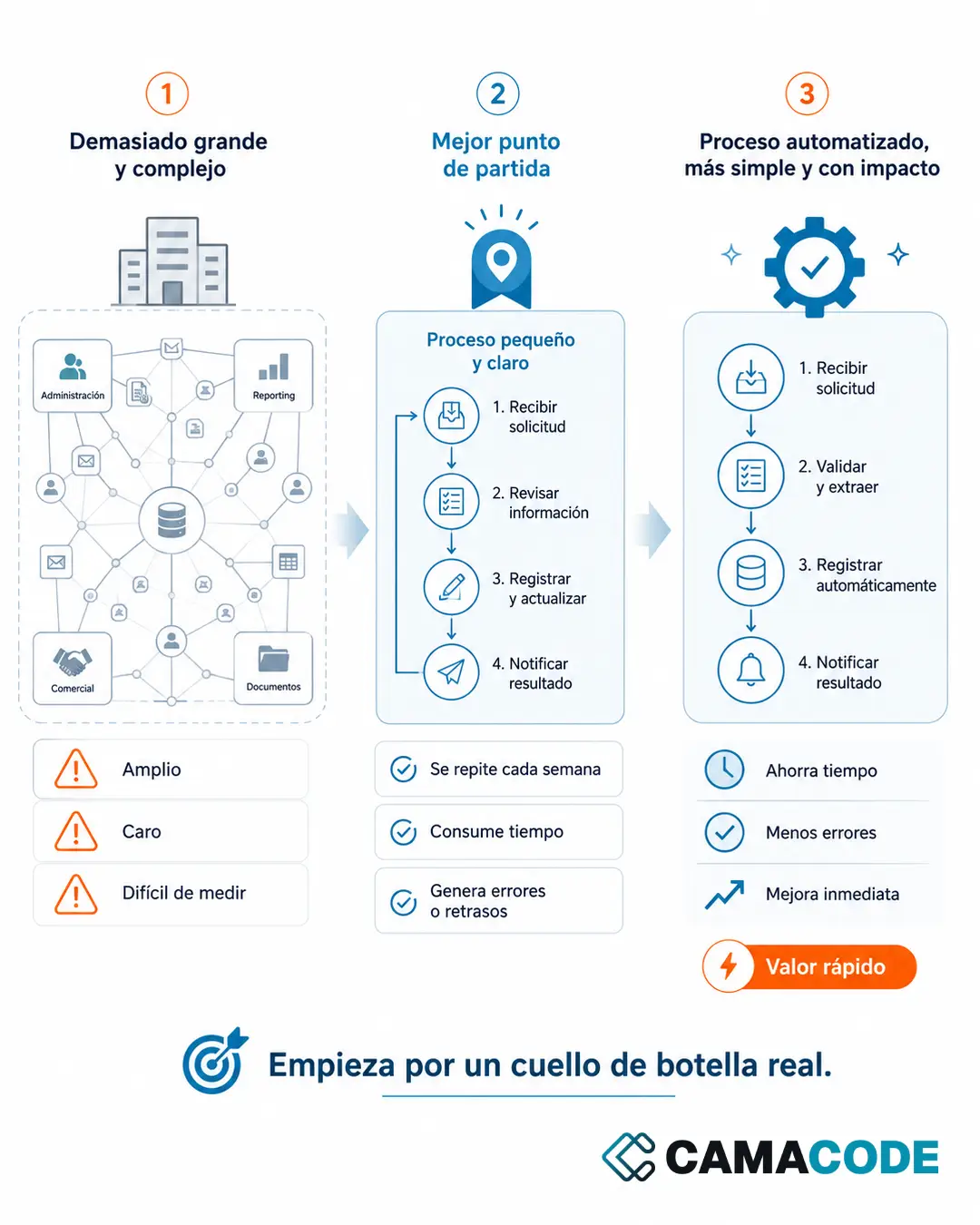
Start by mapping the journey of one specific piece of data: an order or an invoice, for example, from the moment it arrives until it is recorded. Write down every tool it passes through and every point where a person copies it by hand. The stretch with the most manual copies and the most errors is your first integration. Do not try to connect everything at once: a single well-chosen integration already frees up hours every week and validates the approach before you go further.
Which tools does your company use, and which ones do not talk to each other? Tell us which systems you have and we will look at what to connect first.