Artificial intelligence · Automation
How to extract data from invoices and documents with AI
To extract data from invoices with AI, a system automatically reads every invoice or PDF (whether it arrives by email or lands in a folder), identifies the key fields (supplier, date, net amount, VAT, total) and writes them into your Excel, your log or your management software. The person only reviews; the typing stops.

Written by Lluís Casals Marsol · Founder at Camacode
Published on
Your inbox probably knows more about your business than it seems. Invoices, quotes, requests, delivery notes… important information comes in by email every day. The problem is that, if nobody processes it, it stays buried in messages and attachments.
Which documents can be turned into data?
Almost any document with a recognizable structure is a candidate:
- Supplier invoices, received by email or downloaded from portals.
- Quotes and orders that arrive as PDFs or even in the body of the message.
- Delivery notes and receipts that have to be matched against orders.
- Customer forms and requests with data that someone copies by hand.
- Receipts and expenses that pile up until the end of the quarter.
If today someone opens those documents and types their data somewhere else, that step can be automated.
What does processing invoices by hand cost you?
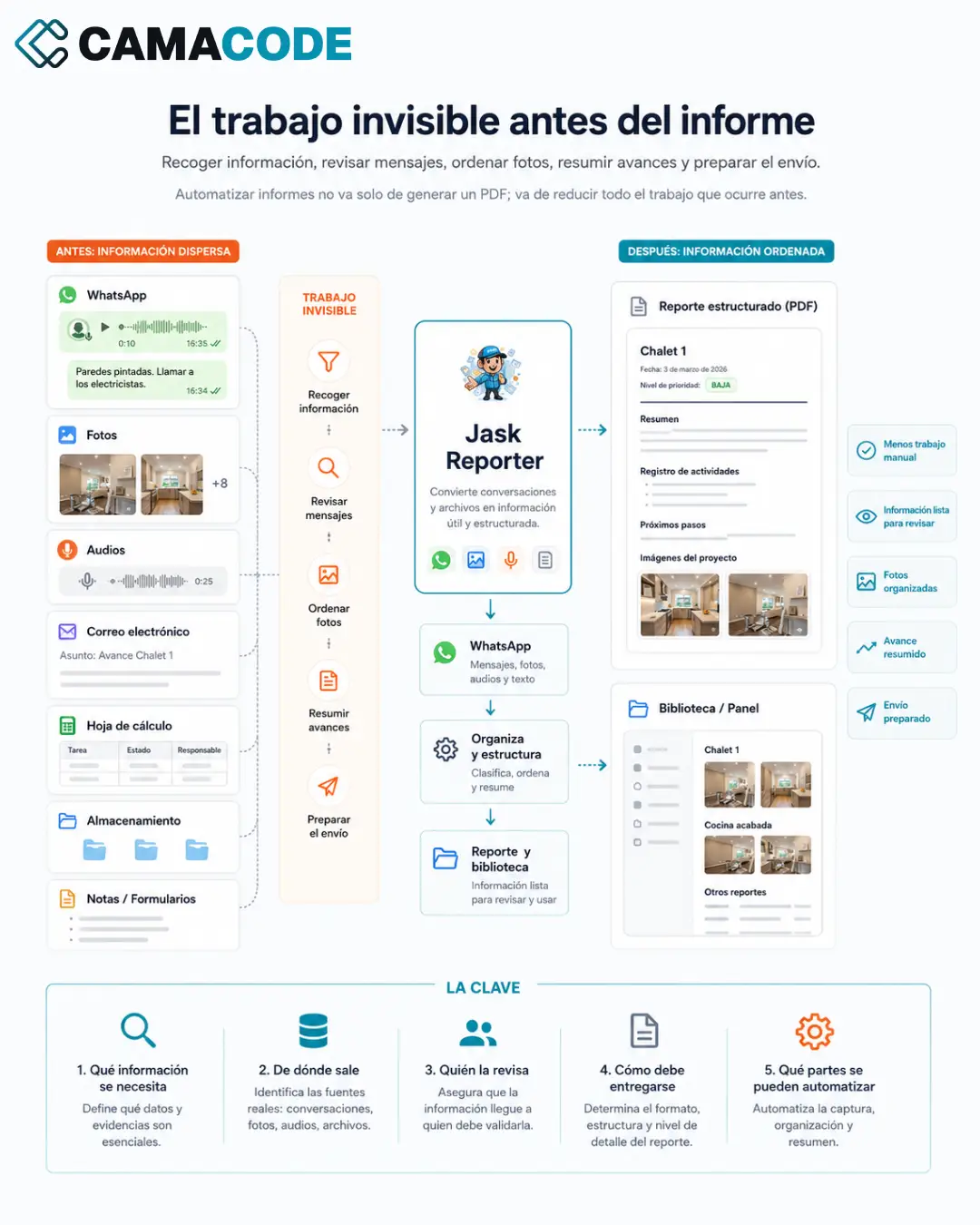
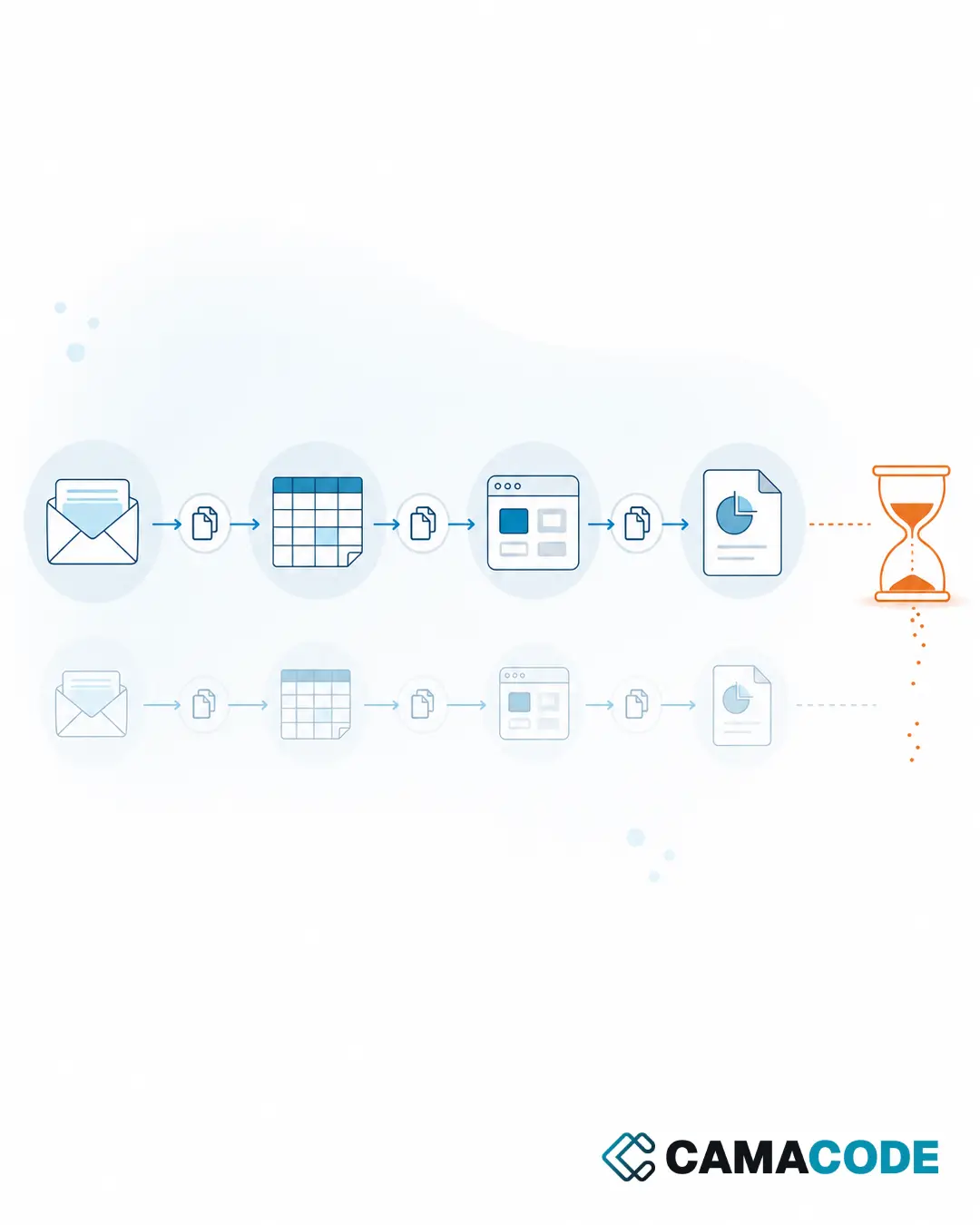
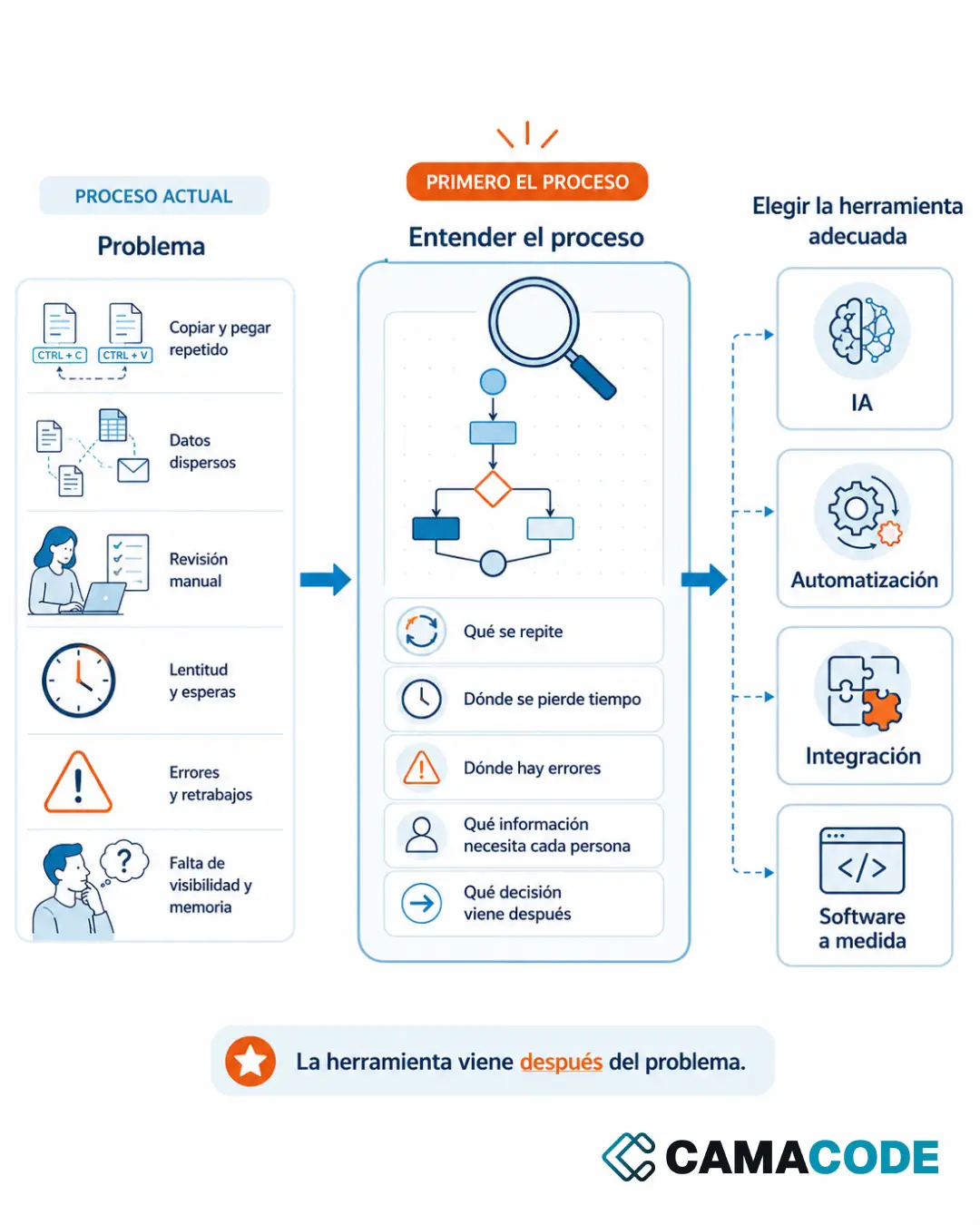
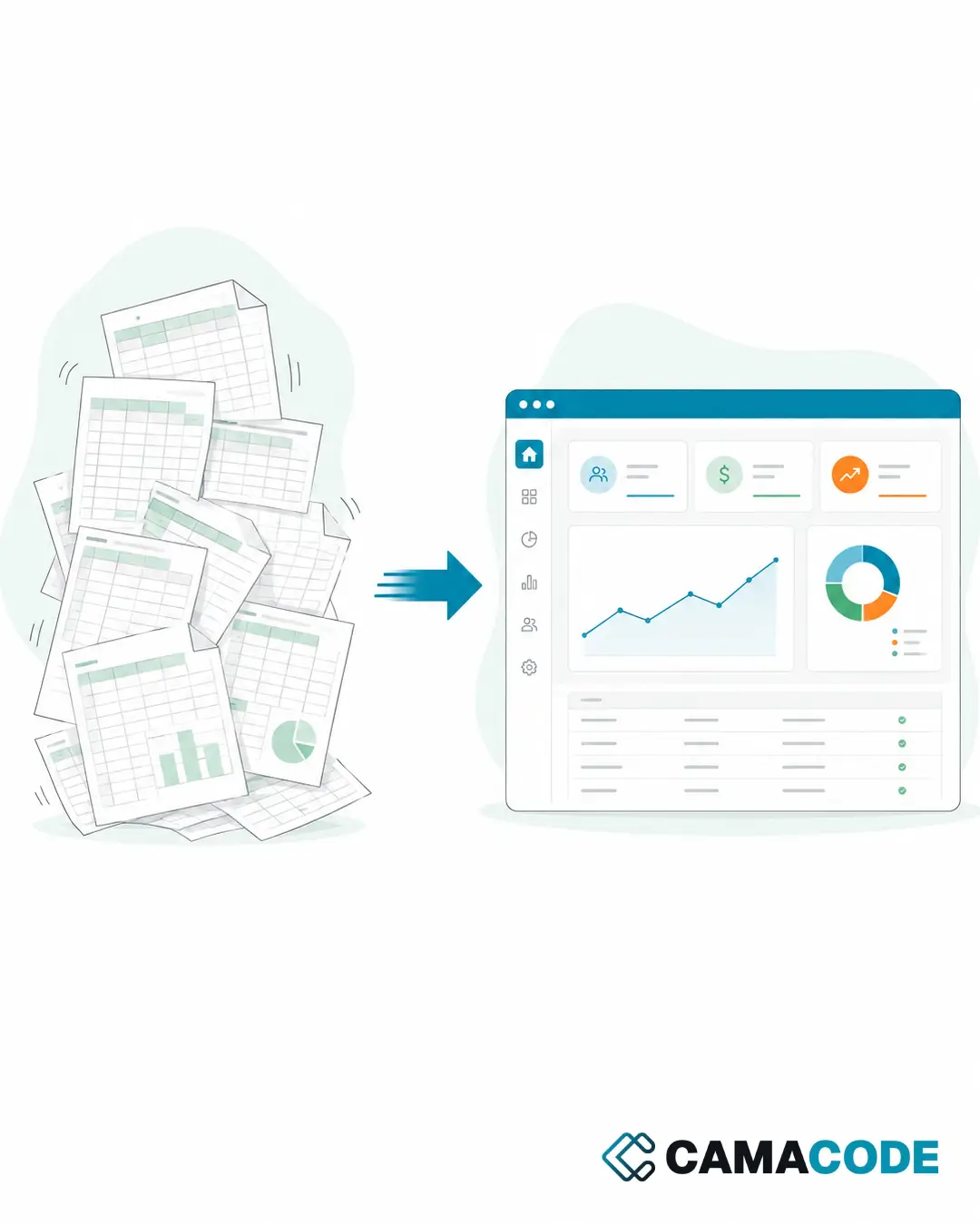
The cost has two faces. The visible one: hours of mechanical work every week or every quarter, opening attachments, downloading PDFs and copying amounts into a spreadsheet. The invisible one: the errors. A transposed digit in a taxable base or a misfiled invoice shows up at the worst possible moment: at the quarterly close or when the tax office comes asking. And there is a third cost few companies measure: the information arrives late. If invoices are processed in batches whenever someone has a gap, the picture of your expenses is always behind. It’s the same pattern as the hidden cost of copying and pasting, applied to administrative paperwork.
How does invoice data extraction with AI work?
Catch the document at the point of entry
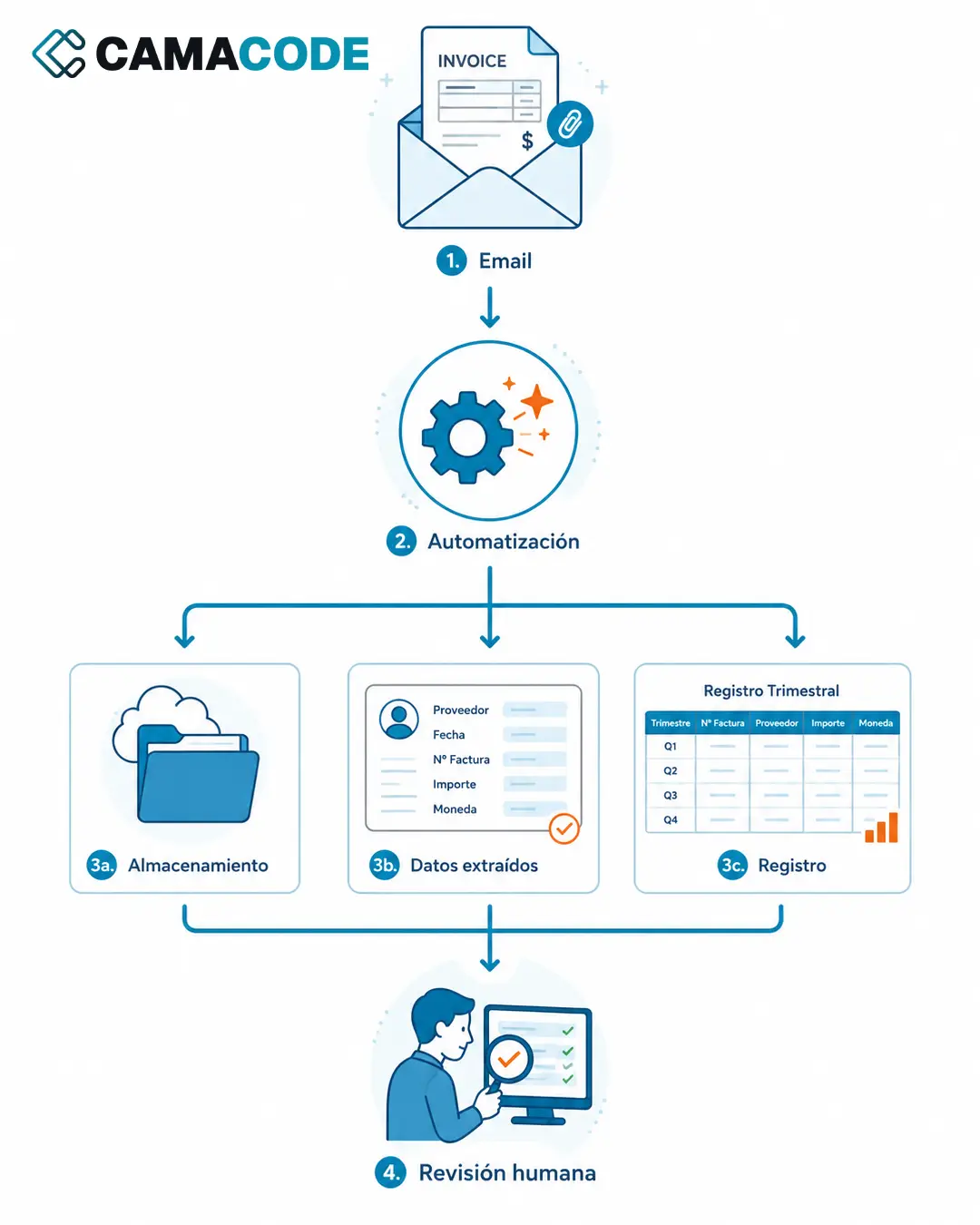
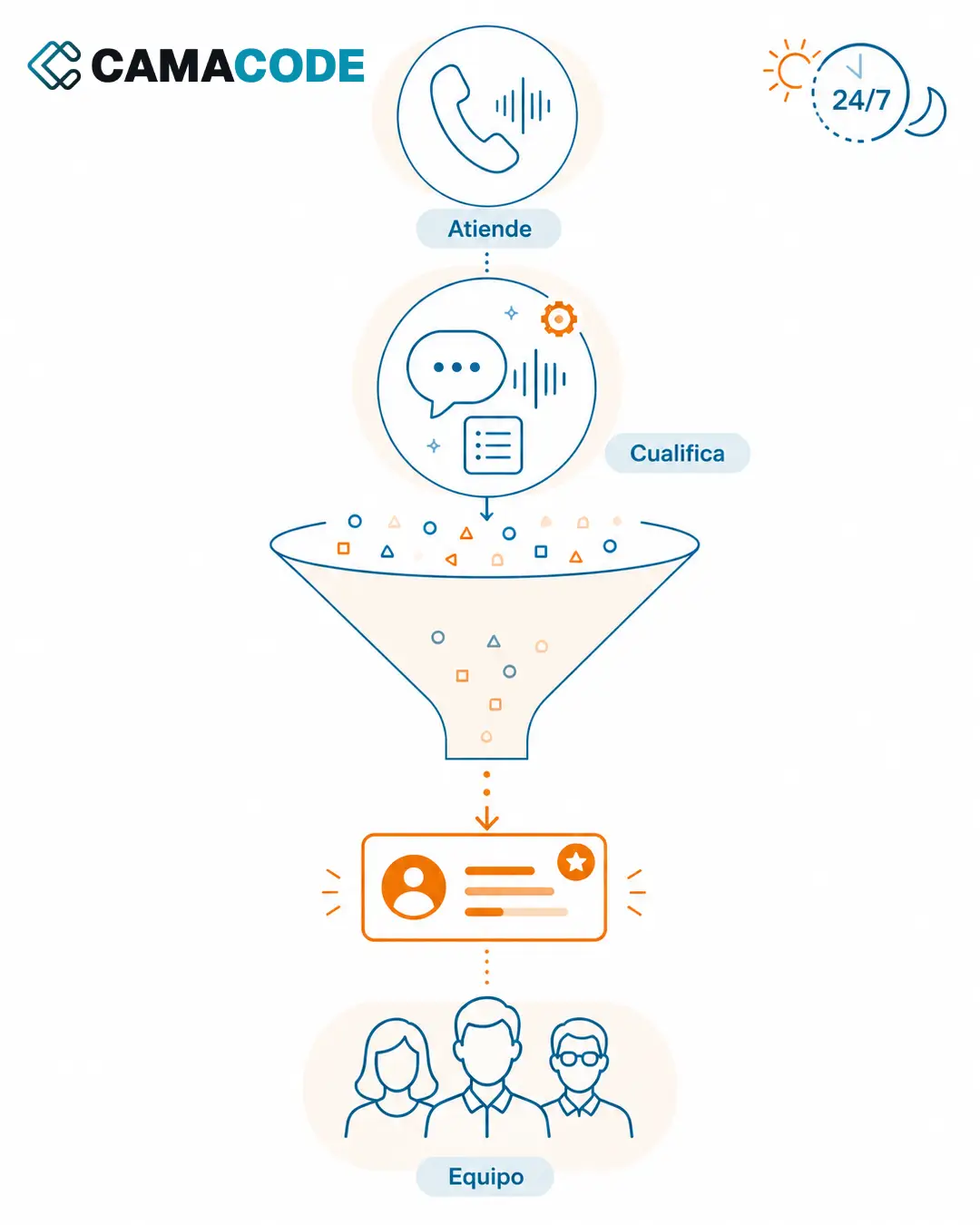
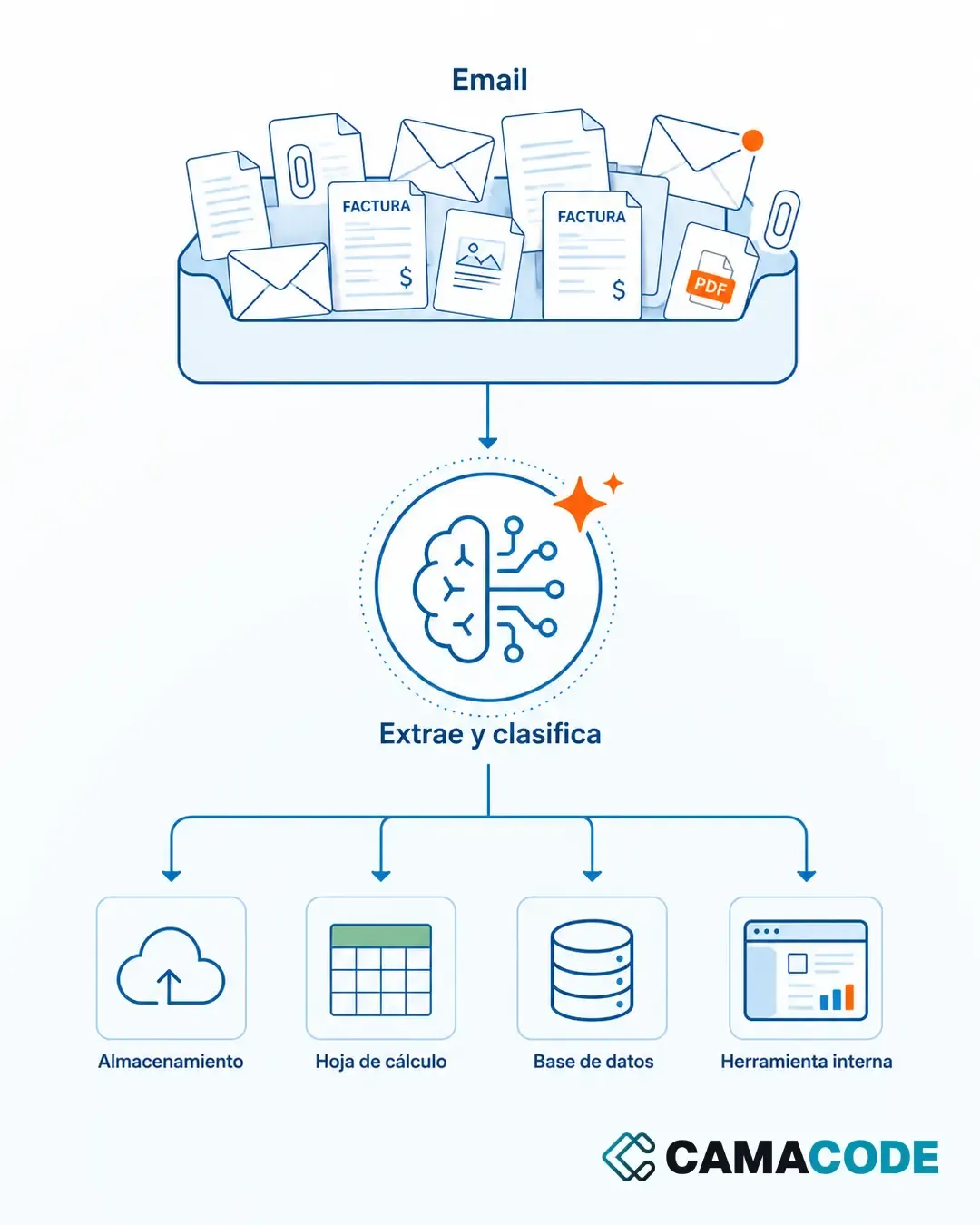
The system watches the entry points: an inbox, a shared folder, a form. When something that looks like an invoice or a relevant document arrives, it captures it without anyone having to forward or move it.
Extract data from the PDF to Excel or to your management system
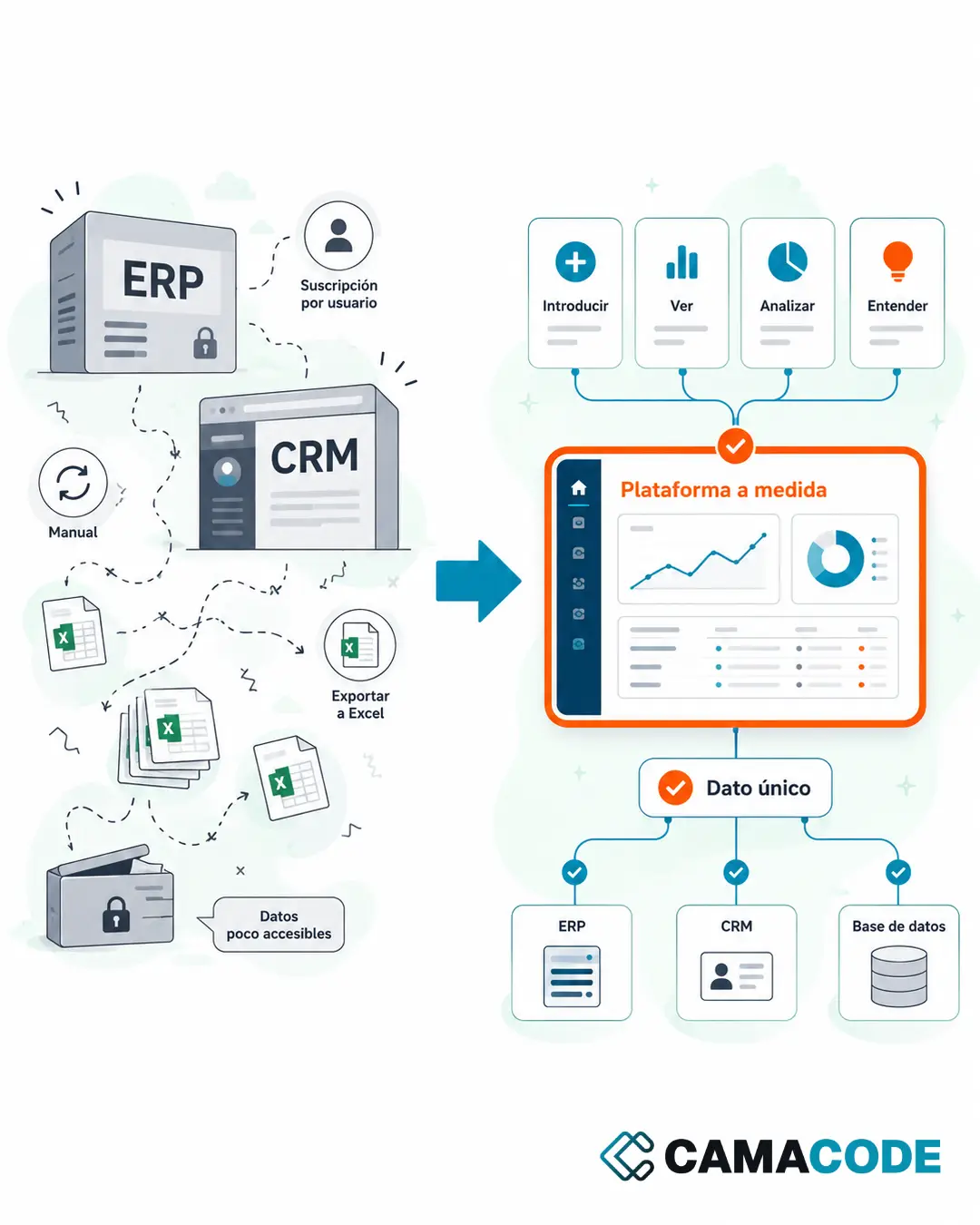
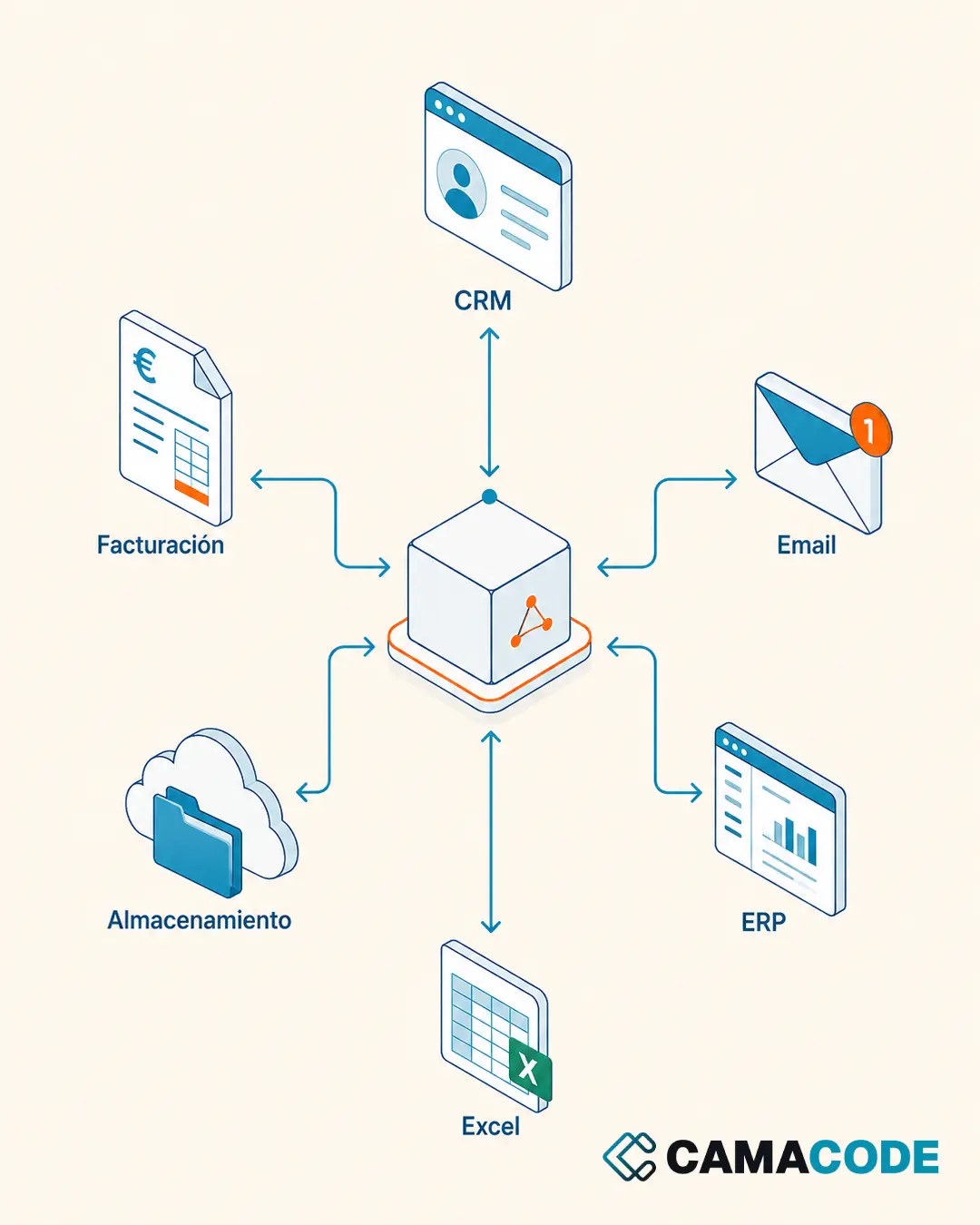
This is where AI comes in: it reads the document (even when every supplier uses a different format) and identifies the fields that matter: issuer, number, dates, net amount, taxes, total, description. Unlike classic OCR, it doesn’t need a template for each format: it understands the document. The extracted data is written where you already work: a spreadsheet, a quarterly log or your management software, connected as we explain in the guide to business system integration.
File it, log it and let the person review
The original document is stored in the right folder with a consistent name, and the log is updated. The person doesn’t disappear from the process: they review what was extracted (especially the doubtful cases the system flags) and focus on what requires judgment. Applied AI flows like this are part of Camacode’s day-to-day work as an AI agency.
Case study: from the inbox to the quarterly ledger, hands-free
Every quarter the same scene played out at one company: searching for invoices in the email, downloading them, saving them in the storage system and updating the ledger by hand. At Camacode we automated that entire flow: the tool detects the invoices in the inbox, files them in the right folders, analyzes the relevant data and adds it to the quarterly ledger. The person stopped doing the mechanical part and now reviews the result. The full walkthrough is in Invoice automation: from the inbox to the quarterly ledger, hands-free.
Where do you start to extract data from your invoices?
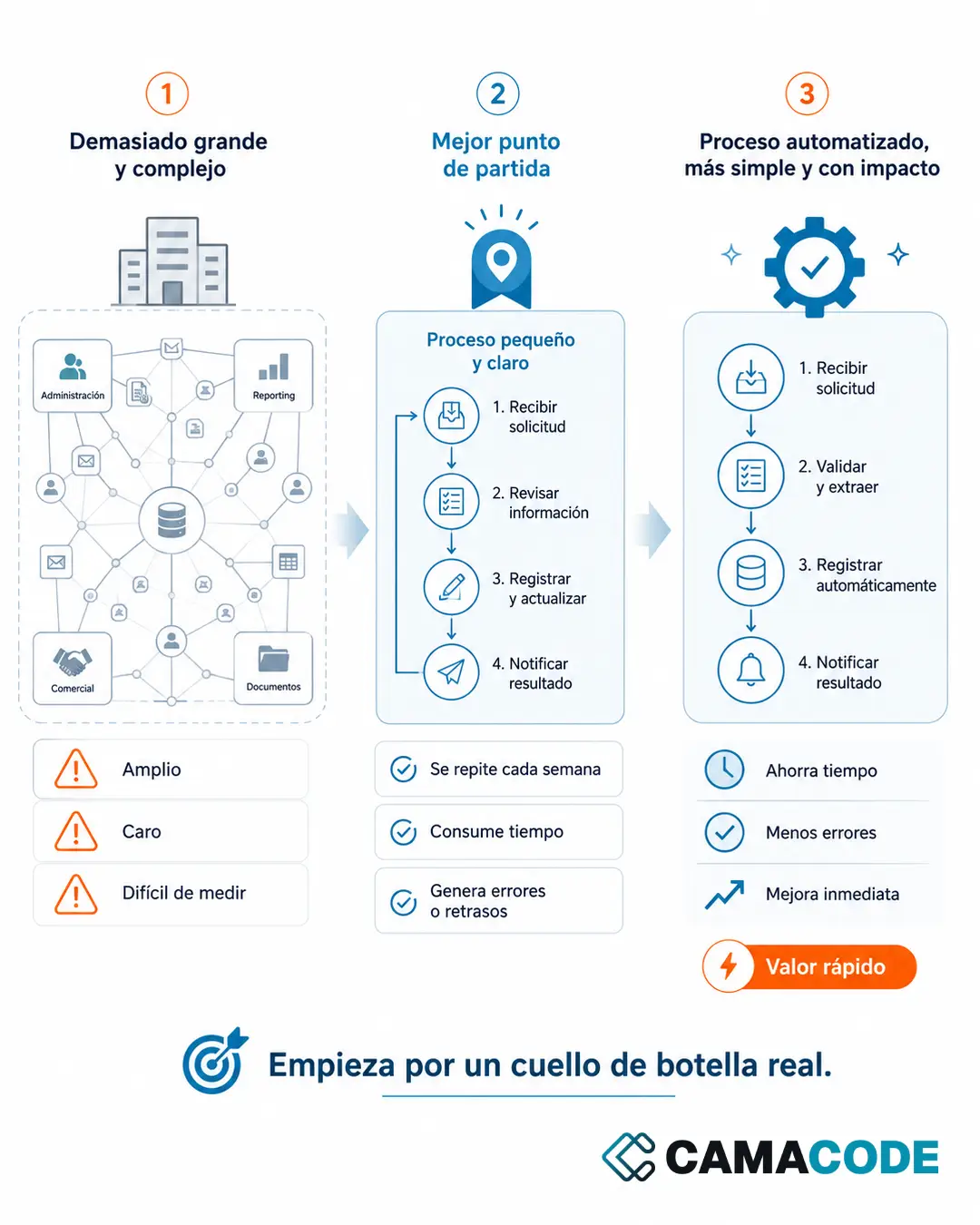
Count, over the course of a week, how many documents your team processes by hand and where they come from. With that small inventory, pick the most frequent document type with the most repetitive format (almost always supplier invoices) and automate only that flow first: extract data from invoices to Excel, or to whatever log you already keep, and leave the rest for later. You’ll see results quickly, and the same pattern (detect, extract, file, log) is then reused for quotes, delivery notes or requests.
How many hours does your team spend typing data that is already written in a PDF? Tell us what your document flow looks like and we’ll review it with you.